


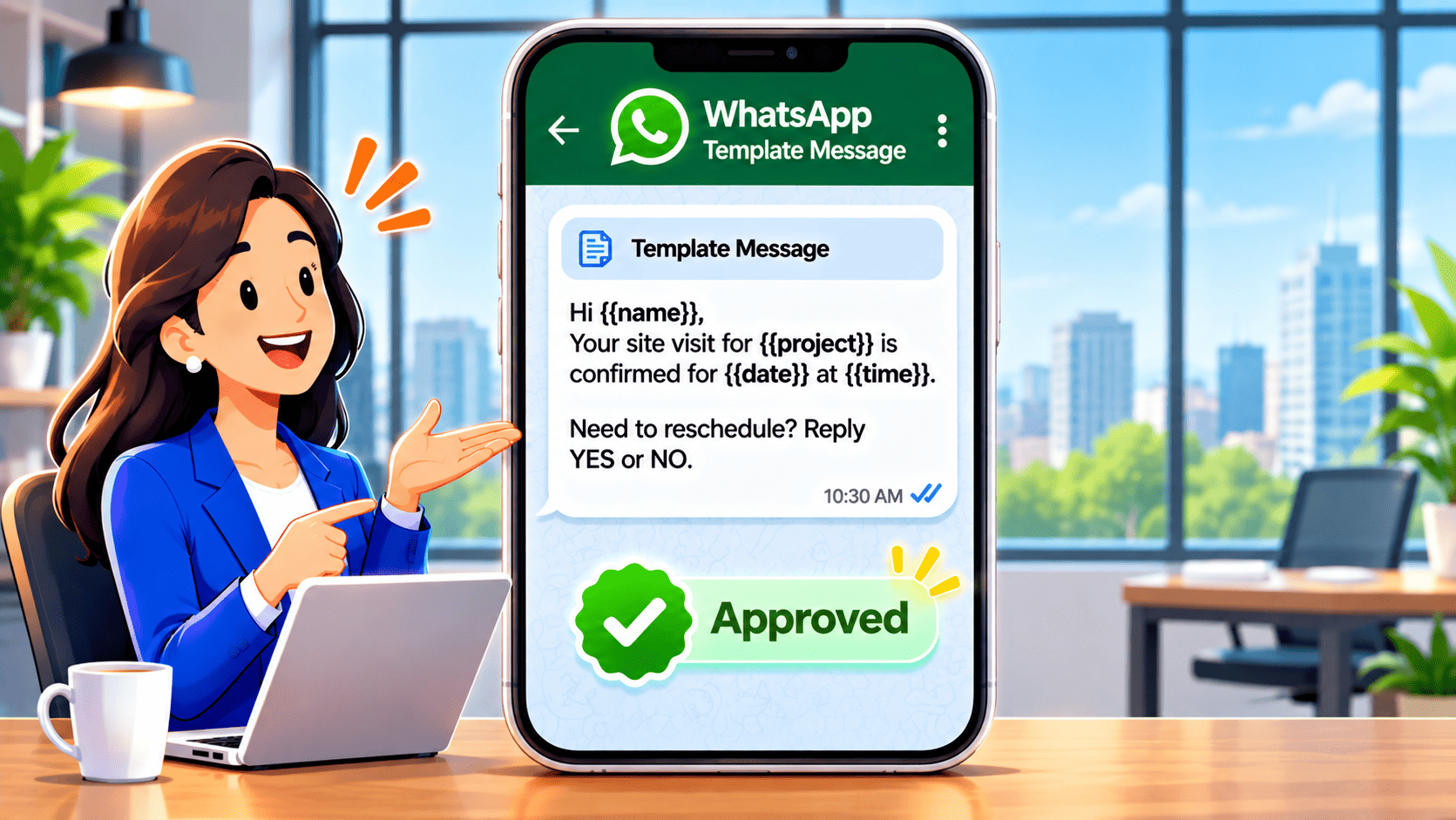
You wrote what felt like a perfectly reasonable follow-up, submitted it, and a few hours later Meta rejected it. Then the second version was approved but quickly flagged as low quality. If that sounds familiar, you are not alone. On the official WhatsApp Business Platform, the WhatsApp template message is the only way to start a conversation with a customer outside the 24-hour window, so getting templates right is not a technicality. It decides whether your follow-ups, reminders and offers reach anyone at all. This guide explains how templates work, why they get rejected according to Meta's own documentation, and gives you sample templates for common Indian sales niches.
Table of contents
- What a WhatsApp template message is
- The three template categories
- How review works
- Meta's common rejection reasons, and how to avoid them
- Approval tips that consistently work
- Sample sales templates for Indian niches
- After approval: quality ratings and pausing
- A hypothetical example
- How Wetroo helps
- FAQs
- Conclusion
What a WhatsApp template message is
A template is a pre-written message format that Meta reviews before you can use it. It can include a header (text, image, video or document), a body with variables like a customer's name, a footer and buttons such as "Call us", "Visit website" or quick replies.
According to Meta's template fundamentals documentation, template messages are the only type of message that can be sent to users outside a customer service window. Inside the window, which opens for 24 hours when a customer messages you, you can reply freely. Our guide to the 24-hour messaging window explains the timing in detail.
The three template categories
| Category | Purpose | Sales examples |
|---|---|---|
| Marketing | Promotional or re-engagement content | New project launch, festive offer, "still interested?" nudges |
| Utility | Informational, tied to something the customer did or requested | Booking confirmation, quotation sent, demo reminder, payment received |
| Authentication | One-time passwords | Login or verification codes |
Choose the category honestly. A message with an offer or upsell is marketing, even if it also includes an order number. Categories also affect cost, since Meta prices each category differently; see how template categories affect pricing.
How review works
Meta's template review documentation says templates are checked by a combination of automated systems and manual review, and an approval decision can take up to 24 hours. If a template uses variables, you must provide sample values so reviewers can see how it will look. Rejected templates can be edited and resubmitted, or appealed.
Meta's common rejection reasons, and how to avoid them
Meta lists several frequent causes of rejection. In plain terms:
Variable formatting
- Variables missing or with mismatched curly braces. Use the format
{{1}},{{2}}. - Variables that are not sequential, such as
{{1}},{{2}},{{4}}. - Special characters such as #, $ or % inside variables.
- Too many variables for the length of the message.
- A template that starts or ends with a variable. Always put fixed text before the first variable and after the last.
Content and policy
- Content that breaks WhatsApp's Commerce Policy or Business Policy.
- Asking for sensitive identifiers such as full card numbers, bank account numbers or national ID numbers.
- Threatening or abusive wording, for example threatening legal action or public shaming. This matters for collections and overdue-payment messages.
Duplicates and formatting
- Templates whose body and footer duplicate an existing template.
- Bodies that exceed character limits or use too many emojis for the format.
Approval tips that consistently work
- Lead with context. "Hi {{1}}, thanks for enquiring about {{2}} at Sharma Interiors." tells the reviewer and customer why you are writing.
- One message, one purpose. Do not mix a booking confirmation with a discount.
- Give realistic samples. "Rahul" and "3BHK at Kharadi" are better than "test".
- End with a clear next step. A question or a button.
- Avoid ALL CAPS, excessive emojis and "!!!".
- Keep URLs on your own domain and make sure the landing page matches the message.
- Create language variants separately for Hindi or regional versions rather than mixing scripts awkwardly.
- Name templates clearly, such as
demoreminderhiorquotefollowupen, so your team picks the right one.
Pre-submission checklist
- Correct category chosen
- Fixed text before and after every variable
- Variables numbered in order
- Sample values added
- No sensitive data requested
- One clear call to action
- Not a duplicate of an existing template
Sample sales templates for Indian niches
These are starting points. Adjust wording to your brand and choose the category that matches your final content.
Real estate, site visit reminder (utility) "Hi {{1}}, this is a reminder of your site visit to {{2}} on {{3}} at {{4}}. Our executive will meet you at the sales office. Reply YES to confirm or CHANGE to pick another time."
Education, counselling follow-up (marketing) "Hello {{1}}, thank you for your interest in the {{2}} course. Our next batch starts on {{3}}. Would you like a free counselling call this week? Reply CALL and we will contact you."
B2B or IndiaMART enquiry, quotation sent (utility) "Dear {{1}}, we have emailed the quotation for {{2}} as requested. Please review it and let us know if you need changes. Reply here with any questions."
Insurance or loans, document reminder (utility) "Hi {{1}}, to process your {{2}} application we still need {{3}}. You can upload it securely at our official portal or visit our branch. Reply HELP if you have questions."
Retail, festive offer (marketing) "Hi {{1}}, our Diwali collection is now in store at {{2}}. Show this message at billing for {{3}} off until {{4}}. Reply STOP if you would prefer not to receive offers."
Notice the patterns: context first, a specific next step, and no variable at the very start or end. For more examples, see our list of WhatsApp message templates for sales.
After approval: quality ratings and pausing
Approval is not the finish line. Meta's documentation explains that active templates carry quality ratings based on customer feedback and read rates, from quality pending through high, medium and low. Templates that receive repeated negative feedback can be paused or disabled, and templates inactive for 12 months or more can be archived. Unverified portfolios are also limited in how many templates they can hold.
To keep quality high: send only to opted-in contacts, segment carefully, keep frequency reasonable and include an easy way to opt out of marketing.
A hypothetical example
Illustrative scenario, not a real business.
A Gurugram car-service workshop submitted "{{1}} your car service is due!!! Book now and get 20% OFF" as a utility template. It was rejected: it started with a variable, used excessive punctuation and was promotional. The team split it into two templates: a utility reminder ("Hi {{1}}, your {{2}} is due for its scheduled service on {{3}}. Reply BOOK to choose a slot.") and a separate marketing offer sent only to customers who had not booked within a week. Both were approved, and the reminder kept a healthy quality rating.
How Wetroo helps
Wetroo provides the official WhatsApp Business API, so you can use approved templates for welcome messages, follow-ups and reminders inside your CRM. Templates plug into sales sequences, drip campaigns and rule-based workflows, for example sending a utility reminder when a demo is booked or a marketing nudge when a lead goes quiet. Broadcasting and retargeting reach opted-in segments you build with lead tags and filters, and replies land in an omnichannel inbox your team shares. Wetroo's implementation manager can help set up your first templates during onboarding.
FAQs
How long does WhatsApp template approval take?
Meta says an approval decision can take up to 24 hours.
Why was my WhatsApp template rejected?
Common reasons include variable formatting errors, a variable at the start or end, policy violations, requests for sensitive data and duplicates of existing templates.
Can I edit an approved template?
Yes, edits trigger a new review. Check Meta's current rules on how often templates can be edited.
Can I send templates in Hindi?
Yes. Create a separate language version of the template and submit it for review.
Conclusion
A well-written WhatsApp template message is the key that reopens every stalled conversation. Pick the right category, follow Meta's formatting rules, give context, ask for one clear action and protect your quality rating after approval. Build a small library of tested templates for each stage of your funnel and you will rarely face a rejection again. To use approved templates inside sequences and a shared inbox, explore www.wetroo.com.



