


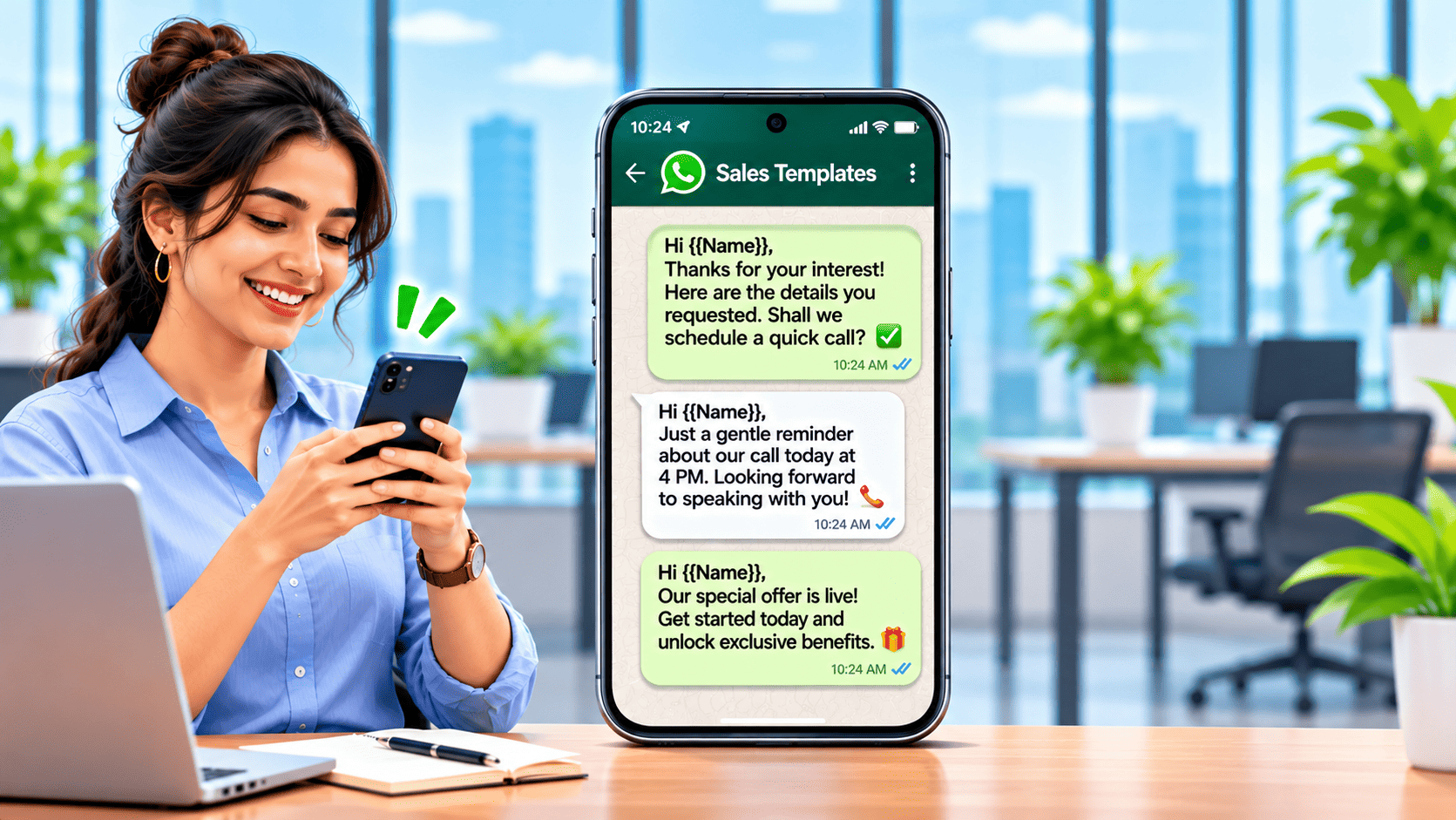
For most Indian customers, WhatsApp is where buying conversations actually happen. Yet many sales teams still type every message from scratch, which means inconsistent tone, slow replies and forgotten details. A small library of WhatsApp message templates for sales solves that. This post gives you ready-to-adapt templates for four moments that matter: the introduction, the quotation, the reminder and the win-back. Each comes in English and Hinglish, with notes on when to use the official WhatsApp Business API template format.
Table of contents
- Two kinds of WhatsApp sales messages
- 1. Introduction templates
- 2. Quotation templates
- 3. Reminder templates
- 4. Win-back templates
- English vs Hinglish: which to use?
- Checklist for your WhatsApp message templates for sales
- Mistakes that get templates rejected or ignored
- Hypothetical example
- How Wetroo helps
- FAQs
- Conclusion
Two kinds of WhatsApp sales messages
Before the templates, a quick but important distinction on the WhatsApp Business Platform:
- Business-initiated messages (you message first, or more than 24 hours after the customer's last message) must use a pre-approved message template. Meta charges per delivered template message based on its category (marketing, utility, authentication) and the recipient's market.
- Service messages sent within the 24-hour customer service window that opens when a customer messages you can be free-form. Under Meta's pricing effective 1 October 2026, each business number gets 1,000 free service messages a month, after which they are charged at the published rate (Meta pricing documentation).
So: your first intro to a form lead and your win-back message are typically templates. Replies during an active conversation can be written freely (within the free monthly service tier, then at a low per-message rate), though saving them as quick replies keeps your team consistent.
Template formatting tips
- Use variables like {{1}} for name and {{2}} for product so one template works for every lead.
- Keep templates short, clear and specific to the purpose.
- Pick the honest category: an offer is marketing; an appointment confirmation is utility.
- Add quick-reply buttons ("Yes, call me", "Send details") where your provider supports them.
1. Introduction templates
Use these when a new lead arrives from a form, ad or website.
English
Hi {{1}}, thanks for your interest in {{2}} from {{3}}. I'm {{4}}, and I'll help you with details. Could you tell me a convenient time to call today?
Hinglish
Namaste {{1}} ji! {{3}} mein {{2}} ke liye interest dikhane ke liye dhanyavaad. Main {{4}}, aapki madad karunga/karungi. Aaj call ke liye kaunsa time theek rahega?
With a qualifying question
Hi {{1}}, thanks for your enquiry about {{2}}. To suggest the right option, could you share your budget range and preferred location?
Why it works: It reminds the prospect what they asked for, introduces a real person and asks one easy question.
2. Quotation templates
Send a quote as soon as you have the details, and make it easy to act on.
English
Hi {{1}}, as discussed, please find the quotation for {{2}} attached. It includes {{3}}. The quote is valid until {{4}}. Reply here with any questions or if you'd like to adjust anything.
Hinglish
{{1}} ji, jaise baat hui thi, {{2}} ka quotation attach kar raha/rahi hoon. Isme {{3}} included hai. Yeh quote {{4}} tak valid hai. Koi sawaal ho toh yahin reply kar dijiye.
B2B variant
Dear {{1}}, sharing our quotation for {{2}}, {{3}} units, delivered to {{4}}. Prices include/exclude GST as mentioned. Kindly confirm specifications so we can reserve stock.
Tip: Attach the quote as a PDF and summarise the key line (price, inclusions, validity) in the message itself. Many people read only the preview.
3. Reminder templates
Reminders are usually utility messages when they relate to something the customer has booked or requested.
Appointment or site visit
Hi {{1}}, a reminder of your {{2}} on {{3}} at {{4}}. Location: {{5}}. Reply 1 to confirm or 2 to reschedule.
Hinglish
{{1}} ji, yaad dila dein ki aapka {{2}} {{3}} ko {{4}} baje hai. Location: {{5}}. Confirm karne ke liye 1 aur reschedule ke liye 2 reply karein.
Payment due
Hi {{1}}, a gentle reminder that the payment of ?{{2}} for {{3}} is due on {{4}}. You can pay via {{5}}. Please ignore if already paid.
Quote expiry
Hi {{1}}, your quotation for {{2}} is valid until {{3}}. Would you like to go ahead or discuss any changes?
4. Win-back templates
Use these for leads who went cold or past customers who have not bought in a while. These are usually marketing messages, so send them only to people who have opted in, and keep them relevant.
Cold lead
Hi {{1}}, we spoke a while ago about {{2}}. Just checking whether this is still on your list. If the timing is better now, reply "Yes" and I'll share the latest options.
Past customer
Hi {{1}}, thank you for choosing {{2}} last time. We have {{3}} that may interest you. Reply "Details" to know more.
Hinglish
{{1}} ji, kaafi time pehle {{2}} ke baare mein baat hui thi. Kya abhi bhi plan hai? "Haan" reply karein, main latest options bhej deta/deti hoon.
English vs Hinglish: which to use?
| Situation | Suggested style |
|---|---|
| Metro B2C, younger audience | Hinglish often feels natural |
| B2B buyers, corporate contacts | Clear, formal English |
| Tier 2/3 markets | Hinglish or regional language |
| Customer replied in Hindi or a regional language | Match their language |
| Payment and legal matters | Simple, clear English or the customer's language |
The best rule is to mirror the customer. If they reply in Hindi, switch to Hindi. A multilingual chatbot can also start the conversation in the language customers choose.
Checklist for your WhatsApp message templates for sales
- One intro template per lead source
- Quotation template with validity date
- Appointment and payment reminders
- Two win-back templates (cold lead, past customer)
- English and Hinglish versions where relevant
- Correct category selected for each template
- Opt-out instruction where appropriate
- Templates reviewed quarterly for replies and blocks
Mistakes that get templates rejected or ignored
Even good intentions can produce templates that fail approval or get no replies. Watch for these:
- Vague purpose. "Hi {{1}}, hello from us!" tells Meta's review and the customer nothing. State why you are messaging.
- Wrong category. Labelling an offer as utility to avoid marketing rates can lead to rejection or recategorisation. Choose honestly.
- Too many variables in a row. Templates that are mostly placeholders can look like spam. Keep enough fixed text to show the message's intent.
- Walls of text. Long paragraphs are skipped on mobile. Lead with the key point and keep it to a few lines.
- No clear next step. Every sales template should ask for one action: reply, confirm, choose a time or view a quote.
- Ignoring results. Track replies, opt-outs and blocks per template. Retire templates that annoy people, even if they once worked.
A quick monthly review of your top five templates usually reveals one or two easy improvements, such as a shorter opening line or a clearer button.
Hypothetical example
This is a hypothetical example for illustration, not a real customer.
A furniture showroom in Indore receives leads from Instagram and walk-ins. Salespeople used to send long, inconsistent messages from personal phones. The owner creates a template library: an intro with a question about room and budget, a quote template with validity, a store-visit reminder and a festive win-back for past customers. Templates are approved on the company's WhatsApp Business API number and connected to the CRM. Now, new leads receive a consistent intro within seconds, and the team adapts only the details.
How Wetroo helps
Wetroo supports template-driven WhatsApp selling with verified features:
- WhatsApp Business API with green-tick application support, broadcasting and retargeting.
- One-touch Quick Response to send personalised intros on WhatsApp, SMS or email.
- Sales sequences and drip campaigns that use your templates automatically.
- Omnichannel inbox where the team replies within the 24-hour window.
- Chatbot builder in English, Hindi and six regional languages.
- Invoices and quotations to attach to quote messages.
FAQs
Do I need approval for WhatsApp sales templates?
For business-initiated messages on the WhatsApp Business API, yes. Templates must be approved by Meta before use. Free-form replies within the 24-hour customer service window do not need templates.
What should a WhatsApp sales intro message include?
The customer's name, what they enquired about, who you are and one easy question or next step.
Can I write WhatsApp templates in Hindi or Hinglish?
Yes. Write in the language your customers prefer and select the matching language when submitting the template.
How often should I send win-back messages?
Sparingly, to opted-in contacts, with a relevant reason. Watch replies and blocks to judge frequency.
Conclusion
A well-built set of WhatsApp message templates for sales helps your team respond faster, sound consistent and stay within WhatsApp's rules. Start with the four moments covered here, adapt the language to your customers and review results every quarter.
To use templates with automation and a shared inbox, explore Wetroo at www.wetroo.com.



