


WhatsApp Live Chat Widget for your website

This simple tool makes it easy for visitors to start a chat from your website or landing pages using WhatsApp Chat Widget button.
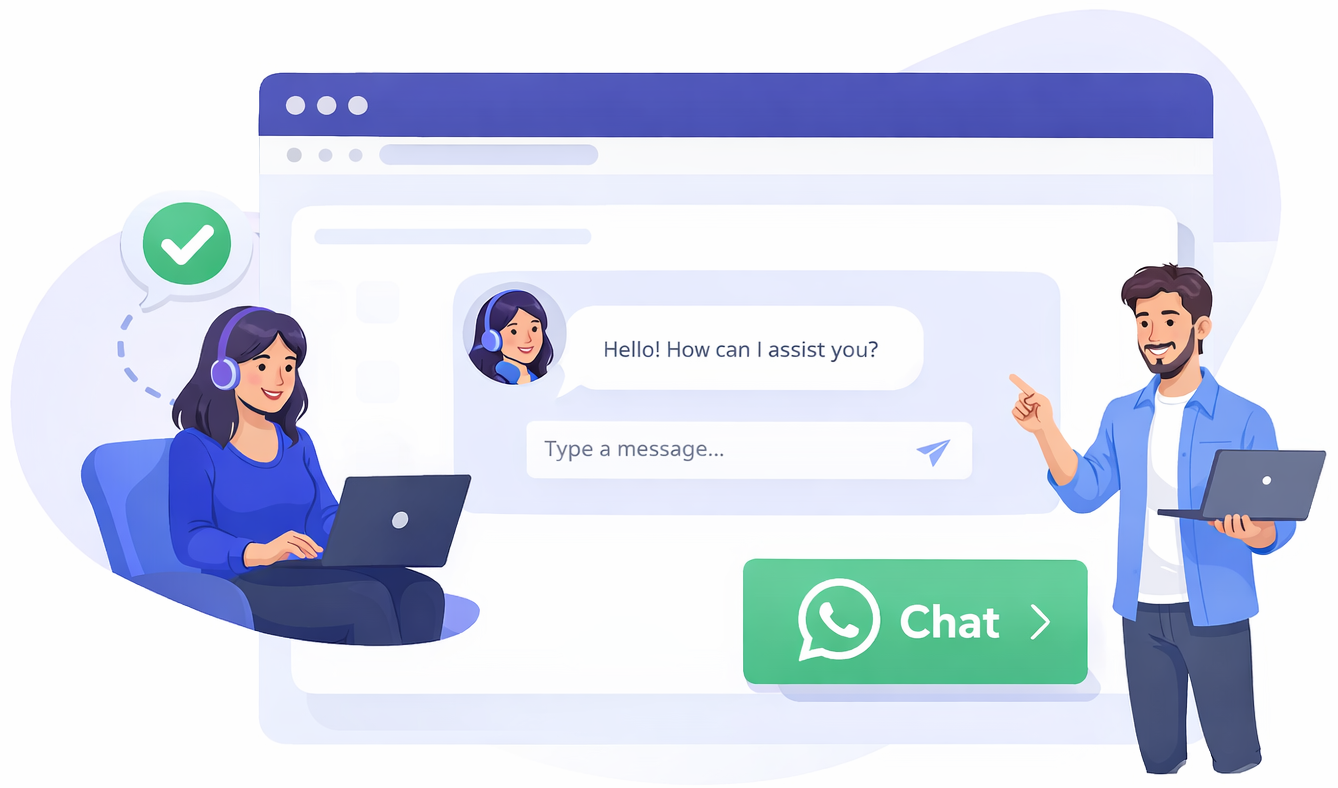
Boosting engagement with WhatsApp Live Chat Widget

Why chat widgets?
Allow customers to use one of their favorite ways of chatting, via a WhatsApp chat button pinned to your website and landing pages.

How these live chats work
Add the widget to your website to launch WhatsApp and let a customer start a chat with you from any of your web pages.

HowUsing the button generator
Create WhatsApp Live Chat widget buttons using your number and a welcome message so you can set the tone of the conversation.
3 steps to creating a WhatsApp
Live Chat Widget

Step 1
Design, style and color your button, then name it to set the Call to Action and position it.

Step 2
Brand your widget, add phone number and welcome text and automatically embed the page URL that has sparked the chat.

Step 3
Finally, click on the ‘Generate Widget Code’ button. It’s easy!
Create WhatsApp Live Chat Widgets
Frequently Asked Questions
What does a WhatsApp chat link look like?
A WhatsApp chat link usually begins with wa.me followed by your phone number. It may also include a pre-filled message encoded within the URL.
What happens when someone clicks the link?
Clicking the link automatically opens WhatsApp on mobile or WhatsApp Web and starts a chat with your number.
Is generating a WhatsApp link free?
Yes, creating WhatsApp chat links is completely free and can be used across websites, social media, and marketing campaigns.