


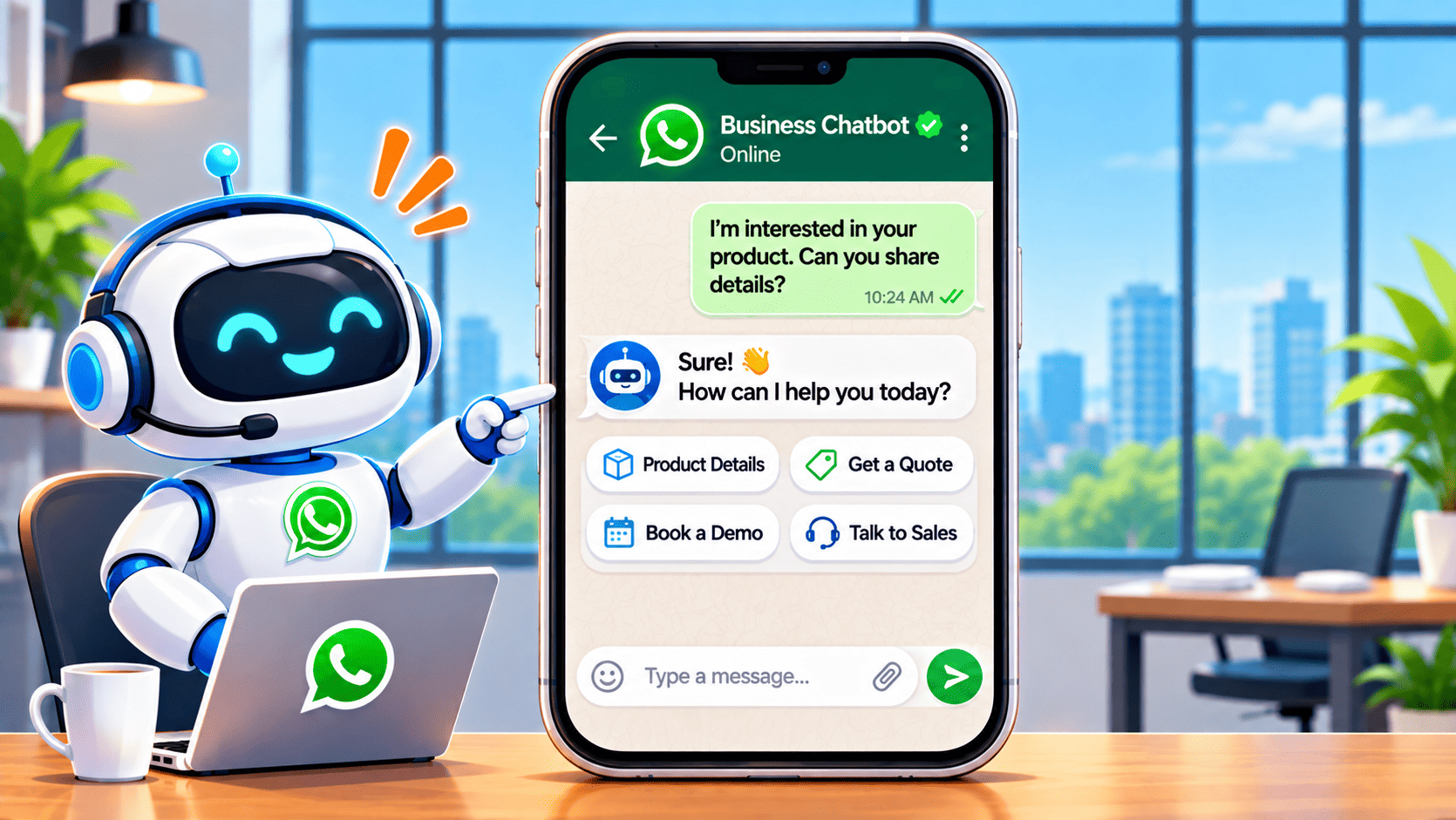
At 11:30 pm, a parent in Bhopal messages a coaching institute asking about JEE batch timings. At 6:45 am, a contractor in Ludhiana asks a pipe manufacturer for a price on 50 mm fittings. Both expect a reply on WhatsApp, and both will message a competitor if nobody answers. No sales team can staff WhatsApp around the clock, which is why the WhatsApp chatbot in India has moved from novelty to necessity. Used well, a chatbot answers the repetitive questions, captures what the lead needs and hands serious buyers to a human with full context. Used badly, it traps customers in menus. This guide focuses on the first kind, with sales-specific use cases.
Table of contents
- What a sales chatbot on WhatsApp should do
- Rule-based bots vs AI chat agents
- WhatsApp chatbot in India: six sales use cases
- Language: why Hindi and regional options matter
- Designing the handoff to a human
- A hypothetical example: a two-wheeler dealership
- How Wetroo helps
- FAQs
- Conclusion
What a sales chatbot on WhatsApp should do
A good sales chatbot has three jobs, in this order:
- Respond instantly, so the lead knows they have been heard.
- Qualify, by asking two to four questions that tell your team who is serious and what they want.
- Hand over, by passing the conversation and the answers to the right salesperson at the right moment.
Everything else, from jokes to elaborate menus, is optional. If your bot cannot hand over cleanly, it is not a sales tool.
Rule-based bots vs AI chat agents
| Rule-based chatbot | AI chat agent |
|---|---|
| How it works | Buttons, menus and keyword triggers |
| Best for | Simple FAQs, fixed choices like "Course A / Course B" |
| Setup | Map every path in advance |
| Risk | Customers get stuck if their question is not on the menu |
| Handoff | At fixed points |
Many Indian SMBs start with a rule-based flow for the first two questions and add AI for free-text questions later.
WhatsApp chatbot in India: six sales use cases
1. After-hours lead capture
Ads and marketplaces run all night. A bot greets the lead, collects name, requirement and preferred call time, and schedules a callback for the morning shift.
2. Price and catalogue questions
"Rate kya hai?" is the most common first message for many businesses. A bot can share a catalogue or price range, then ask a qualifying question such as quantity or location.
3. Qualification before a call
For real estate, ask budget, BHK and possession timeline. For education, ask course, class and city. For B2B, ask product, quantity and delivery location. See our guide to the AI qualification agent.
4. Booking site visits, demos and test drives
Offer two or three slots and confirm with a utility message. Reminders the day before reduce no-shows.
5. Order and quotation status
Existing customers ask "Mera order kab aayega?" A bot can answer from your records or route the question to the right person.
6. Re-engaging cold leads
When a lead replies to a follow-up template, the bot can pick up the conversation immediately, confirm interest and route it to sales.
Chatbot design checklist
- Greeting explains what the bot can help with in one line
- No more than four questions before a human is offered
- Every menu has a "Talk to a person" option
- Answers are short enough to read on a phone
- Prices and policies come from an approved source you keep updated
- Working hours and callback times are stated honestly
Language: why Hindi and regional options matter
India's WhatsApp users write in English, Hindi, regional languages and Hinglish, often in the same conversation. A bot that only understands formal English will miss many leads. Practical tips:
- Let customers choose a language in the first message, or detect it from their reply.
- Write in the way your customers write: "Fees kitni hai?" deserves a natural answer, not a textbook one.
- Keep product names and prices in a consistent format across languages.
- Make sure the human who takes over can read the language the customer chose.
Our post on chatbots in Indian languages goes deeper into regional setups.
Designing the handoff to a human
The handoff is where most bots fail. Design it deliberately:
- Trigger it on intent. "I want to book", "call me" or a high budget should move the lead to a person.
- Trigger it on frustration. Repeated questions or words like "useless" should stop the bot.
- Pass the context. The salesperson should see the bot's questions and the customer's answers.
- Tell the customer. "Priya from our team will reply in the next 10 minutes" beats silence.
- Respect the window. Under Meta's rules, free-form replies are possible within the 24-hour customer service window that the customer's message opened, as described in Meta's pricing documentation. Hand over fast so your team replies inside it.
Read more in our guide to human handoff from an AI agent.
Measuring whether the bot is working
Track a few numbers every week rather than admiring the flow diagram:
- Completion rate: how many leads answer all qualifying questions.
- Handoff time: minutes between handoff and the first human reply.
- Drop-off point: the question where most people stop replying, which is usually the one to rewrite or remove.
- Qualified leads per day reaching your team, compared with before the bot.
If completion is low, shorten the flow. If handoff time is long, the problem is staffing or alerts, not the bot.
A hypothetical example: a two-wheeler dealership
Illustrative scenario, not a real business.
A two-wheeler dealership in Varanasi runs Click-to-WhatsApp ads for a new scooter. Messages arrive in Hindi and Hinglish, mostly in the evening.
The chatbot greets each lead in Hindi, asks which model they like, whether they want cash or finance, and when they would like a test ride. It shares the on-road price range for the city and offers test-ride slots. When a lead picks a slot or asks about exchange value for an old bike, the bot hands the chat to a sales executive with all answers attached. Next morning, the sales team starts with a list of qualified, time-stamped leads instead of 80 unread chats.
How Wetroo helps
Wetroo includes a chatbot builder that supports English, Hindi, Marathi, Tamil, Telugu, Bengali, Gujarati and Kannada, so your bot can greet customers in the language they prefer. Beyond rule-based flows, Wetroo's AI agents can chat, qualify and follow up 24/7, and the platform describes live transfer to a human when needed.
Conversations sit in an omnichannel inbox covering WhatsApp, Facebook, Instagram and Telegram on the official WhatsApp Business API, so the salesperson who takes over sees the full thread. Custom assignment rules route qualified leads to the right team or sub-team, and follow-up reminders on the Android and iOS apps make sure the next step happens.
FAQs
Is a WhatsApp chatbot allowed in India?
Yes, when it runs on the official WhatsApp Business Platform and follows WhatsApp's policies. Avoid unofficial bots that automate personal WhatsApp accounts.
Can a WhatsApp chatbot reply in Hindi?
Yes. Many chatbot builders, including Wetroo's, support Hindi and several regional languages.
Will a chatbot replace my sales team?
No. It handles first responses and qualification so your team spends time on serious buyers.
How much does a WhatsApp chatbot cost?
You pay for the chatbot or CRM software and Meta's per-message charges for delivered messages. Check Meta's current rates and your provider's plan.
Conclusion
A WhatsApp chatbot in India earns its place when it responds instantly, qualifies leads in the customer's language and hands serious buyers to a human without friction. Start with two or three questions, add a clear "talk to a person" option, and measure how many qualified leads reach your team each morning. To build a multilingual bot connected to your CRM and team inbox, explore www.wetroo.com.



