


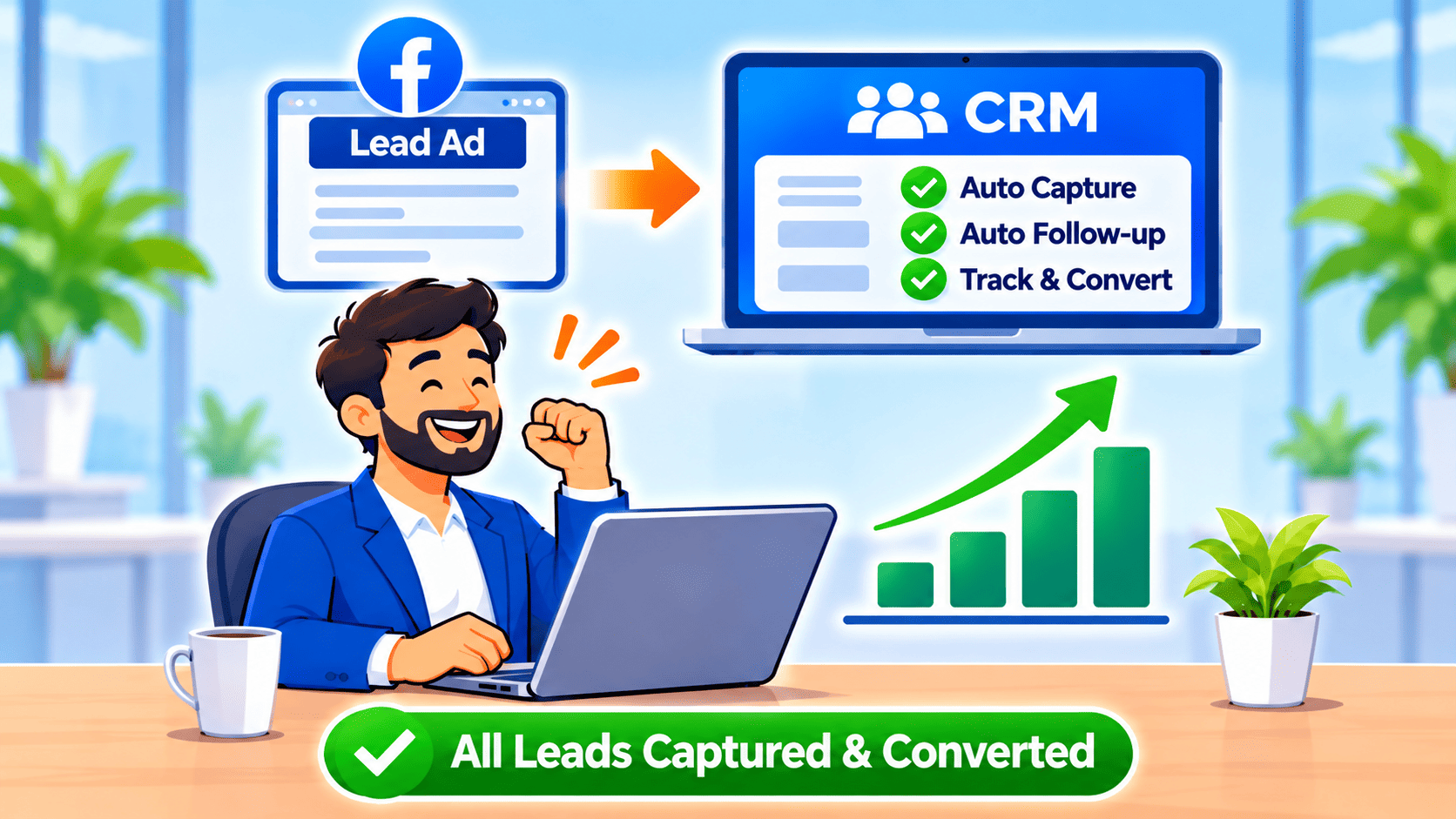
Facebook and Instagram lead ads are one of the cheapest ways for Indian SMBs to generate enquiries. A prospect taps your ad, the form pre-fills their name and phone number, and they submit in seconds. The trouble starts after that tap. Leads sit in Meta's lead centre until someone downloads them. A CSV is shared on WhatsApp the next morning. By the time a salesperson calls, the prospect has forgotten the ad or already spoken to a competitor. A proper Facebook lead ads CRM integration removes that delay. Every lead flows into your CRM the moment it is submitted, lands on the right salesperson's phone and gets a WhatsApp reply within seconds. Here is how to set it up and what to watch for.
Table of contents
- Where Facebook leads get lost
- How a Facebook lead ads CRM integration works
- Setting up the integration step by step
- Designing the first 60 seconds
- Testing and troubleshooting
- A hypothetical example
- How Wetroo helps
- FAQs
- Conclusion
Where Facebook leads get lost
Lead ads are designed to make submitting easy. Following up is your job, and that is where most leakage happens:
- Manual downloads. Someone has to remember to export leads, often once a day or less.
- Weekend and night gaps. A lead submitted at 9 pm on Saturday may not be seen until Monday.
- CSV sharing. Files get forwarded in WhatsApp groups, edited by several people and lost.
- No ownership. Without assignment, salespeople cherry-pick easy leads and ignore the rest.
- No feedback to Meta. Meta never learns which leads turned into customers, so it keeps finding similar low-quality leads.
- Form fatigue. Leads who receive no response within the day often do not remember filling in a form.
Every one of these is solved by moving leads straight into a CRM.
How a Facebook lead ads CRM integration works
When someone submits a lead form (Meta calls them Instant Forms), Meta stores the lead against your Page. An integration connects your Page to your CRM so new leads are pushed across automatically, usually within seconds. Meta's Business Help Centre describes lead ads and the ways you can access the leads, including CRM integrations.
A good integration moves more than name and phone. It should carry:
| Field | Why it matters |
|---|---|
| Name, phone, email | Basic contact details |
| Custom questions | Budget, city, course, product interest |
| Campaign, ad set, ad name | Know which creative produced the lead |
| Form name | Distinguish offers and landing journeys |
| Platform (Facebook or Instagram) | Compare channels |
| Submission time | Measure speed to first contact |
| Lead ID | Needed if you later send conversion events back to Meta |
That last field matters more than most teams realise. Meta's Conversions API for CRM uses the lead ID to connect your CRM's outcomes back to the original ad. Read more in our guide to the Meta Conversions API for CRM.
Setting up the integration step by step
- Confirm admin access. You need the right permissions on your Facebook Page and Meta Business portfolio.
- Connect the Page in your CRM. Most CRMs use a "Connect with Facebook" flow; select the Page and approve lead access.
- Select forms. Choose which Instant Forms should sync, including future ones if your CRM allows it.
- Map fields. Match each form question to a CRM field. Create custom fields for answers like "budget" or "preferred location".
- Set assignment rules. Decide who gets which leads: round robin, by city, by product or by campaign.
- Turn on alerts. Push notifications on the salesperson's phone plus email for managers.
- Configure the first message. An instant WhatsApp, SMS or email introduction.
- Test with a dummy lead before spending another rupee on ads.
Instant Form tips that improve lead quality
- Add one or two qualifying questions, such as budget range or timeline.
- Use "higher intent" form settings if you get many accidental submissions.
- Say in the form that you will contact them on WhatsApp, so the first message is expected.
- Keep the thank-you screen useful: a WhatsApp button or a phone number.
Designing the first 60 seconds
The integration gets the lead to you. What happens next decides whether it converts.
- Second 0: Lead submits the form.
- Seconds 1–10: Lead appears in the CRM, is assigned, and the salesperson's phone buzzes.
- Seconds 10–60: An automated or one-tap WhatsApp introduction goes out: "Hi Kavita, thanks for your interest in our Wakad 2BHK. I'm Rohan from Sai Properties. Can I call you in 5 minutes?"
- Within minutes: The salesperson calls, with the lead's answers on screen.
- If no answer: A reminder is set and a follow-up sequence starts.
Most teams find this rhythm improves contact rates far more than tweaking ad creative. See our post on instant lead alerts for alert settings that do not exhaust your team.
Testing and troubleshooting
Quick test checklist
- Submit a test lead and confirm it appears in the CRM within a minute
- Check every custom question maps to the right field
- Confirm the correct salesperson received an alert
- Confirm the WhatsApp introduction was delivered
- Verify campaign and ad names are captured
- Repeat for each active form
Common issues
- Leads stop syncing: often caused by a Page admin leaving or permissions changing. Meta lets portfolio admins control which people and CRMs have leads access in Meta Business Suite, so check that your CRM is still allowed, then reconnect with a long-term admin account.
- New forms not syncing: some setups require selecting each new form.
- Duplicate leads: set your CRM to merge by phone number.
- Wrong assignment: check rule order; the first matching rule usually wins.
Keep the integration healthy
Integrations rarely break on the day you set them up. They break three months later when someone changes a password, leaves the company or launches a new form without telling the CRM owner. Assign one person to own the connection, add a calendar reminder to submit a test lead every fortnight, and make "check CRM sync" part of every new campaign launch checklist.
A hypothetical example
Illustrative scenario, not a real business.
A dental clinic chain in Ahmedabad spends ?60,000 a month on lead ads for aligners. Its front-desk staff downloaded leads every evening and called them the next day. Many patients did not pick up, and some did not remember the ad.
After connecting lead ads to a CRM, every lead appears on the clinic coordinator's phone instantly. A WhatsApp message goes out with the clinic's name, the free consultation offer and two appointment slots. The coordinator calls within minutes during clinic hours, and evening leads receive the WhatsApp message immediately plus a call at 10 am. Each month, the clinic reviews which ad sets produced booked consultations, not just form fills, and moves budget accordingly.
How Wetroo helps
Wetroo connects directly to Facebook Ads and Instagram lead forms, as well as Google Ads lead forms, IndiaMART and WordPress forms, so you do not need another tool just to access your leads. New leads are delivered instantly via the Wetroo app and email, and the one-touch Quick Response feature sends an auto-personalised introduction on WhatsApp, SMS or email.
Leads from Facebook campaigns can be sent directly to your team's mobile devices using custom assignment rules for teams and sub-teams, while the analytics dashboard tracks progress. Wetroo also describes itself as a Meta Conversions API partner CRM, syncing key data from your CRM back to Meta to help optimise lead campaigns. You can even share leads by email with partners who do not have a Wetroo account.
FAQs
How do I connect Facebook lead ads to a CRM?
Connect your Facebook Page inside the CRM, select the lead forms, map fields, set assignment rules and test with a dummy lead.
How fast do Facebook leads sync to a CRM?
With a direct integration, leads usually appear within seconds of submission. Manual downloads can delay them by hours or days.
Can I get Facebook leads on WhatsApp automatically?
Yes. Once leads sync to a CRM with WhatsApp Business API access, an introduction can be sent automatically or with one tap.
Do I still need Meta's lead centre?
It remains available as a backup, but your CRM becomes the working record for follow-ups.
Conclusion
The money you spend on ads only pays off if leads are handled while they are still warm. A Facebook lead ads CRM integration removes manual downloads, assigns every lead instantly, triggers a WhatsApp reply within seconds and, with conversion feedback, helps Meta find better prospects over time. Set it up, test it, and measure speed to first contact from day one. To connect your lead ads to your team's phones, start at www.wetroo.com.



