


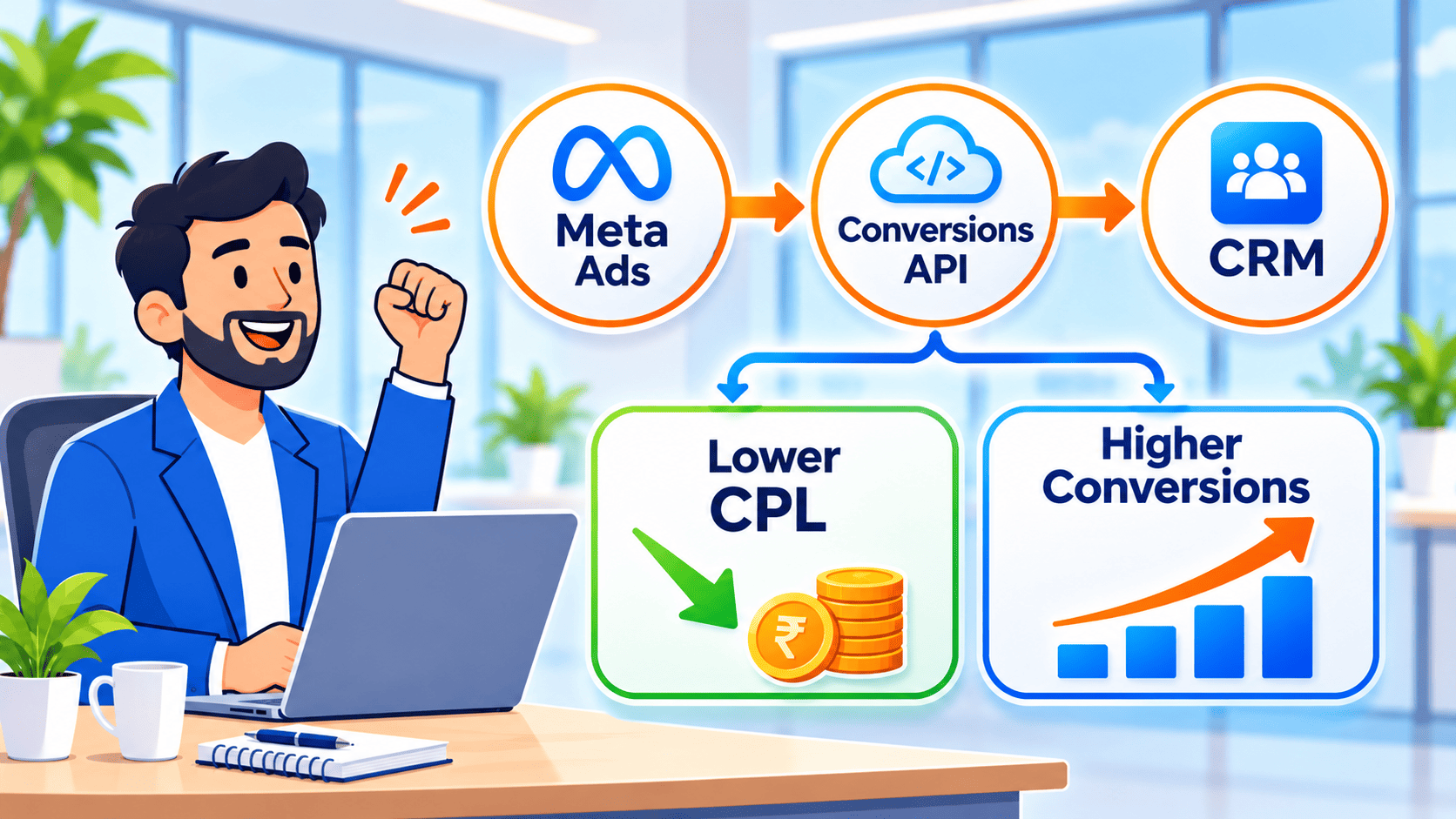
Every Indian business running Facebook and Instagram lead ads eventually hits the same wall. Cost per lead looks fine, but too many leads never pick up, have no budget or were "just checking". Meta's algorithm is doing exactly what you asked: finding people likely to fill a form. It has no idea which of those people became customers, because that happens in your CRM, not on Facebook. A Meta Conversions API CRM integration closes that loop. Your CRM sends lead-stage events, such as "qualified" or "converted", back to Meta, so its delivery system can learn what a good lead looks like for you. This guide explains how it works, which events to send, what Meta's documentation says you need, and how to judge results honestly.
Table of contents
- Why cheap leads are not the same as good leads
- What a Meta Conversions API CRM integration does
- Which events to send back to Meta
- Meta's eligibility guidelines
- Setting it up step by step
- Measuring results without fooling yourself
- A hypothetical example
- How Wetroo helps
- FAQs
- Conclusion
Why cheap leads are not the same as good leads
Optimising for form fills rewards the cheapest form fills. That often means people who tap quickly, submit on impulse and never answer the phone. Your cost per lead (CPL) looks healthy while your cost per customer climbs.
The real goal is a lower cost per quality lead and per sale. To get there, the ad system needs feedback about lead quality. Without it, Meta can only optimise for the signal it sees: the form submission.
What a Meta Conversions API CRM integration does
The Conversions API is Meta's server-to-server way for businesses to share events. The CRM-focused version, which Meta's documentation calls Conversions API for CRM integration, lets you send updates about leads that came from Meta lead ads as they move through your sales funnel.
In plain terms:
- A person submits your Instant Form. Meta assigns a lead ID.
- The lead syncs to your CRM, along with that ID.
- Your team works the lead and updates its stage: contacted, qualified, visit booked, converted.
- Each stage change is sent back to Meta as an event tied to the lead.
- Meta's system uses these signals to find more people who resemble leads that progressed, rather than people who merely submitted.
Which events to send back to Meta
Meta's Conversions API for CRM FAQ recommends sending all events as they are updated, including the raw lead event, and using at least two stages from your sales funnel, preferably three or more.
A practical stage map for SMBs:
| CRM stage | Event idea | What it tells Meta |
|---|---|---|
| New lead | Lead | A form was submitted and reached your CRM |
| Contacted | Contacted | The person was reachable |
| Qualified | Qualified | Real need, budget and timeline |
| Visit / demo / quote | Opportunity | Strong buying intent |
| Won | Converted | This person became a customer |
Choose the stage you most want to optimise for. Meta's guidance says it should occur within 28 days of the lead being generated and have an approximate conversion rate between 1% and 40%. For many SMBs, "qualified" or "visit booked" fits better than "won", because final sales may take longer than 28 days.
Clean, consistent stages matter. See our guide to designing sales pipeline stages.
Meta's eligibility guidelines
At the time of writing, Meta's documentation lists guidelines for integrations that are a good fit, including:
- Use Meta lead ads (Instant Forms) and store the 15–17 digit Meta lead ID in your CRM
- Generate at least 200 leads per month
- Upload data at least once per day
- The stage you optimise for happens within 28 days of lead generation
- That stage converts at roughly 1% to 40% of leads
Meta also notes that you can backfill data for up to 7 days, batch events if real-time sending is not feasible, and should not change Pixels after integration, because that restarts training. The integration passes through a data validation phase in Events Manager, which requires several days of continuous data across at least two funnel stages.
If you generate fewer than 200 leads a month, the integration may still be useful for reporting, but optimisation benefits are less likely.
Setting it up step by step
- Confirm lead IDs are stored. Your CRM integration with lead ads must capture Meta's lead ID with each lead. See our Facebook lead ads CRM integration guide.
- Standardise stages. Make sure everyone updates stages consistently and promptly.
- Connect your CRM to Meta Events Manager using your CRM's built-in Conversions API option or a partner integration.
- Map CRM stages to events.
- Send historical data within the allowed backfill window if available.
- Monitor diagnostics in Events Manager for errors.
- Wait for validation, then choose the optimisation stage in your campaign settings when Meta makes it available.
- Keep data flowing daily. Gaps weaken the signal.
Pitfalls that weaken the signal
- Stages updated in bulk at month end. Meta needs timely events; late updates blur the picture.
- Leads created manually without the Meta lead ID, for example by copying numbers from Meta's lead centre into the CRM.
- Inconsistent stage use, where one salesperson marks everyone "qualified" and another marks nobody.
- Too few stages, which gives Meta little to learn from.
Fixing these is usually a team-habit problem, not a technical one, so include stage discipline in your weekly sales review.
Measuring results without fooling yourself
Conversion optimisation can raise your raw CPL while lowering your cost per qualified lead. Judge it on the right numbers:
- Cost per qualified lead (or per visit booked)
- Cost per customer
- Contact rate, the share of leads you reach
- Qualified rate by campaign
Compare similar periods and budgets, and allow time for the system to learn. Avoid changing creatives, forms and targeting all at once, or you will not know what made the difference. Our post on cost per lead in India explains how to calculate these metrics.
A hypothetical example
Illustrative scenario, not a real business.
A Pune-based developer generates about 1,200 lead-ad leads a month for a residential project. Sales staff reach many of them, but only a small share book site visits.
The team stores Meta lead IDs in the CRM, standardises stages (New, Contacted, Qualified, Site Visit Booked, Booked Flat) and sends each update to Meta daily. "Site Visit Booked" happens within a few weeks of the lead and converts within Meta's suggested range, so they choose it as the optimisation event once validation completes. Over the next quarter, they track cost per site visit rather than cost per lead, and adjust creatives only after the system has had time to learn.
How Wetroo helps
Wetroo describes itself on its website as an official partner CRM for Meta Conversions API, syncing key data from your CRM to Meta so your ads can reach people who closely match leads your team has successfully converted. Leads from Facebook Ads and Instagram arrive directly in Wetroo with instant alerts, and teams can update stages, tags and notes from the Android and iOS apps, which keeps the signal flowing back to Meta current.
Assignment rules, follow-up reminders, sales sequences and the analytics dashboard help your team actually move leads through stages, which is what makes the feedback meaningful. Wetroo's implementation manager can help map your stages during onboarding.
FAQs
What is the Meta Conversions API for CRM?
It is Meta's way for your CRM to send updates about lead-ad leads, such as qualified or converted, back to Meta so ad delivery can optimise for lead quality.
Will the Conversions API lower my cost per lead?
It aims to improve lead quality. Raw CPL may rise or fall; the metric to watch is cost per qualified lead or per sale.
How many leads do I need?
Meta's guidance suggests at least 200 leads per month for good-fit integrations.
Do I need a developer?
Not if your CRM offers a built-in Conversions API connection. Custom setups may need technical help.
Conclusion
A Meta Conversions API CRM integration teaches Meta the difference between a form fill and a future customer. Store lead IDs, define clear stages, send updates daily and judge success by cost per qualified lead and per sale. Done consistently, it turns your sales team's everyday updates into better ad targeting. To connect lead ads, stage updates and Meta feedback in one CRM, explore www.wetroo.com.



