


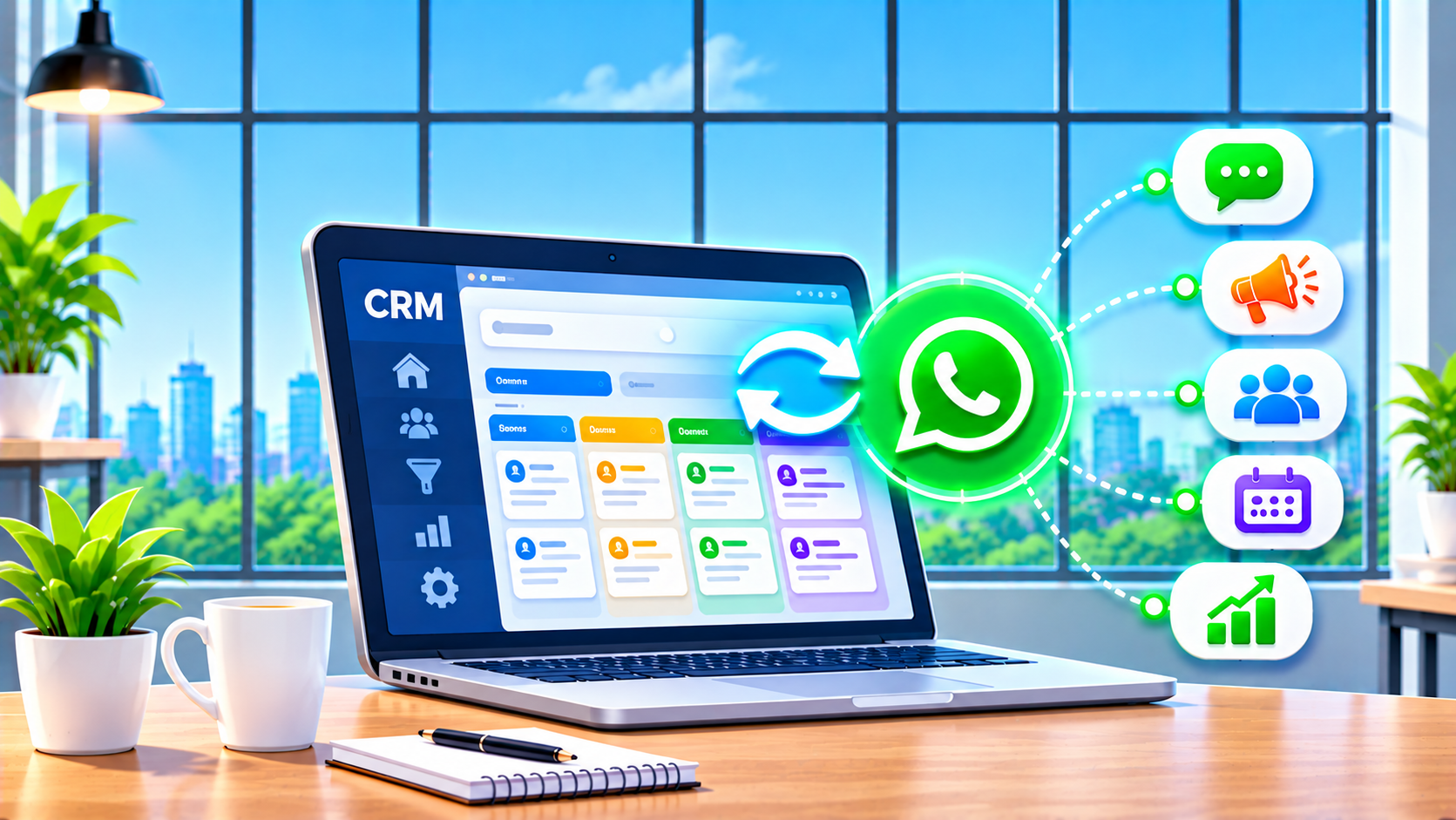
Here is a routine that plays out in thousands of Indian sales teams every evening. A salesperson scrolls through WhatsApp Business on their phone, copies a customer's name and number, pastes it into a Google Sheet, types "interested, call Thursday" in the notes column, and moves on to the next chat. Multiply that by forty chats and five salespeople and you have hours of copy-paste every week, plus a sheet that is always out of date. A CRM with WhatsApp integration removes that routine entirely. Chats and lead records become one thing, updated automatically. This guide shows what that looks like in practice and how to move your team over.
Table of contents
- The hidden cost of the copy-paste workflow
- What "WhatsApp integration" should actually mean
- Before and after: one lead, two workflows
- Features to check in a CRM with WhatsApp integration
- A hypothetical example: an IT training institute
- Moving your team off sheets in two weeks
- How Wetroo helps
- FAQs
- Conclusion
The hidden cost of the copy-paste workflow
The Business app plus a spreadsheet feels free, but it carries costs that rarely show up on a P&L:
- Lost time. Every lead is typed twice, once in the chat and once in the sheet.
- Stale data. The sheet reflects what someone remembered to update last night, not what happened today.
- No ownership. When two people reply to the same customer, or nobody does, the sheet cannot tell you.
- History walks out the door. When a salesperson leaves, their phone and its chats leave too.
- No reminders. A sheet does not ping anyone on Thursday.
None of these problems is caused by WhatsApp. They come from WhatsApp and your records living in separate places.
What "WhatsApp integration" should actually mean
Many tools claim WhatsApp integration when they only offer a "click to chat" button that opens WhatsApp on your phone. That saves a few seconds but still leaves the conversation outside the CRM.
Real integration means:
- Messages flow both ways inside the CRM. You send and receive WhatsApp messages from the lead's record.
- Every message is logged automatically against the right contact.
- New conversations create or update leads without anyone typing.
- Templates and automations can send WhatsApp messages based on triggers, such as a new lead or a missed follow-up.
- Multiple team members can work the same number with assignment and notes.
This level of integration runs on Meta's official WhatsApp Business Platform. Our comparison of the WhatsApp Business API vs Business App explains why the app alone cannot do this for a team.
Before and after: one lead, two workflows
| Step | Business app + Google Sheet | CRM with WhatsApp integration |
|---|---|---|
| Lead arrives from an ad | Someone downloads leads later and pastes them into the sheet | Lead appears in the CRM instantly with its source |
| First message | Salesperson types a greeting from their phone | Personalised introduction sent in one tap or automatically |
| Who owns it | Decided in a group chat, if at all | Assigned by rule to the right person |
| Conversation record | Stays on one phone | Logged on the lead's timeline |
| Follow-up | Depends on memory | Reminder fires on the due date |
| Manager visibility | Ask around | Dashboard of response times and stages |
| Salesperson leaves | Chats are gone | History stays with the business |
Features to check in a CRM with WhatsApp integration
Two-way chat on the lead record
Open a lead and see the full WhatsApp thread, call notes and status in one timeline.
Automatic lead creation
When an unknown number messages you, the CRM should create a lead and tag its source, for example "Click-to-WhatsApp ad" or "website chat button".
Templates for the closed window
On the official platform, you can reply freely within the 24-hour customer service window that opens when a customer messages you; outside it, you use approved templates, as Meta's pricing documentation describes. A good CRM shows which state each chat is in and suggests the right template.
Assignment and transfer
Leads should route by rules such as round robin, city or product. See our guide to lead assignment rules.
Reminders and sequences
Reminders keep humans on track; sequences send planned follow-ups when a lead goes quiet.
Mobile app
Your team lives on their phones. The CRM's app should let them chat, call, add notes and set reminders without opening a laptop.
A hypothetical example: an IT training institute
Illustrative scenario, not a real customer.
An IT training institute in Hyderabad gets enquiries for its data analytics course from Instagram ads, its website and walk-in referrals. Four counsellors handle about 60 enquiries a day on two shared phones running the Business app. Every night, the centre head exports chats manually into a sheet to see who enrolled.
After moving to a CRM with WhatsApp integration:
- Instagram and website leads arrive in the CRM automatically and are split between counsellors by round robin.
- Each lead gets a WhatsApp welcome with the batch schedule and fee structure.
- Counsellors log call outcomes in the app and set reminders for demo-class follow-ups.
- The centre head sees, by counsellor, how many leads were contacted within 15 minutes and how many booked a demo.
The nightly export disappears. More importantly, leads that used to fall through the cracks on busy days now get a timely follow-up.
Moving your team off sheets in two weeks
Week 1: set up
- Choose the WhatsApp number you will move to the official API and complete Meta business verification.
- Connect your top two lead sources.
- Import your existing sheet so history is not lost.
- Create welcome, follow-up and reminder templates.
- Define assignment rules and lead stages.
Week 2: switch over
- Run a one-hour training on the mobile app.
- Announce a cut-off date after which the sheet is read-only.
- Review first-response times daily for the first week.
- Fix any stage or template that confuses the team.
Do not try to automate everything on day one. Get capture, assignment and reminders working first, then add sequences.
A simple rule helps during the switch: if a conversation with a customer is not in the CRM, it did not happen. Managers who repeat this in the first two weeks, and check it in daily reviews, usually see the shared sheet die a natural death.
How Wetroo helps
Wetroo is designed to replace the "Business app plus sheet" routine for Indian sales teams. Leads from Facebook Ads, Instagram, Google Ads lead forms, IndiaMART and WordPress forms sync automatically, and new-lead alerts reach your team through the app and email. The Quick Response feature sends a personalised WhatsApp, SMS or email introduction in one touch.
Conversations run through the official WhatsApp Business API in an omnichannel inbox that also covers Facebook, Instagram and Telegram. Teams and sub-teams get custom assignment rules, and the Android and iOS apps include notes, follow-up reminders and a client timeline. Lead tagging, search and filters keep records tidy, while sales sequences and drip campaigns handle repeat follow-ups. Wetroo's implementation manager can also help migrate data from your existing sheets and train your team.
FAQs
Can I integrate my existing WhatsApp Business app number with a CRM?
Team-level CRM integration generally requires the number to be connected to the official WhatsApp Business Platform. Talk to your provider about the options for your number before you switch.
Will customers notice anything different?
They will see faster, more consistent replies. Templates for messages outside the 24-hour window need Meta approval, so keep them clear and useful.
Is a CRM with WhatsApp integration expensive?
You pay a software subscription plus Meta's per-message charges. Compare that with the hours your team spends copying data and the deals lost to missed follow-ups.
Can I still use Google Sheets?
Yes, many teams keep sheets for ad-hoc analysis, but the CRM should be the system of record. Our post on CRM vs Excel for sales covers where each fits.
Conclusion
Copy-pasting chats into spreadsheets is a sign that your sales process has outgrown its tools. A CRM with WhatsApp integration keeps the channel your customers love while giving your team automatic logging, clear ownership and reliable reminders. Start with your busiest lead source, move the team over in two weeks and measure first-response time from day one. To see how this works with Indian lead sources, visit www.wetroo.com.



