


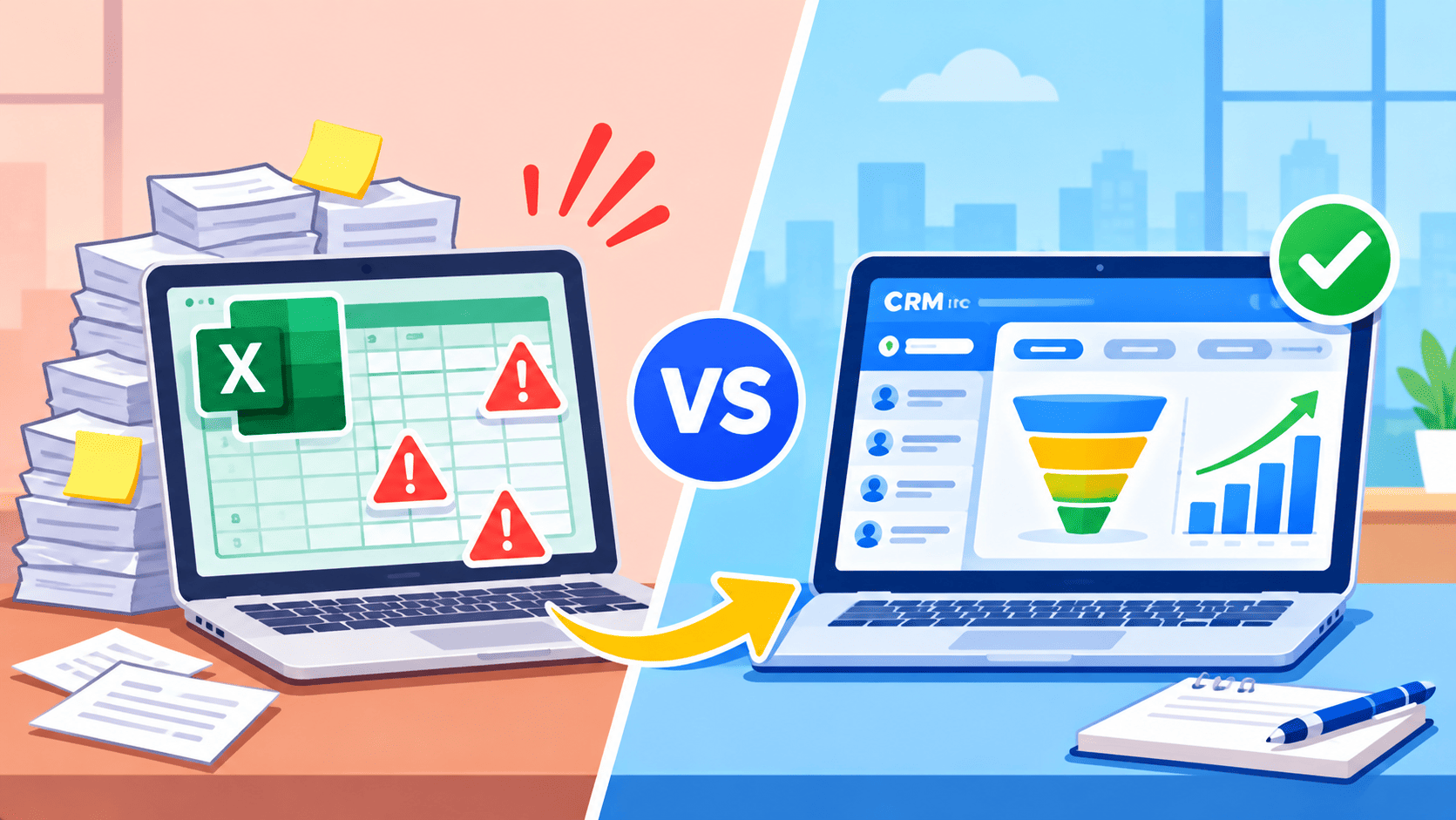
Almost every business starts tracking sales in a spreadsheet, and there is nothing wrong with that. Excel is familiar, flexible and already installed. For a solopreneur with twenty leads a month, it may be all you need. But at some point, usually without a clear moment, the spreadsheet starts costing you money: a follow-up slips, a lead gets called twice, or you cannot tell which ad actually brought customers. The question of CRM vs Excel for sales is therefore less "which is better?" and more "when does Excel stop being enough for you?"
This post gives an honest comparison, the warning signs that your spreadsheet is breaking, and a low-stress path for solopreneurs and small teams to switch.
Table of contents
- Where Excel genuinely works
- CRM vs Excel for sales: side by side
- Warning signs your spreadsheet is breaking
- The hidden costs of staying in Excel
- The solopreneur's upgrade path
- Moving a small team off Excel
- If you stay on Excel for now, do it well
- Hypothetical example
- How Wetroo helps
- FAQs
- Conclusion
Where Excel genuinely works
Let us be fair to spreadsheets. Excel is a good choice when:
- Lead volume is low: a few new enquiries a week.
- One person handles everything, so there is no hand-off.
- Sales cycles are short: enquire, quote, buy within days.
- Leads come from one source, often referrals or walk-ins.
- You enjoy building your own reports with formulas and pivots.
In these conditions, a well-organised sheet with columns for name, phone, source, status, next follow-up date and notes can work well. Microsoft's own Excel templates and filters make basic tracking easy (microsoft.com).
CRM vs Excel for sales: side by side
| Capability | Excel / spreadsheet | CRM |
|---|---|---|
| Capturing leads from ads and forms | Manual copy-paste or exports | Automatic sync from Facebook, Google, IndiaMART, website |
| Alerts for new leads | None | Instant mobile and email alerts |
| Follow-up reminders | Manual (sort by date, set phone alarms) | Automatic reminders and tasks |
| WhatsApp messaging | Separate app, not logged | Sent and logged from the lead record |
| Team collaboration | Version conflicts, overwritten cells | Assigned owners, shared history |
| Activity history | A notes cell that grows messy | Timeline of calls, messages, files |
| Automation | Formulas and macros, limited | Sequences, drips, workflows |
| Reporting | Build it yourself | Dashboards by source, stage, person |
| Mobile use | Awkward on small screens | Purpose-built apps |
| Data security | Files emailed and copied | Roles, permissions, encryption |
| Cost | Usually already paid for | Subscription plus messaging costs |
Warning signs your spreadsheet is breaking
Look for these signals. If three or more apply, Excel is probably costing you sales.
- You found a lead weeks later that nobody called.
- Two people called the same customer without knowing.
- Follow-ups depend on memory or scrolling through the sheet.
- You copy leads by hand from Facebook, IndiaMART or email.
- You cannot answer "which source brings buyers?" without an afternoon of work.
- The sheet is too slow or too wide to use on your phone.
- WhatsApp chats hold the real history, not the sheet.
- Someone overwrote or deleted rows and you only noticed later.
- A salesperson left and took their knowledge (and customer chats) with them.
- You hesitate to run ads because you cannot handle more leads.
The hidden costs of staying in Excel
Spreadsheets feel free, but they carry costs that do not show up on an invoice:
- Lost leads: each uncalled enquiry from a paid ad is money spent for nothing.
- Slow response: copying leads into a sheet adds hours before the first call.
- Owner time: compiling reports and chasing updates every week.
- Inconsistent follow-up: the busiest weeks are exactly when follow-ups slip.
- Knowledge loss: customer context lives in personal phones and heads.
A CRM does not eliminate effort, but it moves effort from administration to selling.
The solopreneur's upgrade path
If you work alone, you do not need a complex system. A sensible path:
Step 1: Keep Excel, add one automation
Connect your main lead source to a CRM while keeping your old sheet for reference. Let new leads arrive in the CRM with alerts.
Step 2: Import active leads only
Move leads you are actively working on. Archive the rest in the spreadsheet.
Step 3: Use reminders for every lead
Set a next action for each lead from the mobile app. This alone replaces most of the spreadsheet's job.
Step 4: Add WhatsApp from the CRM
Send intros and follow-ups through the official WhatsApp Business API so messages are logged. Note that Meta charges per delivered template message by category and market (WhatsApp Business Platform pricing).
Step 5: Retire the sheet
After a month, if you have not opened the spreadsheet, you are done.
Switching checklist
- Main lead source connected to CRM
- Active leads imported (name, phone, source, status, next date)
- Reminders set for every open lead
- WhatsApp intro template approved
- Spreadsheet archived after a month
Moving a small team off Excel
For teams of three or more, add two steps:
- Assign owners: every lead belongs to one person, set automatically by rules.
- Run the weekly review from the CRM: if the meeting still uses the spreadsheet, the team will too.
Keep columns you actually used in Excel as CRM fields; drop the rest. Simplicity drives adoption.
If you stay on Excel for now, do it well
Not ready to switch? Make your spreadsheet as robust as possible in the meantime:
- One sheet, one row per lead. Avoid separate tabs per month or per salesperson; they fragment history.
- Fixed status values. Use a dropdown (New, Contacted, Quoted, Won, Lost) so filters work reliably.
- A "next follow-up date" column, sorted every morning. This is the single most important column.
- A source column filled for every lead, so you can later see which channels work.
- A lost-reason column, even if it is just a few words.
- Cloud storage with version history, so accidental deletions can be recovered.
- A weekly ten-minute clean-up to remove duplicates and fill gaps.
These habits also make the eventual move to a CRM much easier, because your data will import cleanly.
Hypothetical example
This is a hypothetical example for illustration, not a real customer.
Arjun is a freelance wedding photographer in Jaipur. For two years, he tracked enquiries in Excel: date, name, phone, wedding date, package, status. When he started Instagram lead ads, enquiries jumped during wedding season. He missed several couples because he was shooting all weekend and did not update the sheet until Tuesday.
He connects his Instagram lead form to a CRM, gets an instant alert for each enquiry and sets up an automatic WhatsApp reply asking the wedding date and city. Reminders prompt him to follow up on Monday mornings. He imports only enquiries for upcoming weddings and archives the old sheet. Within a season, the spreadsheet becomes a historical record rather than his daily tool.
How Wetroo helps
Wetroo's verified features address the specific points where spreadsheets break:
- Automatic lead syncing from Facebook Ads, Instagram, Google Ads forms, IndiaMART and WordPress, plus webhooks.
- Instant new lead alerts and one-touch Quick Response on WhatsApp, SMS or email.
- Notes, reminders and client timelines in Android and iOS apps.
- Teams and assignment rules when you add people.
- Sales sequences and drip campaigns on the official WhatsApp Business API.
- Data migration included on every plan, plus a single-user Starter plan for solopreneurs.
FAQs
Is Excel good enough for sales tracking?
For very low volumes, one person and one lead source, often yes. As volume, sources or team size grow, it starts to miss leads and follow-ups.
What is the main difference between CRM and Excel for sales?
A CRM captures leads automatically, reminds you to follow up, logs every interaction and supports teamwork and automation. Excel stores data you enter manually.
Can I import my Excel leads into a CRM?
Yes. Most CRMs, including Wetroo, support importing data, and Wetroo includes data migration help on every plan.
When should a solopreneur switch to a CRM?
When you run paid lead ads, handle more enquiries than you can remember, or notice follow-ups slipping.
Conclusion
The CRM vs Excel for sales decision is about timing. Excel is a fine place to start, but once leads come from several sources, follow-ups slip or a team joins, spreadsheets begin to cost more than they save. Watch for the warning signs, switch in small steps and let your new system handle the remembering.
To make the switch easy, try Wetroo free at www.wetroo.com.



