


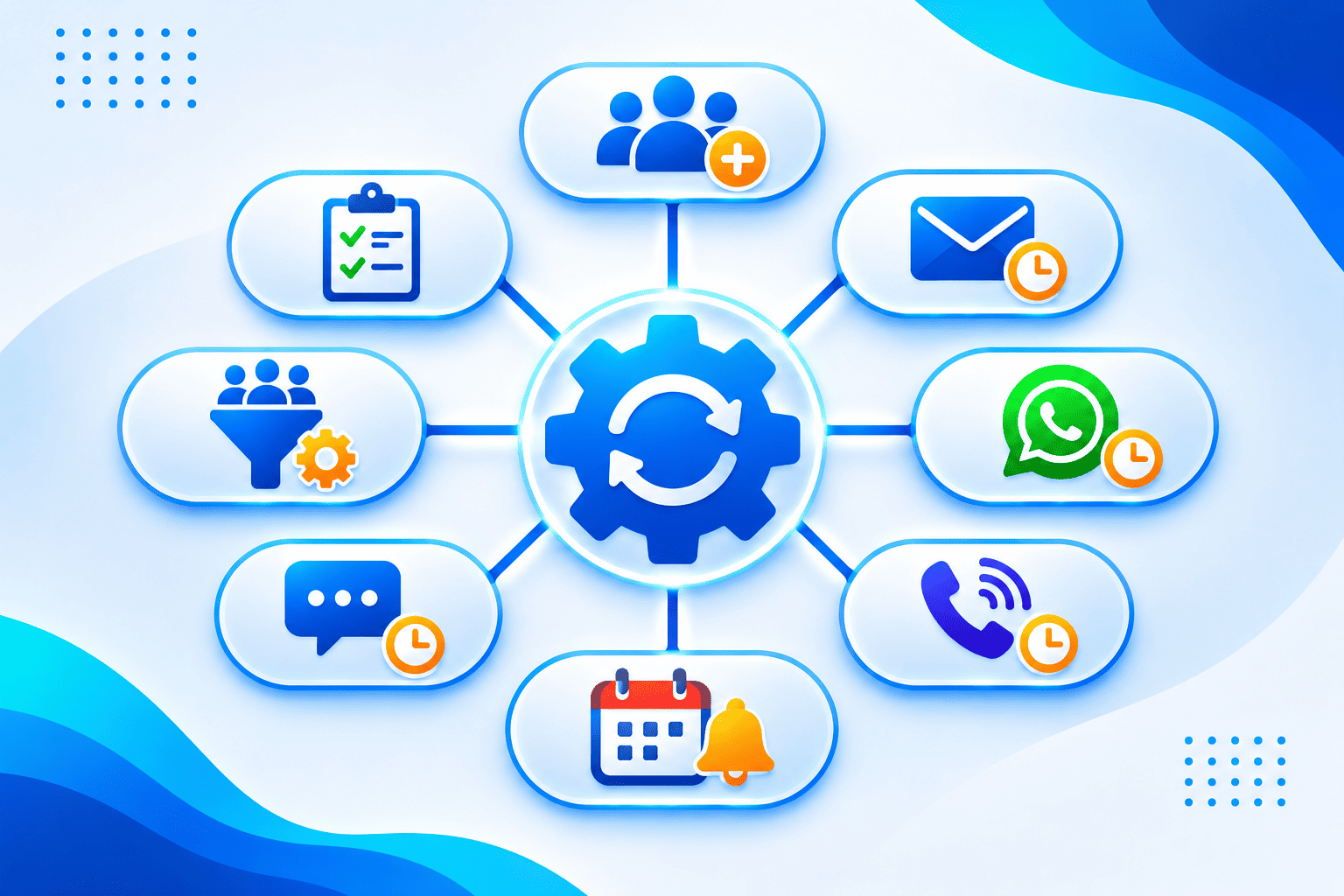
Buying sales automation software is easy. Getting value from it is harder. Many Indian SMBs sign up, see a builder with dozens of triggers and actions, try to automate everything in week one, and end up with confused salespeople, duplicate messages and a quiet return to spreadsheets. The fix is sequencing. Some automations pay off in days and carry almost no risk. Others need clean data and team habits first. This guide gives you a priority order: what to automate first, second and later, and how to tell whether each automation is working.
Table of contents
- The rule: automate the boring, keep the human
- A priority matrix for sales automation software
- Priority 1: Lead capture and assignment
- Priority 2: Alerts and first response
- Priority 3: Follow-up reminders
- Priority 4: Sales sequences
- Priority 5: No-code workflows for everything else
- Measuring whether automation is paying off
- A hypothetical example
- How Wetroo helps
- FAQs
- Conclusion
The rule: automate the boring, keep the human
Good sales automation removes tasks that are repetitive, time-sensitive and easy to forget: copying leads, deciding who gets them, sending the first message, reminding someone to call back. It does not replace listening, persuading or negotiating.
A useful test for any task: if it must happen the same way every time, automate it. If it depends on judgement, support it with information but leave it to a person.
A priority matrix for sales automation software
| Automation | Impact | Effort | Risk if done badly | When |
|---|---|---|---|---|
| Lead capture from all sources | Very high | Low | Low | Week 1 |
| Automatic lead assignment | Very high | Low | Low | Week 1 |
| Instant alerts to salespeople | High | Low | Low | Week 1 |
| Instant first message (WhatsApp/SMS/email) | High | Low | Medium (tone, templates) | Week 1–2 |
| Follow-up reminders | High | Low | Low | Week 2 |
| Stage-based tasks | Medium | Medium | Low | Week 3 |
| Multi-step sales sequences | High | Medium | Medium (spam risk) | Week 3–4 |
| Re-engagement campaigns | Medium | Medium | Medium | Month 2 |
| Complex cross-tool workflows | Variable | High | Medium to high | Month 2+ |
Start at the top. Each layer makes the next one work better.
Priority 1: Lead capture and assignment
Capture
Connect every lead source, such as Facebook and Instagram lead ads, Google Ads forms, IndiaMART and website forms, so leads flow into your CRM automatically. This alone removes hours of downloading and copy-paste each week.
Assignment
Choose a rule that matches your team:
- Round robin for similar salespeople.
- By territory or language for regional teams.
- By product or campaign for specialists.
- Reassign if untouched after a set time.
Good assignment ends the "who will call this lead?" question permanently.
Priority 2: Alerts and first response
Automation is useless if nobody notices the lead. Set up:
- Push alerts on the assigned salesperson's phone.
- An instant first message to the lead, usually on WhatsApp, introducing the salesperson by name.
On WhatsApp's official platform, business-initiated messages outside the 24-hour customer service window must use approved templates, as Meta's documentation explains, so prepare a welcome template early.
Priority 3: Follow-up reminders
Most deals need several conversations, and memory is the weakest link. Automate:
- A reminder whenever a salesperson schedules a callback
- A task if a lead has had no activity for a set number of days
- A reminder two days after a quotation is sent
- A daily summary of today's follow-ups for each salesperson
Reminders are low-risk and high-impact, because they only prompt humans; they do not message customers.
Priority 4: Sales sequences
Once capture, assignment and reminders work, add sequences: planned series of messages and tasks across WhatsApp, SMS, email and calls, triggered by a lead's stage or behaviour. Examples:
- New lead, no reply: day 0 WhatsApp, day 1 call task, day 3 WhatsApp with proof, day 7 soft close.
- Quotation sent: day 2 check-in, day 5 call task, day 10 final follow-up.
- Missed demo: same-day reschedule message, day 2 reminder.
Always stop sequences when the lead replies. See our full guide to sales sequences.
Priority 5: No-code workflows for everything else
With basics in place, use a no-code workflow builder for business-specific automation:
- Tag leads automatically by budget or city from form answers
- Move a deal to "Won" when an invoice is created
- Notify the owner when a high-value lead arrives
- Send a feedback request after delivery
- Push data to accounting, sheets or other tools via integrations or webhooks
Document every workflow in one line ("When X, do Y") so the next person understands it.
Health check for every automation
- Does it have a clear owner?
- Does it stop when it should?
- Has it been tested with a real lead?
- Is there a way to see when it fails?
- Do salespeople know it exists?
- Is it reviewed at least monthly?
Measuring whether automation is paying off
Automation should show up in numbers within weeks, not quarters. Before you switch anything on, note your current baseline for five metrics, then check them monthly:
- Median time to first contact for new leads.
- Leads with no activity in the last seven days.
- Follow-ups completed on the scheduled day.
- Quotations followed up within three days.
- Hours per week your team spends copying, exporting or forwarding leads.
If an automation does not move at least one of these, simplify or remove it. Fewer automations that everyone trusts beat a large library nobody understands. It also helps to ask salespeople monthly which automation saves them the most time and which one annoys them, because their answers usually point straight at what to fix next.
A hypothetical example
Illustrative scenario, not a real business.
A water-purifier dealer in Nagpur with eight salespeople bought a CRM and tried to automate 20 workflows in the first week. Customers received duplicate WhatsApp messages, salespeople ignored alerts and the owner switched most automations off.
On the second attempt, the dealer followed the priority order. Week 1: Facebook and IndiaMART leads synced and assigned by area of the city, with phone alerts and a WhatsApp welcome naming the salesperson. Week 2: reminders for every scheduled callback and a nudge for leads untouched for two days. Week 4: a simple three-step sequence for leads who did not respond. Only in month two did they add workflows for service-due reminders to existing customers. This time, the team kept using it, because each step solved a problem they felt every day.
The pattern is worth copying: automate one painful step at a time, prove it works, then add the next. Teams that try to switch on every feature in week one usually abandon the tool, while staged rollouts tend to stick.
How Wetroo helps
Wetroo covers each priority in this list. Lead capture connects Facebook Ads, Instagram, Google Ads lead forms, IndiaMART and WordPress forms, with 100+ integrations and webhooks. Teams and sub-teams receive leads automatically through custom assignment rules, with instant alerts via the app and email and a one-touch Quick Response for the first WhatsApp, SMS or email message.
For follow-up, Wetroo offers reminders in its Android and iOS apps, sales sequences, drip campaign automation and rule-based workflows, plus a no-code, cloud-based workflow builder for connecting tools and triggering actions. Its pricing page also lists paid workflow setup assistance if you want help building your first automations; every plan includes an implementation manager and team training.
FAQs
What is sales automation software?
It is software that automates repetitive sales tasks such as capturing leads, assigning them, sending messages, setting reminders and running follow-up sequences.
What should I automate first in sales?
Lead capture and assignment, then alerts and first response, then follow-up reminders. Add sequences and complex workflows later.
Will sales automation make my messages feel robotic?
Not if you personalise them, keep them short and stop automation when a human conversation starts.
Do I need a developer for sales automation?
Usually not. Many CRMs offer no-code builders. Complex integrations may need technical help.
Conclusion
The best sales automation software is the one your team actually uses, and that depends on automating in the right order. Start with capture, assignment and alerts; add reminders; then sequences; and only then complex workflows. Give every automation an owner and a stop rule, and review them monthly. To automate your sales process step by step, explore www.wetroo.com.



