


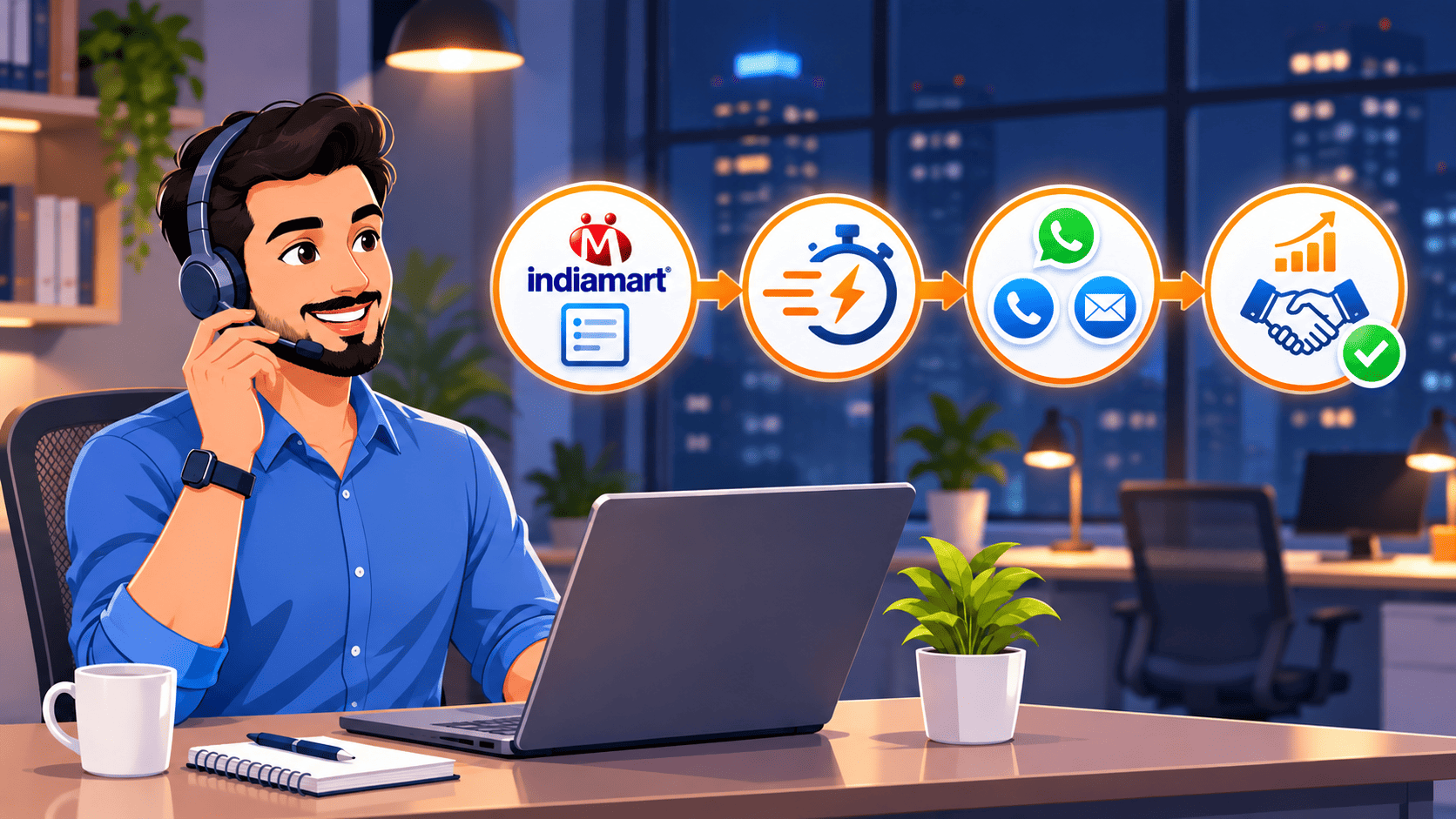
Google Ads leads are different from social media leads, which is why a Google lead form extensions CRM sync matters so much. Someone searching "PG near Whitefield", "CA firm for GST filing in Thane" or "industrial chiller supplier Chennai" is actively looking for a solution right now. Google's lead forms, originally called lead form extensions and now called lead form assets, let that person submit their details without leaving the search results. It is a powerful format, but only if those leads reach a salesperson immediately. Leaving them in Google Ads for a weekly CSV download wastes the intent you paid for. This guide explains how to set up a Google lead form extensions CRM connection so every Google lead lands on your team's phone within seconds.
Table of contents
- Why Google leads deserve special speed
- Google lead form extensions CRM basics: how assets work
- Your lead delivery options, compared
- Setting up the webhook sync to your CRM
- What happens after the lead arrives
- A hypothetical example
- How Wetroo helps
- FAQs
- Conclusion
Why Google leads deserve special speed
Search leads usually carry higher intent than social leads, because the person typed a need into Google. They are also comparing options at that moment. A plumber, a coaching centre or a B2B supplier who calls back in five minutes often wins against one who calls tomorrow, simply because the search is still fresh. Our guide to speed to lead covers the principle.
That makes the delivery mechanism, how leads get from Google to your team, a direct revenue question.
Google lead form extensions CRM basics: how assets work
According to Google Ads Help, you create a lead form in Google Ads and add it to a campaign. At the time of writing, lead forms can be added to Search and Performance Max campaigns. When people interact with an ad that has a lead form asset, they can open the form and submit contact details such as phone or email.
Google lists several requirements, including a good history of policy compliance, an account in an eligible vertical, and a link to your business's privacy policy, which appears at the end of the form. Some placements have additional eligibility conditions. Google also mentions features such as OTP verification to help ensure qualified prospects.
Good form design for Indian audiences
- Ask for phone number first; most Indian buyers prefer calls or WhatsApp.
- Add one or two qualifying questions, such as service needed, city or timeline.
- Use the description to set expectations: "Our team will call or WhatsApp you within 15 minutes during working hours."
- Keep a clear, real privacy policy page on your website.
Your lead delivery options, compared
Google Ads Help lists several ways to receive leads. Here is how they compare for a sales team:
| Delivery option | How it works | Speed | Risk |
|---|---|---|---|
| CSV download | Export manually from Google Ads | Slow, depends on someone remembering | Google says you can only download leads from the last 30 days, and it stores leads for 60 days |
| Email notifications | An email for each lead | Fast to inbox, slow to action | Emails get buried; no assignment or follow-up |
| Google Ads API | Export lead data automatically to a CRM | Fast | Requires API access and technical setup |
| Webhook | Send leads directly to your CRM | Near real-time | Needs a CRM that accepts webhooks |
| Zapier | Partner connection to your CRM | Fast | Extra tool and cost to maintain |
For most SMBs, a webhook into a CRM gives the best mix of speed and simplicity. It needs no middleware and no developer if your CRM provides a ready webhook URL and key.
Setting up the webhook sync to your CRM
- Get your CRM's webhook URL and key. Many CRMs show these in their Google Ads integration settings.
- Open the lead form asset in Google Ads and find the lead delivery section.
- Paste the webhook URL and key into the form's webhook integration fields.
- Send test data using Google's test option and confirm it arrives in your CRM.
- Map fields in your CRM, including custom questions and campaign information.
- Tag the source as "Google Ads lead form" so reports separate it from Facebook and website leads.
- Set assignment rules and alerts, so the right person's phone buzzes immediately.
- Repeat for every active lead form, since each form has its own delivery settings.
Sync checklist
- Webhook URL and key added to each lead form
- Test lead received in CRM with correct fields
- Source tagged correctly
- Assignment and push alerts working
- First WhatsApp or SMS message configured
- CSV download kept as a monthly backup, within Google's 30-day download window
Troubleshooting tips
- If test leads arrive but real leads do not, check that the form you edited is the one actually attached to the live campaign.
- If fields are blank, compare question names in Google Ads with your CRM mapping.
- If leads arrive twice, check whether both a webhook and a Zapier connection are active.
What happens after the lead arrives
Sync solves only the first problem. Design the next steps:
- Instant alert to the assigned salesperson on their phone.
- Immediate WhatsApp or SMS introduction: "Hi Vikram, thanks for your enquiry about GST filing services. This is Neha from Mehta & Associates. I'll call you in 5 minutes."
- Call within minutes during working hours, with the lead's answers on screen.
- Log the outcome and set the next step.
- Follow up on a cadence if the lead does not respond.
For night-time searches, send the message immediately and schedule a morning call. Learn how to tune notifications in our instant lead alerts guide.
A hypothetical example
Illustrative scenario, not a real business.
A commercial pest-control company in Mumbai runs Google Search ads with lead forms for "office pest control". Leads went to an email inbox the operations head checked twice a day, and by afternoon, some prospects had already booked another vendor.
The company connects each lead form to its CRM via webhook. New leads are assigned by area (western suburbs, central, Navi Mumbai) to the right field coordinator, who gets a push alert. An SMS and WhatsApp introduction goes out instantly with the coordinator's name. The coordinator calls within minutes and books an inspection visit. The owner also compares Google and Facebook leads in one report, and finds Google leads book inspections more often, so they rebalance budget.
How Wetroo helps
Wetroo connects directly to Google Ads lead forms, along with Facebook Ads, Instagram, IndiaMART and WordPress forms, so you do not need another platform just to access your leads. New leads are delivered instantly via the Wetroo app and email, and the one-touch Quick Response feature sends an auto-personalised introduction on WhatsApp, SMS or email.
Custom assignment rules route Google leads to the right teams and sub-teams, SIM-based calling lets reps call from the app, and notes, follow-up reminders and a client timeline keep each lead's history together. Wetroo also supports webhooks and 100+ integrations, and its implementation manager can help connect your forms during onboarding.
FAQs
What are Google lead form extensions?
They are forms attached to Google Ads, now called lead form assets, that let people submit contact details directly from your ad without visiting your website.
How do I send Google Ads leads to my CRM?
Use the webhook option in your lead form settings with your CRM's webhook URL and key, or connect via the Google Ads API or Zapier.
How long does Google Ads keep lead form data?
Google Ads Help says leads are stored for 60 days, and CSV downloads cover only the last 30 days, so automated sync is safer.
Do Google lead forms work on Search campaigns?
Yes. At the time of writing, Google lists Search and Performance Max campaigns as supported.
Conclusion
Search intent is valuable but short-lived. A Google lead form extensions CRM sync, usually via webhook, moves every Google lead to the right salesperson in seconds, triggers an instant WhatsApp or SMS and sets up a fast call. Set it up for every form, test it regularly and keep a backup export within Google's download window. To bring Google, Facebook and IndiaMART leads into one CRM, start at www.wetroo.com.



