


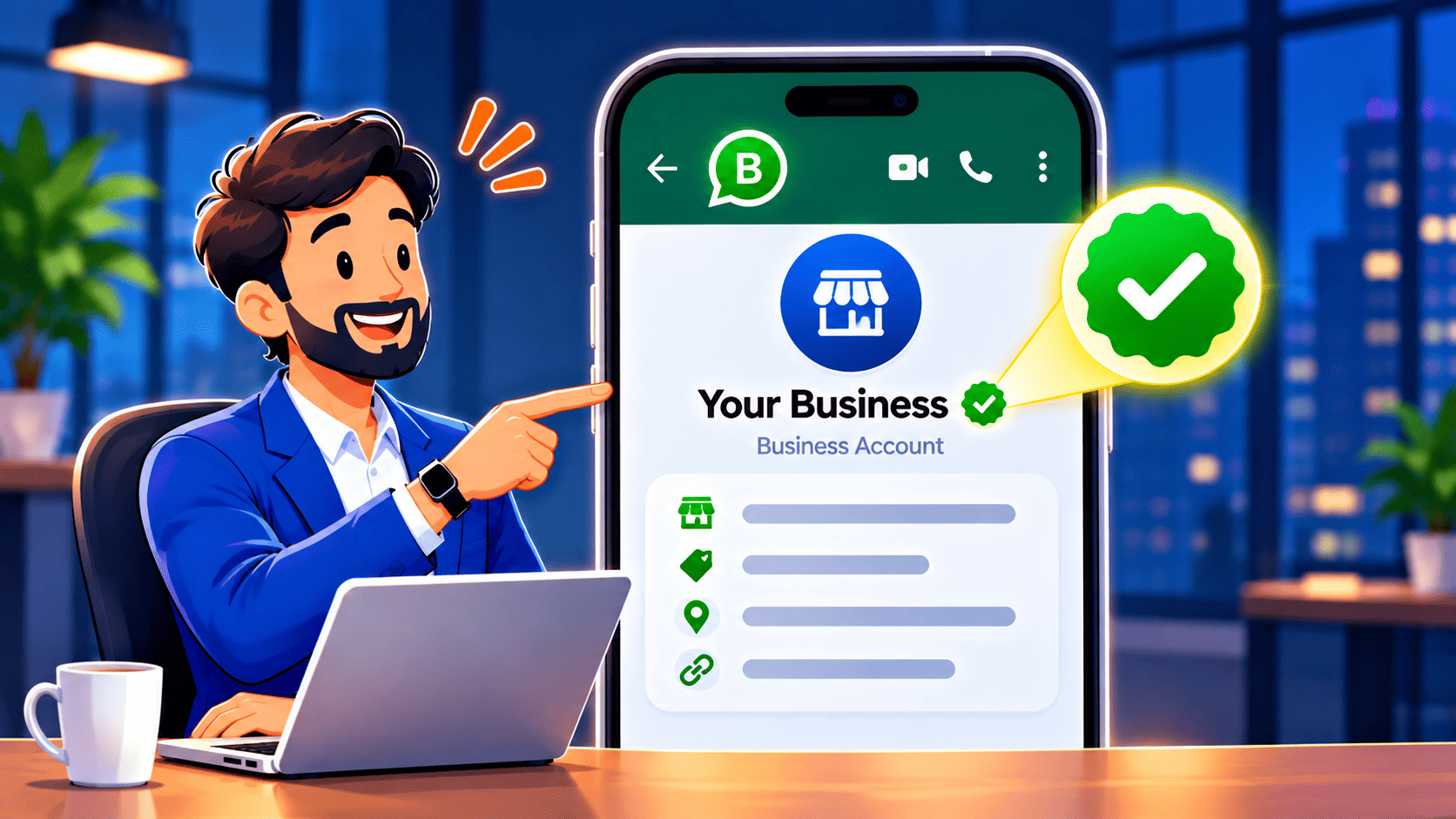
Few things make an Indian business owner feel more "arrived" than a verified badge next to the company name on WhatsApp. Ask around and you will hear it called the green tick, the blue tick, or simply "verification". The blue tick WhatsApp Business badge is Meta's way of telling customers that an authentic, notable brand owns the number. But it is not a product you can buy, and it is not something every business qualifies for. This guide explains what the badge actually is today, who is eligible, how to apply, and what you can do in the meantime to look trustworthy on WhatsApp.
Table of contents
- Green tick vs blue tick: what changed
- What the blue tick WhatsApp Business badge does (and doesn't do)
- Eligibility checklist before you apply
- How to apply, step by step
- What to do if you are rejected
- How Wetroo helps
- FAQs
- Conclusion
Green tick vs blue tick: what changed
For years, businesses on the WhatsApp Business API saw a green checkmark next to the names of verified brands, so "green tick" became the everyday term in India. Meta has since moved to a blue checkmark for what it formally calls an Official Business Account (OBA), matching the verified look across its other apps. Many agencies and sales teams still say "green tick", and you will see both terms used interchangeably in searches and vendor pages.
The important point is that the badge belongs to the WhatsApp Business Platform (the API), not the free WhatsApp Business app on your phone. If your team is still running sales from a single phone with the app, the badge is not on the table yet. You first need an API number connected through a provider. Our guide to the WhatsApp Business API covers that switch.
What the blue tick WhatsApp Business badge does (and doesn't do)
According to Meta's Business Help Centre, an Official Business Account shows a verified badge on the profile and in chat headers (Meta Business Help Centre). It is a trust signal, nothing more and nothing less.
What it helps with:
- Recognition. Customers can see at a glance that the chat is with the real brand, which matters in categories where fake numbers are common, such as banking, insurance, real estate and travel.
- Confidence on first contact. When a new lead receives your template message, a badge reduces the "is this spam?" hesitation.
What it does not do:
- It does not raise your messaging limits, approve your templates or guarantee delivery.
- It does not exempt you from WhatsApp's Business and Commerce policies or from quality ratings.
- It does not replace consent. Customers still need to have opted in to hear from you.
There is also a quieter change worth knowing. Meta now shows an approved display name to customers for businesses that have completed business verification, even without the badge. That means a verified SMB can look professional without OBA status, which reduces the pressure to chase the tick at any cost.
Eligibility checklist before you apply
Meta's requirements can change, so always confirm on the official page at the time of applying. At the time of writing, the main conditions described by Meta are:
| Requirement | What it means in practice |
|---|---|
| Use of the WhatsApp Business Platform | The number must be on the API, not only the app |
| Time on platform | The business has typically been on the platform for at least 30 days |
| Business verification | Your Meta business portfolio is verified with legal documents |
| Approved display name | The name shown on WhatsApp matches your brand and is approved |
| Two-step verification | Enabled on the business phone number |
| Notability | The brand is well known and often searched; Meta looks at independent press coverage |
| Policy compliance | You follow the WhatsApp Business Messaging and Commerce policies |
The notability criterion is where most small businesses fall short. Meta looks for independent coverage in recognised publications, not paid listings, directory pages or sponsored articles. A local bakery in Pune or a two-person IT services firm in Indore may be excellent businesses, yet still not meet the notability bar.
Quick self-check
- Our number is on the WhatsApp Business API
- Our Meta business portfolio shows "Verified"
- Display name approved and matches our GST/legal or trading name
- Two-step verification is switched on
- We have genuine, non-paid press mentions in known publications
- Our quality rating is healthy and we have no policy warnings
If you tick most boxes except notability, focus on business verification and good messaging practices first.
How to apply, step by step
The application itself is short; the preparation is what matters.
- Complete Meta business verification. Upload your business documents (for example, GST certificate or incorporation documents) in Meta Business Settings and make sure the legal name, address and website match.
- Get the display name approved. Choose a name that clearly matches your brand. Avoid generic phrases such as "Best Property Deals".
- Turn on two-step verification for the phone number in WhatsApp Manager or through your provider.
- Collect your evidence. Prepare links to independent news articles or features about your brand. Meta's guidance favours earned media over paid placements.
- Submit the request from WhatsApp Manager (or ask your API provider to raise it). Select the phone number and attach your supporting links.
- Wait for a decision. Meta reviews each request; there is no fixed promise of approval.
For a deeper walkthrough of the form itself, see our step-by-step green tick application guide.
Hypothetical example
This is a hypothetical example, not a real customer. "Shree Comfort Homes", a mid-sized builder in Nashik, moves its sales enquiries from three salespeople's phones to one WhatsApp API number. In the first month it completes business verification and gets its display name approved, so customers already see "Shree Comfort Homes" instead of a bare number. It applies for the blue tick with links to two regional newspaper features. Meta declines because notability is limited. The team keeps the verified display name, uses approved templates for site-visit reminders, and reapplies months later after a project launch receives wider press coverage.
What to do if you are rejected
Rejection is common and not a penalty. Your number keeps working normally. Meta indicates you can reapply after a waiting period, so use the time well:
- Earn real coverage. Product launches, awards, community initiatives and founder interviews in established publications help more than paid listings.
- Protect your quality rating. Message only opted-in contacts, use clear templates, and make opting out easy. Avoid unofficial tools that connect WhatsApp numbers outside the API; they put numbers at risk, as explained in our post on why business numbers get blocked.
- Keep branding consistent. Same name and logo across your website, Google Business Profile, Facebook page and WhatsApp profile.
- Fill in the business profile. Description, address, hours, website and email all help customers trust you even without a badge.
How Wetroo helps
Wetroo is built on the official WhatsApp Business API, so your number sits on the platform the badge actually requires. On wetroo.com, green tick application support is listed among the plan features on the pricing page; check wetroo.com/pricing for which plan includes it at the time you sign up. Every plan also comes with an implementation manager and team training, which helps when you are setting up business verification and display names for the first time.
While you work towards the badge, Wetroo helps you behave like a trustworthy brand on WhatsApp:
- An omnichannel inbox brings WhatsApp, Facebook, Instagram and Telegram chats into one place, so replies come from the business, not from personal phones.
- Instant lead alerts and one-touch Quick Response intros help your team answer new enquiries fast.
- Broadcasting and retargeting to opted-in contacts, plus drip campaigns, keep follow-ups consistent rather than spammy.
- AI agents can chat with and qualify leads 24/7 in multiple Indian languages through the chatbot builder.
FAQs
Can I buy the blue tick for my WhatsApp Business number?
No. Meta does not sell Official Business Account status. Providers can help you prepare and submit the request, but approval depends on Meta's review, especially notability.
Is the green tick the same as the blue tick on WhatsApp?
In everyday Indian usage, yes. "Green tick" is the older term for the verified badge on WhatsApp; Meta now uses a blue checkmark for Official Business Accounts.
Can I get the badge on the free WhatsApp Business app?
The Official Business Account badge is tied to the WhatsApp Business Platform (API). Numbers that only use the app are not eligible.
Will the badge improve my message delivery?
Not directly. Delivery and limits depend on your quality rating, templates and messaging behaviour. The badge mainly builds recognition and trust.
Conclusion
The blue tick WhatsApp Business badge is valuable, but it is earned through verification, consistent branding and genuine public recognition, not purchased. Start with the essentials: move to the official API, complete business verification, get your display name approved and message customers responsibly. Those steps make you look credible today and give you the strongest case when you apply. If you want an official-API setup with guided onboarding and an inbox your whole sales team can use, explore what Wetroo offers at www.wetroo.com.



