


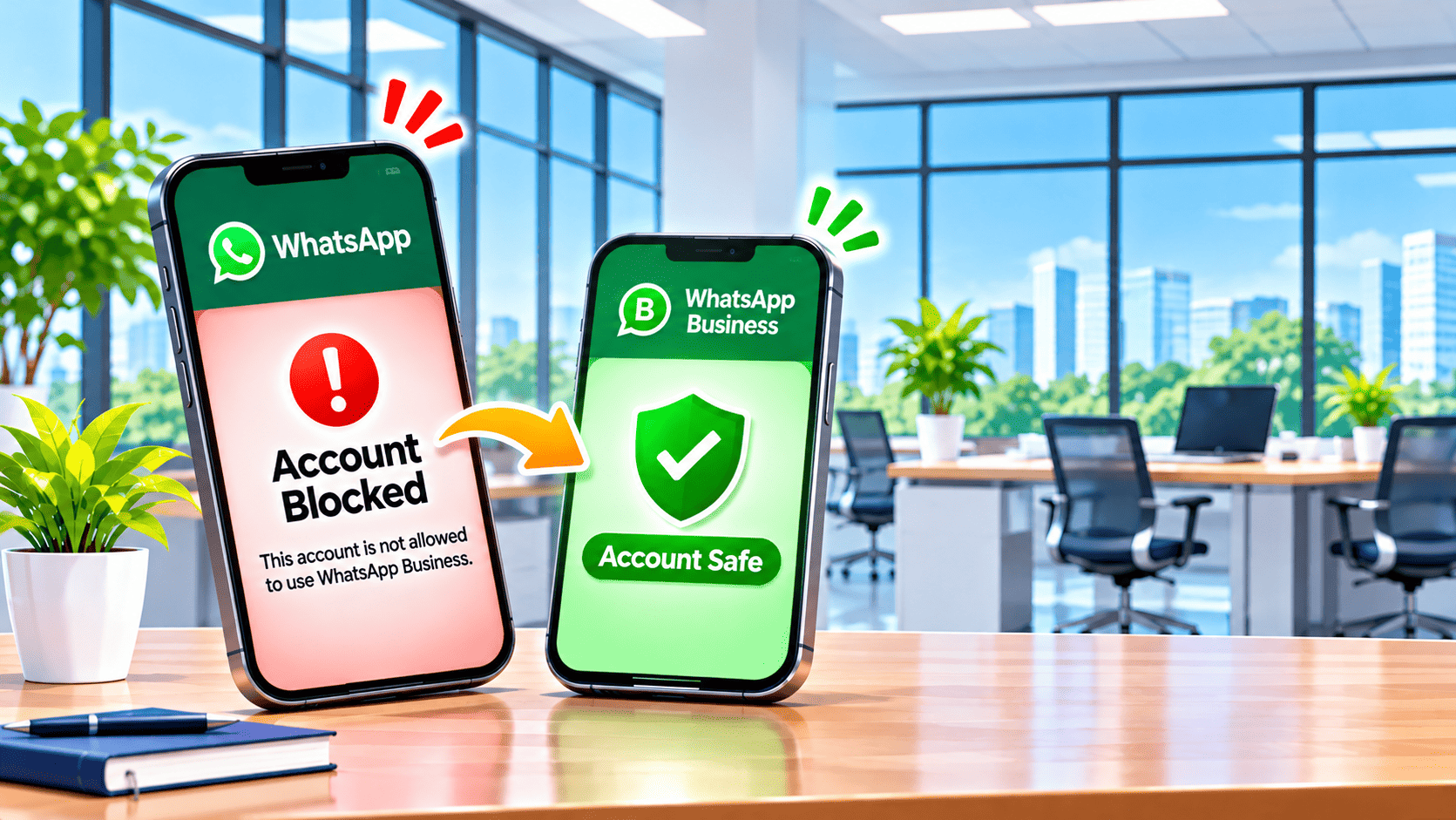
For many Indian SMBs, WhatsApp is the sales channel. Catalogues, quotes, payment links, delivery updates and repeat orders all run through one number. So when that number gets restricted or banned, sales stop overnight, and the contacts and chat history tied to it may become hard to reach. Having your WhatsApp number blocked, business conversations frozen and customers confused is one of the most avoidable crises a small business can face.
This guide explains why business numbers get restricted, the differences in risk between the WhatsApp Business app, the official API and unofficial tools, and a prevention checklist you can apply this week.
Table of contents
- WhatsApp number blocked: business reasons it happens
- App vs official API vs unofficial tools: the risk picture
- Opt-in: the foundation
- Template and message hygiene
- Quality signals and messaging limits
- The prevention checklist
- If your number is restricted
- Hypothetical example: a garment wholesaler in Tiruppur
- How Wetroo helps
- FAQs
WhatsApp number blocked: business reasons it happens
WhatsApp's Business Messaging Policy is the reference point. In plain language, problems usually come from:
- Messaging people without permission. The policy says businesses may only contact people who have shared their number and given opt-in permission to receive messages.
- Negative feedback. Users can block or report businesses, and the policy says WhatsApp may limit or remove access if a business receives significant negative feedback.
- Spammy behaviour. Bulk messages to purchased lists, repetitive promotions, misleading content.
- Ignoring opt-outs. The policy requires businesses to respect requests to stop messaging.
- Using unofficial software that automates or clones WhatsApp outside the official platforms.
- Selling restricted products or services listed in WhatsApp's commerce policy.
Blocks are rarely random. They are usually the result of patterns that users and WhatsApp's systems flag.
App vs official API vs unofficial tools: the risk picture
| WhatsApp Business app | Official WhatsApp Business API (via provider) | Unofficial tools / "bulk sender" software |
|---|---|---|
| Intended use | Small businesses, manual chats | Businesses messaging at scale with automation |
| Bulk outreach | Limited broadcast features | Approved templates with messaging limits |
| Automation | Basic | Supported, within policy |
| Team access | Limited devices | Multi-agent via CRM/inbox |
| Ban risk | Moderate if misused | Lower when policy is followed |
At the time of writing, the official API is the route WhatsApp provides for businesses that need scale, multiple agents and automation. Avoid tools that promise "unlimited bulk WhatsApp without API" or connect your number by scanning a QR code into third-party software for automated sending. They may work for a while, but they put the number itself at risk.
Opt-in: the foundation
Most restrictions trace back to messaging people who did not expect it. Collect clear opt-in:
- On forms: a line such as "I agree to receive updates on WhatsApp" next to the phone field.
- On click-to-WhatsApp ads and website buttons: the customer starts the chat.
- At the counter or on calls: ask and record consent in the CRM.
- In your first message: remind them why they are hearing from you and how to stop.
Never upload purchased or scraped lists for WhatsApp campaigns.
Template and message hygiene
On the API, business-initiated messages outside an open conversation need approved templates. Good hygiene:
- Categorise honestly. Do not submit promotional content as a utility template.
- Be specific and expected. "Your quotation #123 is ready" performs better than "Big news inside!!!"
- Personalise. Names, order numbers and products reduce the feeling of spam.
- Include an easy opt-out, for example "Reply STOP to unsubscribe", and honour it.
- Avoid misleading claims, excessive capitals, emojis and urgency tricks.
- Watch template status. Paused or low-quality templates are early warnings.
Quality signals and messaging limits
WhatsApp monitors how users respond to business messages. When many recipients block or report a number, quality can drop and the number's ability to send may be limited. Meta's developer documentation describes quality ratings and messaging limits for API numbers; check the current details in WhatsApp Manager at the time of writing.
Practical signals to watch:
- Block and report trends after a campaign
- Template quality status
- Reply rates; very low replies suggest an uninterested audience
- Sudden drops in delivery
Send smarter, not more
- Segment by interest and recency instead of messaging everyone.
- Space promotional messages out.
- Prefer conversations customers start, such as click-to-WhatsApp ads, over cold outreach.
- Stop messaging people who never engage.
The prevention checklist
- Number connected through the official WhatsApp Business API or used manually on the Business app, never through unofficial bulk tools
- Business verification and display name completed in Meta Business Manager
- Opt-in captured and stored for every contact
- Purchased or scraped lists never used
- Templates categorised honestly and personalised
- Opt-out instruction in promotional messages, with opt-outs honoured
- Campaigns segmented; inactive contacts excluded
- Quality rating and template status checked weekly
- Human escalation path available when automation is used
- Contacts and chat history stored in your CRM, not only on the phone
If your number is restricted
- Stop all campaigns immediately.
- Read the notice in the app or WhatsApp Manager to understand the reason.
- Request a review through the official process if you believe it was a mistake.
- Fix the cause: clean lists, revise templates, improve opt-in.
- Keep serving customers through other channels (calls, SMS, email) using contact data stored in your CRM.
Do not try to dodge a restriction by moving the same behaviour to a new number. It usually repeats the problem.
While the review is pending, tell your team exactly what to say to customers who ask why they have not heard from you, and route urgent enquiries to calls or email. Once you are back, restart slowly: begin with conversations customers initiate and transactional updates, then reintroduce promotions to your most engaged segment only.
Hypothetical example: a garment wholesaler in Tiruppur
This is an illustrative scenario, not a real business.
A garment wholesaler in Tiruppur used a desktop "bulk sender" tool to message thousands of retailer numbers collected from trade fairs and directories. After a large festive-season blast, the number was restricted, and the owner lost access to active retailer chats in the middle of peak orders.
The business rebuilds on the official API through a CRM. It messages only retailers who had ordered before or opted in at fairs, segments by product category, and uses personalised templates with an opt-out line. New retailers come from click-to-WhatsApp ads, where they start the conversation. Contacts and conversations now live in the CRM, so a channel problem would not mean losing the customer list.
How Wetroo helps
Wetroo provides the official WhatsApp Business API, not unofficial number connections, and brings WhatsApp together with Facebook, Instagram and Telegram in an omnichannel inbox. Contacts, consent notes and conversations are stored on each lead's timeline, and SMS, email, IVR and SIM-based calling remain available as additional channels.
Lead tagging, search and filters help you segment broadcasts and retargeting to people who actually opted in. Drip campaigns and sales sequences let you space messages sensibly, and AI agents can respond with live transfer to a human. Wetroo's pricing page lists green tick application support on its Business and Enterprise plans at the time of writing (check wetroo.com/pricing), and every plan includes an implementation manager to help set things up correctly.
FAQs
Why was my WhatsApp Business number blocked?
Common reasons include messaging people without opt-in, high block or report rates, ignoring opt-outs, spammy content and using unofficial automation tools.
Is the WhatsApp Business API safer than the app for bulk messaging?
The API is the official route for messaging at scale, with templates and limits. It is safer when you follow policy; misuse can still lead to restrictions.
Can I recover a banned WhatsApp Business number?
You can request a review through WhatsApp's official process. Outcomes are decided by WhatsApp.
How do I avoid WhatsApp spam reports?
Message only opted-in contacts, personalise, keep promotions relevant and infrequent, and make it easy to opt out.
Conclusion
Getting a WhatsApp number blocked, business revenue paused and customers lost is largely preventable. Use the official API or the Business app as intended, build on clear opt-in, keep templates honest and relevant, watch quality signals and store your customer data in a CRM. To run WhatsApp sales on the official API with segmentation and automation, explore www.wetroo.com.



