


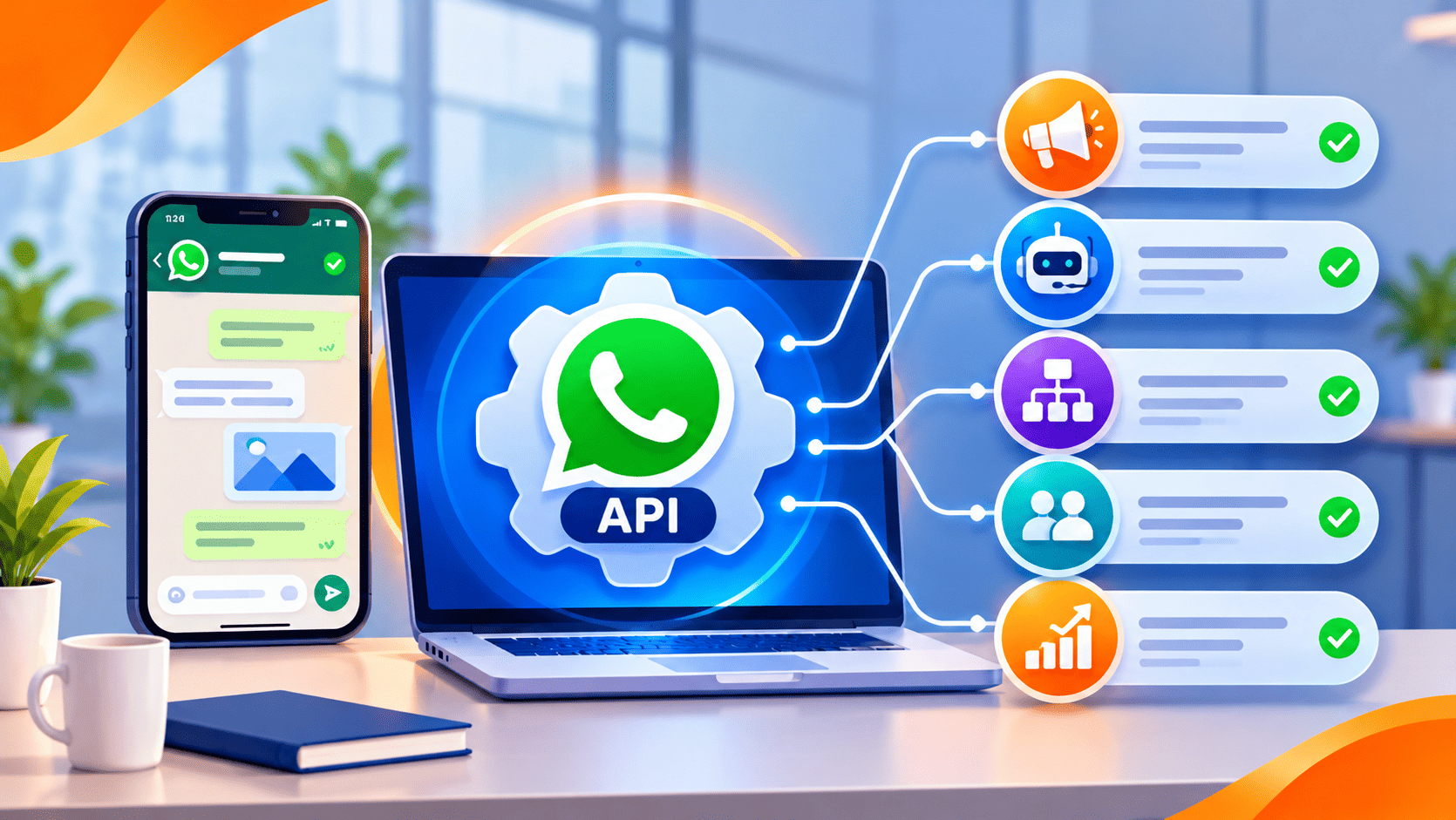
Ask ten business owners what is WhatsApp Business API and you will hear ten different answers: "the green tick one", "the bulk messaging tool", "the expensive version of WhatsApp Business". None of them is quite right. Here is the plain-English answer: the WhatsApp Business API (now part of Meta's WhatsApp Business Platform) is the official way for businesses to connect WhatsApp to their own software, such as a CRM, chatbot or helpdesk, so that many team members and automations can send and receive WhatsApp messages from one business number, following Meta's rules on templates, consent and pricing.
This explainer covers how it differs from the WhatsApp Business app, how it works, how messages are priced, what you need to get started and who should use it. It is a companion to our deeper posts on API pricing and on the app vs the API.
Table of contents
- What is WhatsApp Business API, in one paragraph?
- App vs API at a glance
- How the WhatsApp Business API works
- How pricing works (at the time of writing)
- What you need to get started
- Who should use the WhatsApp Business API?
- Common misconceptions
- Hypothetical example
- How Wetroo helps
- FAQs
- Conclusion
What is WhatsApp Business API, in one paragraph?
Think of the WhatsApp Business app as a phone app for a shopkeeper to chat with customers one at a time. The WhatsApp Business API is a connection, not an app. It has no screen of its own; instead, it plugs WhatsApp into the software your business already uses. A CRM connected to the API can send an automatic welcome message when a lead fills a form, let five salespeople reply from the same number, run a chatbot at night and log every conversation against the right customer record.
WhatsApp Business API kya hai? (in Hindi, briefly)
WhatsApp Business API ek official connection hai jisse aapka CRM ya chatbot WhatsApp se jud jaata hai. Isse ek hi business number se kai log aur automation customers ko message bhej aur receive kar sakte hain, Meta ke rules aur pricing ke hisaab se.
App vs API at a glance
| Feature | WhatsApp Business app | WhatsApp Business API |
|---|---|---|
| How you use it | Phone app (plus linked devices) | Through a CRM, chatbot or other software |
| Team use | Limited | Many agents on one number via a shared inbox |
| Automation | Basic quick replies and away messages | Full automation, sequences, chatbots, AI agents |
| Integration | Minimal | Connects to CRM, forms, ads, webhooks |
| Pricing | Free app | Per-message charges for templates (Meta) plus provider/CRM costs |
| Business-initiated messages | Manual | Via approved templates |
How the WhatsApp Business API works
Accounts and numbers
According to Meta's developer documentation, the platform uses a WhatsApp account that holds a business phone number and a messaging account that holds message templates and billing details. Businesses commonly create these through a partner using Meta's Embedded Signup flow, then use the partner's software to manage messages (Meta for Developers).
Templates
When your business messages a customer first, or more than 24 hours after the customer's last message, you must use a pre-approved message template. Templates have variables (like name or order number) and belong to a category: marketing, utility or authentication.
The 24-hour customer service window
When a customer messages you, a 24-hour window opens. Within it, you can reply freely (text, media, buttons) with service messages. Each new customer message resets the window.
Webhooks and automation
Incoming messages arrive in your software in real time, which allows chatbots, AI agents, routing rules and CRM updates.
How pricing works (at the time of writing)
Meta's pricing pages state that businesses are charged per message delivered, based on the message category and the recipient's market. Key points from Meta's developer pricing documentation, updated for changes effective 1 October 2026 (Meta pricing documentation):
- The main categories are marketing, utility, authentication and service; since 1 July 2026 Meta also lists a fifth, Meta Business Agent, for replies powered by its own AI agent platform.
- Service messages (free-form replies within the 24-hour customer service window) were free from November 2024, but as of 1 October 2026 Meta resumed charging for them, with a free tier of 1,000 service messages per business phone number per month, according to Meta's developer documentation.
- Utility messages sent in response to users inside an open window, which had been free since July 2025, are also charged again from 1 October 2026.
- Utility and authentication messages can get volume-tier discounts as volumes grow.
- When a customer messages you from a click-to-WhatsApp ad and you reply in time, a free entry point window opens in which marketing, utility, authentication and service messages are not charged; Meta's documentation says it may stay open for up to 7 days.
Rates vary by country and category, so check Meta's rate card for India before planning campaigns. Your CRM or provider may also charge its own subscription or setup fees.
What you need to get started
Getting-started checklist
- A Meta business portfolio (Business Manager) with admin access
- A phone number for the API (one not tied up elsewhere, or a planned migration)
- A display name that matches your business
- Business verification, which Meta's docs link to higher template limits and other capabilities
- Compliance with WhatsApp's business and commerce policies
- A provider or CRM that connects to the platform
- A payment method for message charges
- Customer opt-in for the messages you plan to send
Meta's documentation notes, for example, that an unverified business portfolio is limited to 250 templates per messaging account, rising to 6,000 once the portfolio is verified and has a number with an approved display name.
Who should use the WhatsApp Business API?
The API makes sense if you:
- Have more than one person handling WhatsApp chats
- Receive leads from ads or forms and want instant automatic replies
- Want chatbots or AI to handle questions after hours
- Need chat history in your CRM
- Send reminders, updates or campaigns at scale to opted-in customers
The app may be enough if you are a single person chatting manually with a handful of customers a day.
Common misconceptions
- "API means unlimited free bulk messages." No. Business-initiated messages need approved templates and are charged per delivered message, and you need opt-in.
- "API gives you a green tick automatically." No. The verified badge (Official Business Account) is a separate application with its own criteria.
- "Unofficial tools are the same thing." No. Tools that automate a regular WhatsApp number outside the official platform risk restrictions; the API is the sanctioned route.
- "It's only for big companies." Not any more; many SMB CRMs bundle API access.
Hypothetical example
This is a hypothetical example for illustration, not a real customer.
A diagnostic lab in Lucknow handles test bookings through calls and a WhatsApp Business app on one receptionist's phone. During mornings, messages pile up. The lab moves to the WhatsApp Business API via its CRM. Now, a chatbot asks patients which test they need and their preferred slot, three staff members reply from the same number through a shared inbox, report-ready notifications go out as utility templates and every conversation is logged on the patient record.
How Wetroo helps
Wetroo states it is powered by the official WhatsApp Business API. Verified features include:
- WhatsApp Business API connection with green-tick application support on eligible plans.
- Omnichannel inbox across WhatsApp, Facebook, Instagram and Telegram.
- Sales sequences, drip campaigns, broadcasting and retargeting.
- Chatbot builder in eight languages and AI agents with live human transfer.
- Optional WhatsApp API setup assistance listed on its pricing page; you need admin access to your Meta Business Manager.
FAQs
What is WhatsApp Business API in simple words?
It is Meta's official connection that lets business software, like a CRM or chatbot, send and receive WhatsApp messages from one business number, with many users and automation.
Is WhatsApp Business API free?
The API access itself comes through Meta and providers; Meta charges per delivered template message by category and market, with 1,000 free service replies per business number each month (from 1 October 2026) and charges after that. Providers may charge separately.
Can I use the same number on the app and the API?
Numbers are generally registered for one or the other, and moving a number requires a migration process. Check current options with your provider before switching.
Do I need a green tick to use the API?
No. The green tick is optional and requires a separate application.
How long does it take to start using the WhatsApp Business API?
It depends on how ready your Meta business portfolio is. If you already have admin access, a suitable phone number and your business details in order, a provider can often connect you quickly; business verification and template approvals can add time. Prepare documents and admin access before you begin.
Conclusion
So, what is WhatsApp Business API? It is the official bridge between WhatsApp and your business software, enabling teams, automation, chatbots and CRM integration on one number, with per-message pricing and clear rules. If WhatsApp is central to how you sell or support customers, it is usually the right next step after the app.
To use the WhatsApp Business API inside a sales CRM, explore Wetroo at www.wetroo.com.



