


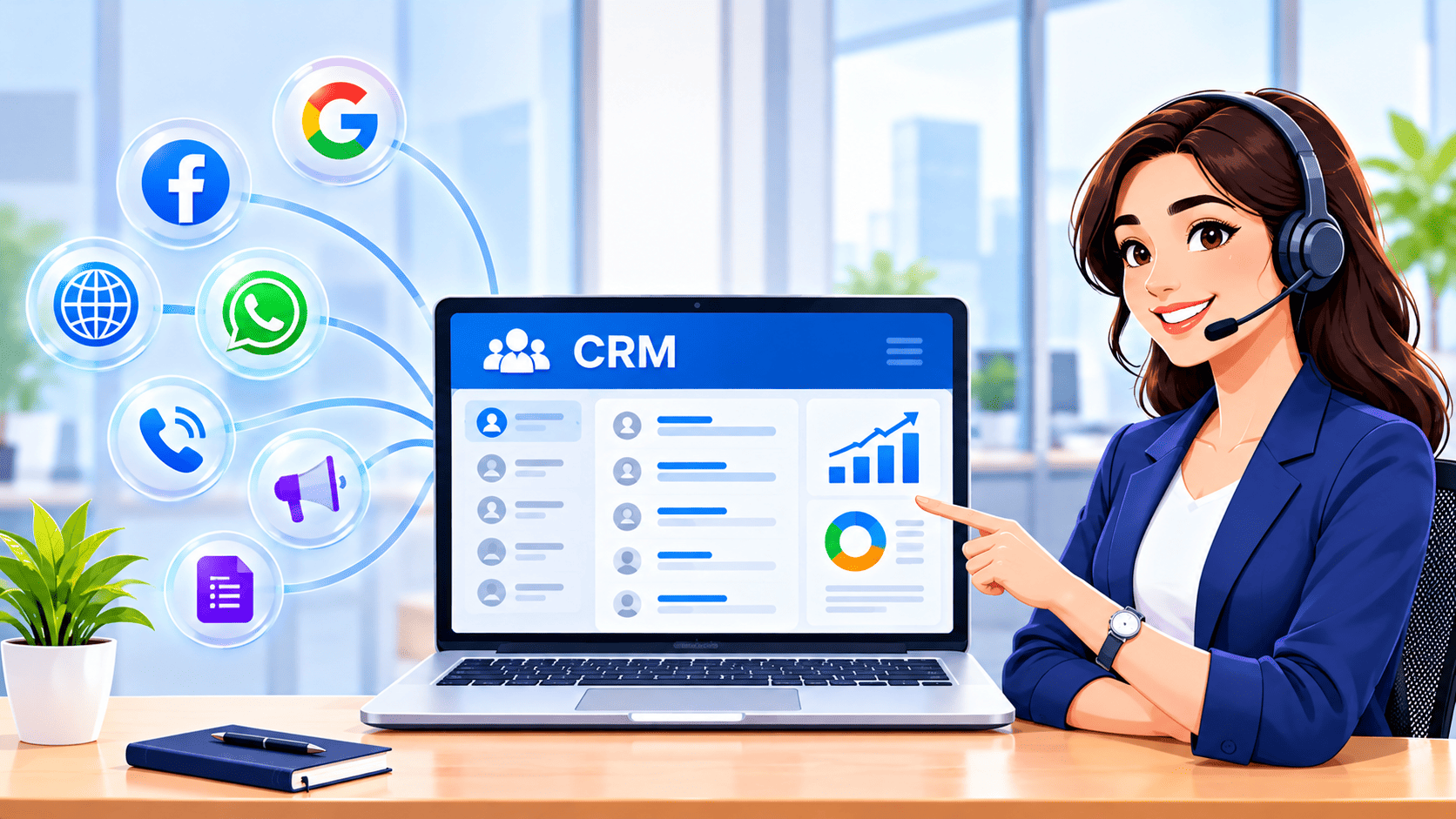
A typical growing Indian business does not have a lead source; it has a lead ecosystem. Facebook and Instagram lead ads on Monday, Google Ads form fills on Tuesday, IndiaMART enquiries every hour, WordPress contact forms overnight, plus calls, walk-ins and referrals. Each arrives in a different place, in a different format, and is handled differently. Managing multiple lead sources in one CRM is the operational foundation for everything else: fast response, fair assignment, consistent follow-up and honest reporting on which marketing actually works.
This playbook is for the person who has to make it work, often the owner, a sales manager or an operations executive. It covers the source inventory, field mapping, deduplication, routing, testing and reporting.
Table of contents
- Step 1: Build a lead source inventory
- Step 2: Connect each source properly
- Step 3: Standardise fields for multiple lead sources in one CRM
- Step 4: Deduplicate and merge
- Step 5: Route by rules, not by habit
- Step 6: Test every source end to end
- Step 7: Report by source, honestly
- Hypothetical example
- How Wetroo helps
- FAQs
- Conclusion
Step 1: Build a lead source inventory
List every way leads reach you today. Be thorough; forgotten sources become leaks.
| Source | Where leads land today | Volume (rough) | Owner today | Integration method |
|---|---|---|---|---|
| Facebook/Instagram lead ads | Meta Leads Center / downloads | Native connector | ||
| Google Ads lead forms | Google Ads / downloads | Native connector or webhook | ||
| IndiaMART | Seller panel Lead Manager | IndiaMART Push API / connector | ||
| Website (WordPress) form | Email inbox | Plugin or webhook | ||
| WhatsApp messages | Phones | WhatsApp Business API inbox | ||
| Calls / IVR | Call logs | Telephony integration or manual | ||
| Walk-ins / events | Registers | Mobile app entry | ||
| Referrals / partners | WhatsApp, calls | Manual or shared form |
Fill in the blanks for your business. The "where leads land today" column usually explains why response is slow.
Step 2: Connect each source properly
Prefer official, real-time integrations over manual exports or fragile workarounds:
- Meta lead ads: use your CRM's Facebook/Instagram connector so leads sync on submission.
- Google Ads lead form assets: connect via your CRM's integration or Google's webhook option (Google Ads Help).
- IndiaMART: use IndiaMART's Lead Manager Push API, which sends leads to a CRM webhook in real time (IndiaMART Help).
- Website forms: use a CRM plugin or webhook rather than email forwarding.
- WhatsApp: connect the official WhatsApp Business API so chats become leads with history.
- Offline sources: add from the mobile app at the moment of contact.
Step 3: Standardise fields for multiple lead sources in one CRM
Each source names fields differently. Map them to one standard set.
| Standard field | Facebook form | Google form | IndiaMART | Website form |
|---|---|---|---|---|
| Name | full_name | Full name | Sender name | Name |
| Phone | phone_number | Phone | Mobile | Phone |
| City | city (custom) | City | City | City |
| Product interest | campaign/form name or custom question | Custom question | Product enquired | Dropdown |
| Message / requirement | custom question | — | Enquiry message | Message |
| Source | auto: "Facebook" + campaign | auto: "Google" + campaign | auto: "IndiaMART" | auto: "Website" + page |
Tips
- Always store source and campaign automatically; never rely on salespeople to fill it in.
- Normalise phone numbers (country code, no spaces) so deduplication works.
- Keep custom questions consistent across ad forms, such as the same budget bands.
Step 4: Deduplicate and merge
The same person often enquires through more than one channel: an Instagram form today, a WhatsApp message tomorrow, a call next week.
- Match on phone number first, then email.
- Decide your merge rule: usually, attach the new enquiry to the existing lead and alert its current owner.
- Keep the history of sources on the record so you can see the full journey.
- Handle different products as separate opportunities on the same contact if your CRM supports it.
Step 5: Route by rules, not by habit
With everything in one CRM, set routing rules:
- By source: IndiaMART to B2B specialists; social leads to the consumer team.
- By product or city.
- By language preference.
- Round robin within teams, with reassignment for leads not contacted within your target time.
Add a first-touch automation per source, for example a WhatsApp intro that references the specific form or product.
Assign an owner for the integrations
Integrations are not "set and forget". Ad forms get duplicated with new field names, a website plugin is updated, an IndiaMART setting changes or a token expires. Name one person as the owner of lead-source health. Their monthly routine:
- Check that every active campaign's form is connected.
- Review leads with missing source or campaign values and trace why.
- Confirm new forms use the standard custom questions.
- Remove connections for retired sources.
Agree a naming convention
Name campaigns and forms consistently, for example "FBPune2BHKNov26" or "GADSSolar_Residential", so source reports group cleanly. A simple convention agreed with whoever runs your ads saves hours of report clean-up later and makes it possible to compare campaigns month on month.
Step 6: Test every source end to end
Before going live, and every month after:
- Submit a test lead from each source.
- Confirm it arrives in the CRM within your target time.
- Check fields map correctly and source/campaign is recorded.
- Confirm the right person is assigned and alerted.
- Check the first-touch message is sent.
- Delete or tag the test leads.
Unification checklist
- Source inventory complete
- Each source connected with a real-time method where available
- Standard field set mapped
- Phone normalisation and dedupe rules
- Routing rules and reassignment timeout
- First-touch automation per source
- Monthly end-to-end test
Step 7: Report by source, honestly
Once leads share one system, compare sources on what matters:
- Leads, contact rate, qualified rate
- Meetings or demos booked
- Deals won and revenue
- Cost per customer (ad spend ÷ customers)
You may find that one source brings volume while another brings revenue. That insight is the real payoff of unification.
Common pitfalls when unifying sources
- Counting duplicates as new leads, which inflates volume and makes campaigns look better than they are.
- Letting "Unknown" become the biggest source because forms or manual entries skip the source field.
- Comparing sources on cost per lead only, when cost per customer tells the real story.
- Ignoring offline sources such as walk-ins and referrals, which often convert best but disappear from reports if not logged.
Hypothetical example
This is a hypothetical example for illustration, not a real customer.
A water-treatment equipment company in Pune sells to homes through Facebook and Google ads and to businesses through IndiaMART and its website. Before unification, home leads sat in a marketing executive's downloads folder, IndiaMART enquiries in the owner's seller panel and website forms in a shared email box.
The company completes the inventory, connects each source in real time, maps fields to one standard set and dedupes by phone. Home leads route by area to field technicians; business leads go to two B2B salespeople. Each source triggers its own WhatsApp intro. After a quarter, the owner sees that IndiaMART brings fewer leads than Facebook but larger orders, and adjusts budgets accordingly.
How Wetroo helps
Unifying lead sources is central to Wetroo's verified feature set:
- Direct connections to Facebook Ads, Instagram, Google Ads forms, IndiaMART and WordPress contact forms; webhooks and 100+ integrations.
- Works out of the box with WhatsApp, SMS, email and IVR.
- Teams, sub-teams and custom assignment rules.
- Instant lead alerts and Quick Response intros.
- Lead tagging, search and filters, plus an analytics dashboard.
- Data migration and implementation support on every plan.
FAQs
How do I manage leads from multiple sources?
Inventory every source, connect each to one CRM with real-time integrations, standardise fields, deduplicate, route by rules and report by source.
How do I avoid duplicate leads from different sources?
Normalise phone numbers and match on phone first, then email. Attach repeat enquiries to the existing lead and alert its owner.
Which lead sources can be connected to a CRM?
Common ones include Facebook and Instagram lead ads, Google Ads lead forms, IndiaMART, website forms, WhatsApp, calls and manual entries.
Why track lead source in a CRM?
So you can see which channels produce customers and revenue, not just enquiries, and invest accordingly.
How often should lead source integrations be checked?
At least monthly, and whenever you launch a new campaign, form or website page. A quick test lead from each source catches most breakages before they cost you real enquiries.
Conclusion
Managing multiple lead sources in one CRM turns a scattered set of inboxes into a single operating system for sales. Inventory, connect, standardise, dedupe, route, test and report. Do it once properly, review it monthly, and every other sales improvement becomes easier.
To unify your lead sources, explore Wetroo at www.wetroo.com.



