


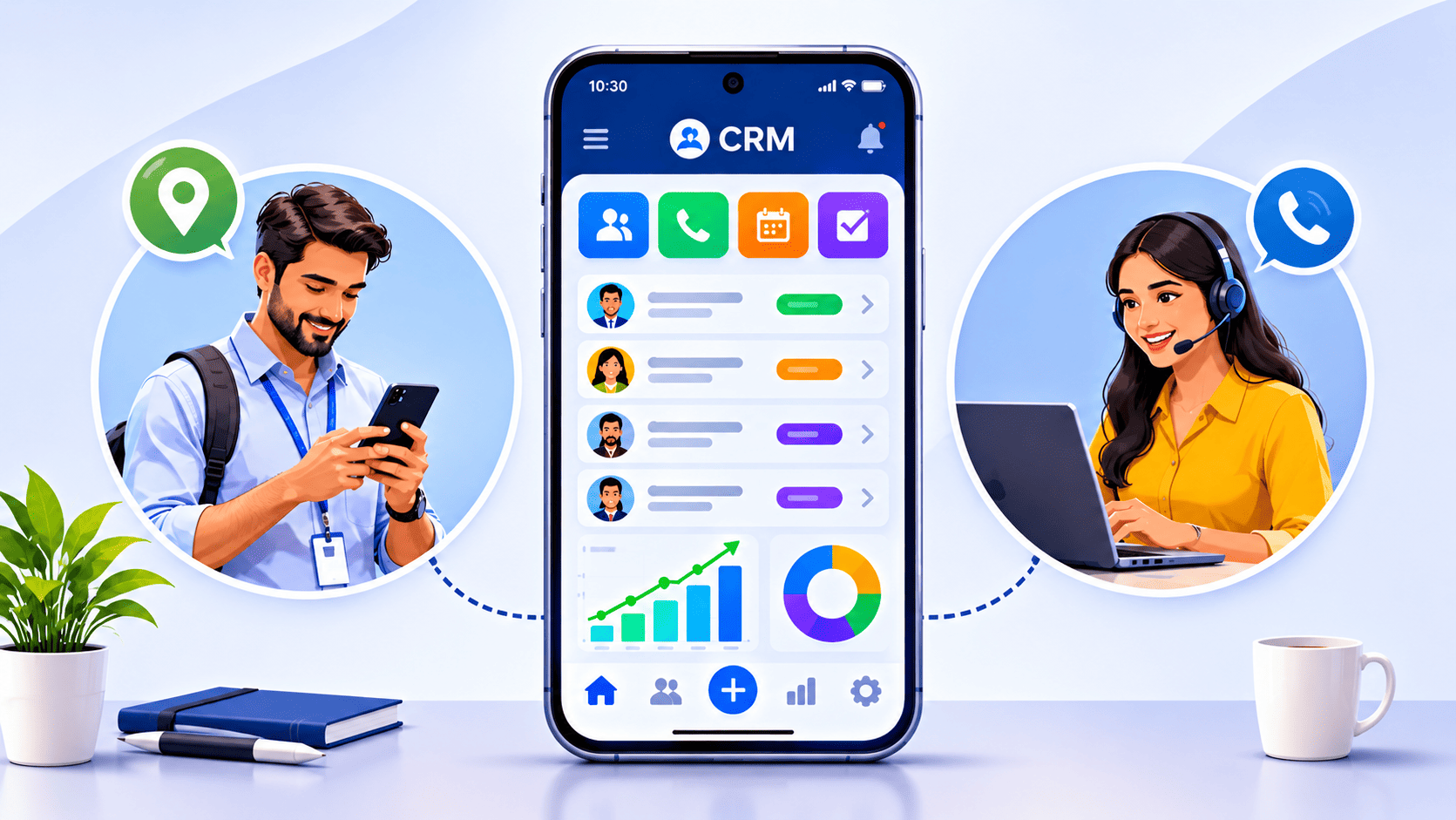
In India, the sales office is the phone. Field executives visit sites, dealers and homes; telecallers work from desks, homes or co-working spaces; owners check leads between meetings and at the dinner table. If your CRM works well only on a laptop, much of your team will quietly keep using WhatsApp, notebooks and their call log instead. A good mobile CRM app in India puts the whole sales workflow on the phone: new lead alerts, one-tap calls and WhatsApp messages, notes, reminders and the full customer history.
This post explains what field and tele sales teams need from a mobile CRM, how to evaluate apps on real devices and how to roll one out so it actually gets used.
Table of contents
- Why mobile-first matters for Indian sales teams
- Must-have features in a mobile CRM app India teams will use
- Field sales vs tele sales: different priorities
- How to evaluate a mobile CRM app
- Rolling out a mobile CRM to your team
- What owners and managers should use the app for
- Data security on the phone
- Hypothetical example
- How Wetroo helps
- FAQs
- Conclusion
Why mobile-first matters for Indian sales teams
- Smartphones are the primary device for many salespeople, especially outside metros.
- Customers live on WhatsApp, which is on the same phone.
- Field work is unpredictable: site visits, traffic, patchy networks.
- Owners want visibility on the move, not only at a desk.
When the CRM lives on the phone, logging an activity takes seconds instead of being postponed to the end of the day, and that is the difference between accurate data and guesswork.
Must-have features in a mobile CRM app India teams will use
1. Instant new lead alerts
A push notification the moment a lead arrives from Facebook, Google, IndiaMART or the website, showing the name, source and enquiry. One tap should open the lead.
2. One-tap call, WhatsApp, SMS and email
Calling from the app (SIM-based or through telephony) and messaging with templates, so the salesperson does not copy numbers between apps.
3. Quick notes and dispositions
After each call or visit, a few taps to record the outcome and a short note, ideally with voice-to-text on the phone keyboard.
4. Follow-up reminders
Set the next action with a date and time; get a notification when it is due.
5. Client timeline
Every call, message, note, file and stage change in one scrollable view, so the salesperson is prepared before each conversation.
6. Files and documents
Share brochures, price lists and quotations from the app, and upload photos or documents from the field.
7. Pipeline and lead lists
Filter "my leads", "due today", "hot leads" and move leads between stages.
8. Manager view
Team performance, lead distribution and overdue follow-ups visible from the manager's phone.
Field sales vs tele sales: different priorities
| Need | Field sales | Tele sales |
|---|---|---|
| Lead alerts | Important | Critical |
| One-tap calling | Useful | Critical |
| WhatsApp from app | Critical | Critical |
| Notes after visits | Critical | Important |
| Photo/document upload | Critical | Occasional |
| Location or visit info | Useful | Not needed |
| Next-lead queue | Occasional | Critical |
| Offline tolerance | Important | Less important |
Design your rollout around the priorities of each group rather than giving everyone the same training.
How to evaluate a mobile CRM app
Test on real devices
Install the app on the actual phones your team uses, including mid-range Android handsets. Check speed, battery use and storage.
Run a "day in the life" test
Ask a field executive and a telecaller to use only the app for one full working day. Note every moment they have to switch to another tool.
Check network resilience
In areas with weak signal, does the app save notes and sync later, or does work get lost?
Verify store listings
Download from the official Google Play Store or Apple App Store listing published by the vendor, and check the developer name.
Mobile CRM evaluation checklist
- Lead alert arrives within seconds of a form submit
- Call and WhatsApp from the lead screen
- Notes and reminders in under 20 seconds
- Timeline shows all past interactions
- Files can be shared and uploaded
- Works acceptably on a mid-range Android phone
- Manager dashboard available on mobile
- Data protected with user roles and secure login
Rolling out a mobile CRM to your team
Keep training to five actions
Open lead, call or message, add note, set reminder, update stage. Everything else can come later.
Make the app the only source of new leads
If leads still arrive in an Excel sheet or WhatsApp group, the app becomes optional. Route all new leads through the app's alerts.
Turn off duplicate channels gradually
Once the team is comfortable, stop sharing leads in WhatsApp groups. This is often the moment adoption really takes off.
Celebrate quick wins
Share examples in team meetings: "Rahul called this lead within three minutes from the app and fixed a visit."
What owners and managers should use the app for
The mobile CRM is not just for salespeople. Owners and managers get the most value when they use it for a few specific habits rather than micromanaging.
Morning check of overdue follow-ups
A two-minute look at "overdue" and "uncontacted" lists each morning shows where attention is needed. A quick call to the right salesperson fixes most issues before they become lost deals.
Approving and sharing quickly
When a salesperson needs a discount approval or a revised quotation, the manager can see the full lead timeline on the phone and respond in minutes rather than at the end of the day.
Coaching with context
Before a one-on-one, open a few of the salesperson's recent leads and read the notes. Coaching based on real conversations is far more useful than generic advice.
Watching lead sources
Filtering leads by source on the phone shows which campaigns are producing serious enquiries this week, which helps decide where to spend the next rupee on ads.
Data security on the phone
Phones get lost and salespeople change jobs. Protect your customer data:
- Use user roles so each salesperson sees only their leads where appropriate.
- Remove access immediately when someone leaves.
- Choose a CRM that encrypts data in transit and at rest.
- Keep customer conversations on business WhatsApp API numbers rather than personal numbers, so history stays with the company.
Hypothetical example
This is a hypothetical example for illustration, not a real customer.
A tractor and farm equipment dealer in Karnal has six field executives covering surrounding villages and two telecallers at the showroom. Field executives used to report by phone each evening, and telecallers worked from a printed list.
With a mobile CRM, new leads from Facebook and walk-ins appear as alerts on the right executive's phone. Telecallers call from the app and send WhatsApp brochures in Hindi. Field executives upload photos of the farmer's existing equipment, note requirements and set follow-up reminders after each visit. The owner checks overdue follow-ups on his phone every morning and calls the relevant executive if a hot lead is waiting.
How Wetroo helps
Wetroo's free mobile app is included with every plan, and its verified mobile features include:
- Instant new lead alerts via the app and email, with tap-to-view contact details.
- One-touch Quick Response to send personalised intros on WhatsApp, SMS or email.
- Notes, follow-up reminders, client timelines and trackable files and pages.
- Share leads by email with people who do not have a Wetroo account.
- SIM-based calling and access via web and mobile on Android and iOS.
- Teams and assignment rules so leads reach the right person's phone, with analytics for managers.
- Data encrypted in transit and at rest.
FAQs
What is a mobile CRM app?
A mobile CRM app lets salespeople manage leads, calls, messages, notes and follow-ups from their smartphone, with data synced to the central CRM.
Which mobile CRM app is best for India?
One that sends instant lead alerts, supports one-tap calling and WhatsApp, makes notes and reminders quick, and runs well on the phones your team uses. Test before choosing.
Can field sales teams use a CRM on Android?
Yes. Most modern CRMs offer Android and iOS apps; check performance on mid-range Android devices common in India.
Is it safe to keep customer data on salespeople's phones?
With user roles, secure login, encryption and quick access removal for departing staff, a mobile CRM is generally safer than personal contact lists and chats.
Conclusion
A mobile CRM app in India succeeds when it fits how your salespeople already work: on the phone, on WhatsApp and on the move. Prioritise instant alerts, one-tap communication and fast notes and reminders, test on real devices and roll out with a handful of simple habits.
To manage leads from your phone, try Wetroo free at www.wetroo.com.



