


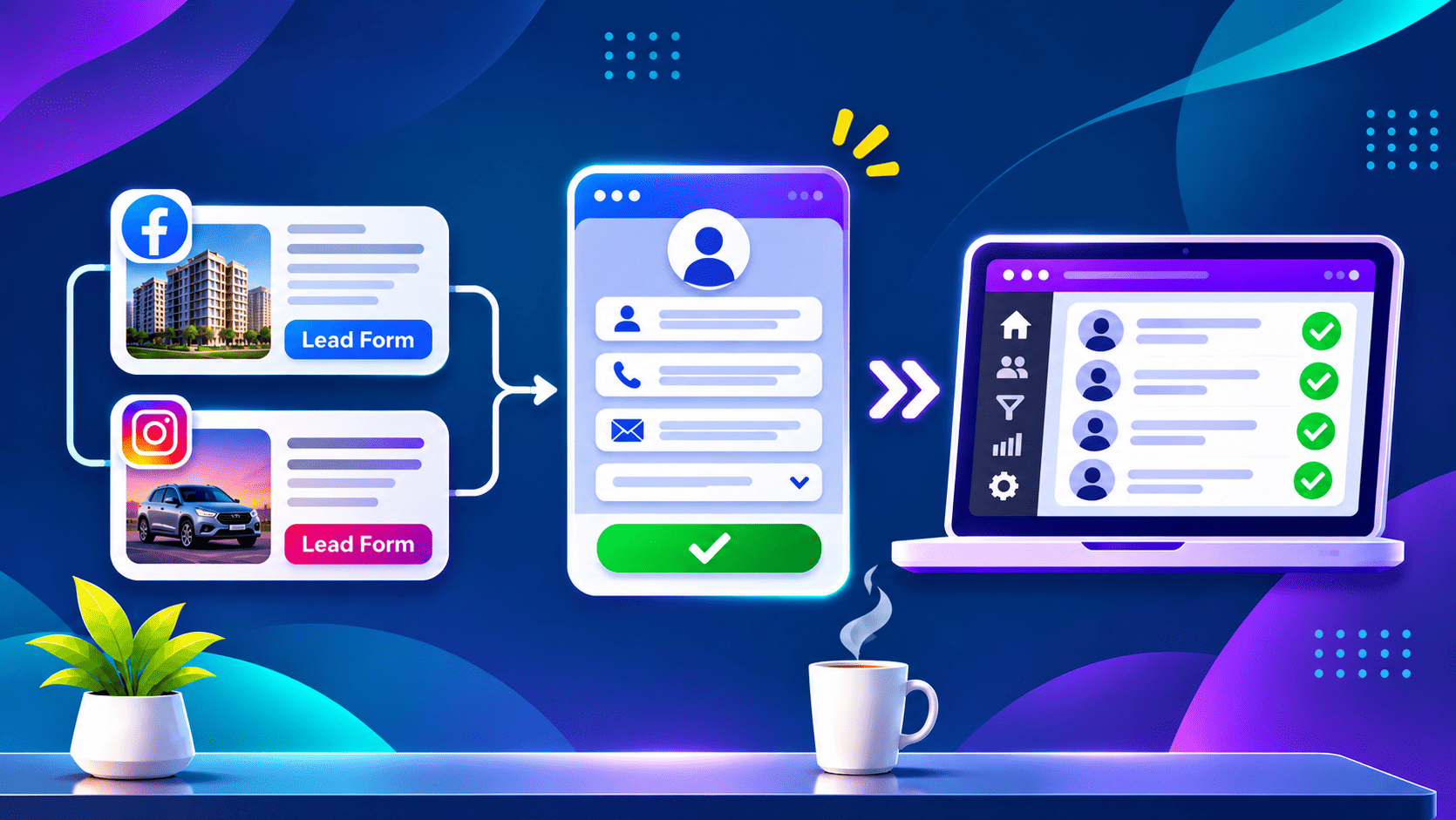
If you have ever tapped an ad on Facebook or Instagram and seen a form already filled with your name and phone number, you have used a Meta lead ad. For Indian SMBs, these ads are often the first serious source of enquiries after word of mouth. But many businesses run them without fully understanding how they work, where the leads go, or why so many "leads" never pick up the phone. This guide explains the Meta lead ads meaning in simple terms and what to set up so those form fills become conversations.
Table of contents
- Meta lead ads meaning: the simple version
- How a Meta lead ad works, step by step
- Form types and settings that affect lead quality
- What questions should your form ask?
- Where do the leads go?
- Common mistakes with Facebook and Instagram forms
- Hypothetical example: a dental clinic in Indore
- How Wetroo helps
- FAQs
Meta lead ads meaning: the simple version
Meta lead ads are ads on Facebook and Instagram that open a form inside the app, called an instant form, instead of sending people to your website. The form is pre-filled with details the person has shared with Meta, such as name, email and phone number, so submitting takes a few taps. Meta describes these on its lead ads page.
The meaning for a business owner is simple: Meta lead ads let you collect contact details from interested people without needing a website or landing page. The trade-off is that easy submission can bring in people who were only mildly curious, so your follow-up process matters more than with other sources.
How a Meta lead ad works, step by step
- You create a campaign with a lead generation objective in Meta Ads Manager.
- You design an instant form with intro text, questions, privacy policy link and a thank-you screen.
- The ad runs on Facebook, Instagram or both, targeted to your audience.
- A user taps the ad, sees the form with pre-filled fields, answers your questions and submits.
- The lead is stored in Meta, where you can download it or send it to a connected CRM.
- Your team follows up by call, WhatsApp, SMS or email.
The steps from 1 to 5 are Meta's job. Step 6 is yours, and it is where most results are won or lost.
Form types and settings that affect lead quality
Meta offers settings that trade volume for quality. Names and options can change, so check your Ads Manager at the time of writing.
More volume
A quick form with few questions and pre-filled fields. Easy to submit; best when you can follow up very quickly and qualify on the phone.
Higher intent
Adds a review step where the user confirms their details before submitting. Fewer leads, but people are more aware they asked to be contacted.
Custom questions
Multiple-choice or short-answer questions, such as budget, city or timeline. Each question reduces volume slightly but makes leads easier to prioritise.
Conditional logic
Some forms let later questions depend on earlier answers, useful for businesses with several products.
Volume vs quality at a glance
| Setting | Volume | Quality | Best for |
|---|---|---|---|
| Few fields, pre-filled | High | Mixed | Fast-response teams, low ticket size |
| Higher intent review step | Medium | Better | Mid to high ticket sales |
| Qualifying questions | Lower | Better | Real estate, loans, education |
| Short-answer questions | Lowest | Best context | Complex B2B or custom services |
What questions should your form ask?
Ask only what your sales team will use in the first call. A good rule is two or three custom questions on top of name and phone.
Real estate: Configuration (1/2/3BHK), budget range, timeline to buy. Education: Course interested in, current qualification, preferred city or mode. Loans: Loan type, employment type, monthly income range. Home services: Service needed, PIN code, preferred date.
Use multiple-choice options rather than free text where possible. They are faster to fill and easier to filter in your CRM.
Don't forget the intro and thank-you screen
Tell people what happens next: "Our advisor will call you within the next hour" or "You will receive the brochure on WhatsApp." Setting expectations makes them more likely to answer.
Where do the leads go?
By default, leads sit inside Meta. You can download them as a CSV file, but that is slow and easy to forget. Leads that wait a day in a download folder are often lost.
The better approach is to connect your lead forms to a CRM, so every submission:
- Arrives in the CRM within moments
- Is assigned to a rep automatically
- Triggers an instant alert and a WhatsApp or SMS intro
- Starts a follow-up sequence if the lead does not respond
You can also send outcomes back to Meta. Using the Meta Conversions API, a CRM can report which leads became qualified or converted, which can help Meta's delivery system find more people like your actual buyers.
Common mistakes with Facebook and Instagram forms
Downloading CSVs manually
Leads go cold while waiting in a spreadsheet. Automate the sync.
No instant acknowledgement
The person filled the form while scrolling; ten minutes later they have forgotten. An immediate WhatsApp message reminds them who you are.
Calling once and giving up
Many people do not answer unknown numbers on the first try. Plan several attempts across call, WhatsApp and SMS.
Judging the campaign only by cost per lead
Cheap leads that never convert are expensive. Track which campaigns produce qualified leads and sales.
Asking too much
Long forms reduce submissions. Keep only the questions that change how you follow up.
Lead ads launch checklist
- Form has two or three qualifying questions
- Intro and thank-you screens set expectations
- Privacy policy link added
- Form connected to CRM, tested with a sample lead
- Auto-assignment and instant alerts on
- Instant WhatsApp/SMS acknowledgement ready
- Follow-up sequence for non-responders
- Lead quality tracked by campaign and ad set
Hypothetical example: a dental clinic in Indore
Illustrative scenario only, not a real clinic.
A dental clinic in Indore runs Instagram lead ads for teeth aligners. The receptionist downloaded leads every evening and called them the next day. Many people did not remember filling a form.
The clinic connects the instant form to its CRM and adds two questions: "Which treatment are you interested in?" and "Preferred visit time?" Every new lead now gets an instant WhatsApp message with the clinic's location and consultation timings, and the receptionist gets an alert to call within the hour. Leads who do not answer get a second call later that day and an SMS the next morning. The clinic also starts tracking which ad sets lead to booked consultations, not just form fills.
How Wetroo helps
Wetroo connects directly to Facebook Ads and Instagram lead forms, as well as Google Ads lead forms, IndiaMART and WordPress forms, so leads arrive in one place without CSV downloads. Instant alerts reach the assigned rep through the mobile app and email, and Quick Response sends a personalised intro on WhatsApp, SMS or email in one touch.
Custom assignment rules distribute leads across teams, follow-up sequences and drip campaigns keep non-responders engaged, and Wetroo's AI agents can call or chat with new leads 24/7. Wetroo also supports Meta Conversions API sync, so lead outcomes can be shared back with Meta.
FAQs
What is the meaning of Meta lead ads?
They are Facebook and Instagram ads that open a pre-filled form inside the app, letting people share contact details without leaving the platform.
Are Meta lead ads good for small businesses in India?
They can be, especially for local services, real estate, education and finance, provided the business responds quickly and follows up consistently.
Why are my Facebook leads not picking up calls?
Common reasons include slow follow-up, no instant acknowledgement and very easy forms that attract low-intent submissions.
How do I get Facebook leads into my CRM automatically?
Connect your Facebook page and lead forms to a CRM that supports Meta lead ads integration, then test with a sample lead.
Conclusion
The Meta lead ads meaning boils down to this: quick, pre-filled forms on Facebook and Instagram that collect enquiries at scale. The ads do their part in seconds; your follow-up system decides whether those leads turn into customers. Keep forms short but qualifying, sync leads instantly and respond on WhatsApp and phone right away. To connect your lead forms and automate follow-up, visit www.wetroo.com.



