


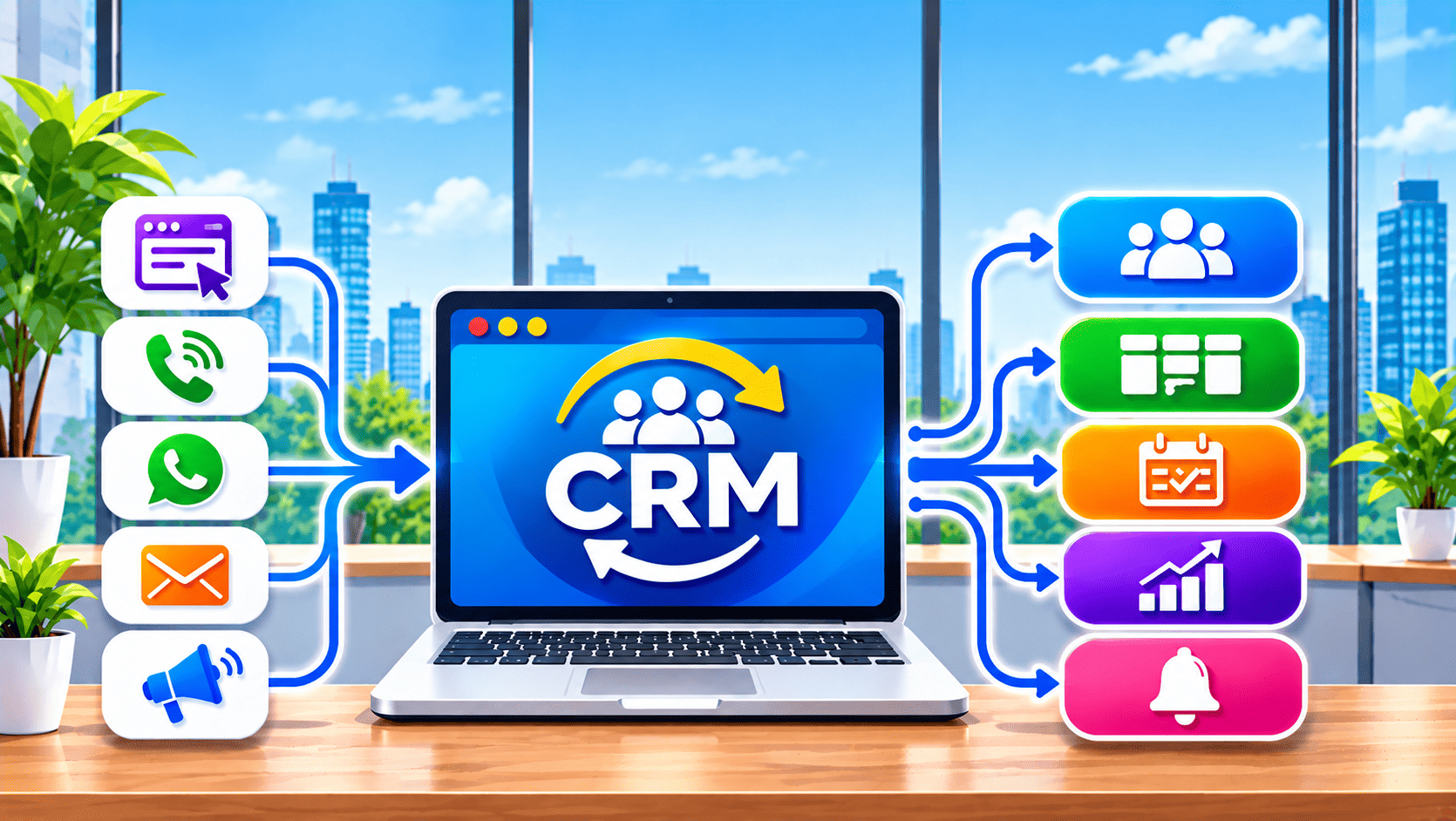
Most people see a CRM only from the outside: a dashboard, a list of leads, a few coloured stages. What happens underneath is more interesting, and understanding it helps you set one up properly. CRM customer relationship management software works like a relay team. Each step hands the customer to the next without dropping the baton. In this guide we follow a single enquiry through the whole journey, from the moment someone fills in a form to the day they buy again, and show which parts you automate and which stay human.
Table of contents
- The big picture: how CRM customer relationship management software works
- The nine-step relay
- What connects it all: integrations and sync
- Automate or keep human? A step-by-step map
- Where the relay usually breaks
- A hypothetical example
- How Wetroo helps
- FAQs
- Conclusion
The big picture: how CRM customer relationship management software works
Think of a CRM as three layers working together:
- Data layer: customer records, conversations, deals and files stored in one database.
- Automation layer: rules and triggers that act on that data, such as assigning a lead or sending a message.
- People layer: your team, who see what needs doing on web or mobile and step in where a human matters.
Every step below uses all three. Data records what happened, automation decides what should happen next, and people do the parts that need judgement, warmth or negotiation. If you are new to the term itself, our explainer on CRM meaning in plain English is a good starting point.
The nine-step relay
Step 1: Capture
A lead fills in a Facebook lead ad, a Google Ads form or a website contact form, or sends an enquiry through a marketplace such as IndiaMART. Through integrations, the CRM receives that lead automatically, along with its source. Nobody copies details from an email into a spreadsheet.
Step 2: Organise
A new record is created with the lead's details, source and form answers. Duplicate checks prevent the same person appearing twice. Tags and custom fields sort the lead, for example by product interest or city. From this moment, every interaction is added to the lead's timeline.
Step 3: Assign
Assignment rules decide who owns the lead: round-robin across a team, by territory, by product or by language. The assigned rep gets an instant alert on their phone. This step alone removes one of the biggest delays in small sales teams.
Step 4: Engage
Speed of first contact matters. The CRM can send an automatic, personalised introduction on WhatsApp, SMS or email within moments, while the rep prepares to call. Some CRMs use AI agents to start the conversation and answer basic questions immediately, including at night.
Step 5: Qualify
Not every lead is ready to buy. Qualification separates serious buyers from browsers using questions about budget, need and timeline. A rep can do this on a call, or a chatbot or AI calling agent can ask the questions and pass qualified leads to a human with the answers attached.
Step 6: Nurture and follow up
Leads who aren't ready yet enter a follow-up sequence: perhaps a WhatsApp message on day two, an email on day five and a call reminder on day seven. Good sequences stop automatically when the lead replies, so nobody receives an awkward message after already saying yes.
Step 7: Convert
When the lead is ready, the rep moves the deal to a closing stage, shares a quotation and, once agreed, raises an invoice. Because this happens inside the CRM, deal history and billing stay connected.
Step 8: Measure
Every action leaves a data trail. Reports show how many leads came from each source, how fast they were contacted, where they dropped off and which reps convert best. Managers use this to fix the weakest step rather than guess.
Step 9: Retain and grow
After the sale, the customer stays in the CRM. Reminders prompt service calls or renewals, and tags allow targeted broadcasts. Repeat business and referrals flow from the same record, and the relay starts again.
What connects it all: integrations and sync
Behind the scenes, integrations and webhooks pass data between the CRM and your other tools: ad platforms, forms, messaging, email and accounting. A webhook is simply a message one system sends to another the moment something happens, such as "new lead submitted" or "deal won."
Data can also flow backwards. With the Meta Conversions API, a CRM can tell Meta which leads became qualified or paying customers, helping ad campaigns find more people like them. And because modern CRMs run in the cloud, the same record updates instantly on the manager's laptop and the rep's phone.
Automate or keep human? A step-by-step map
Not every step should be automated. Use this map as a starting point:
| Step | What the CRM does automatically | What a person should do |
|---|---|---|
| Capture | Pulls leads from forms, ads and marketplaces | Add walk-ins and phone enquiries |
| Organise | Creates records, tags by source, flags duplicates | Correct details, add context |
| Assign | Routes by rules, sends alerts | Rebalance workload when needed |
| Engage | Sends instant intro message; AI can start chat | Make the first real call |
| Qualify | Bots ask standard questions | Judge fit, handle nuance |
| Nurture | Runs timed sequences, pauses on reply | Personalise for high-value leads |
| Convert | Generates quotation and invoice templates | Negotiate and close |
| Measure | Builds dashboards | Review weekly, decide changes |
| Retain | Triggers renewal and service reminders | Build the relationship |
A common pattern for small teams is to automate capture, organise, assign and the first message, and keep qualification and closing largely human until volume grows.
Where the relay usually breaks
Even with good software, the baton gets dropped in predictable places:
- Unconnected lead sources. One marketplace or form still arrives by email, so those leads skip the relay entirely.
- Assignment without alerts. Leads are assigned, but reps don't notice until hours later.
- Sequences that don't stop. A customer who already paid receives a "still interested?" message.
- Stages nobody updates. Reports look wrong, so managers stop trusting them.
- No post-sale step. The record goes quiet after the invoice, and repeat business is left to chance.
Each of these is a setup issue rather than a software limitation, which is why a short review of each step after the first month is worth doing.
A hypothetical example
This is a hypothetical scenario for illustration only. The firm and names are invented.
A home loan advisory firm runs a Facebook campaign. At 9:40 pm, a prospect we'll call Ravi submits a form. The CRM captures him, tags him "home loan, Pune" and assigns him to the Pune advisor by rule. An automatic WhatsApp introduction goes out immediately, and a chatbot asks whether he has shortlisted a property. Next morning, the advisor sees Ravi at the top of her list with his answers attached, calls him, confirms his income and property stage, and moves him to "documents pending." A reminder and a short WhatsApp sequence follow up until the documents arrive, then pause automatically. After disbursal, the CRM reminds the team to check in and, later, to ask Ravi for a referral, starting the relay again with a new lead.
How Wetroo helps
Wetroo follows this relay closely:
- Capture and organise: leads from Facebook Ads, Instagram, Google Ads lead forms, IndiaMART and WordPress forms, plus 100+ integrations and webhooks; lead tagging, search and filters.
- Assign: teams and sub-teams with custom assignment rules and instant lead alerts via app and email.
- Engage and qualify: one-touch Quick Response introductions on WhatsApp, SMS or email; AI agents that chat, call, qualify and follow up 24/7, with AI calling that can transfer live to a human.
- Nurture: sales sequences, drip campaigns, rule-based workflows and a no-code workflow builder.
- Convert and measure: invoices and quotations, an analytics dashboard and Meta Conversions API sync.
- Mobile: Android and iOS apps with notes, reminders and a client timeline.
Wetroo states that businesses can be up and running within 24 hours, with an implementation manager, data migration and training included on every plan.
FAQs
How does a CRM get leads automatically?
Through integrations with ad platforms, marketplaces and website forms, or via webhooks that send each new submission to the CRM in real time.
Do I have to automate every step?
No. Many teams automate capture, assignment and the first reply, and keep qualification and closing human.
What if a lead comes in through a phone call?
Reps can add it manually, or calling and IVR features can capture it, so it follows the same steps as other leads.
How long does CRM setup take?
It depends on how many sources and rules you have. Starting with one lead source and simple assignment rules keeps the first setup short.
Conclusion
Once you see how each step hands off to the next, CRM customer relationship management software stops feeling complicated. Data records what happened, automation moves the lead forward and your team steps in where judgement matters. Map your own relay, automate the repetitive handoffs and review the weak points monthly. To try the flow with your own leads, start free with Wetroo, no credit card required, at www.wetroo.com.



