


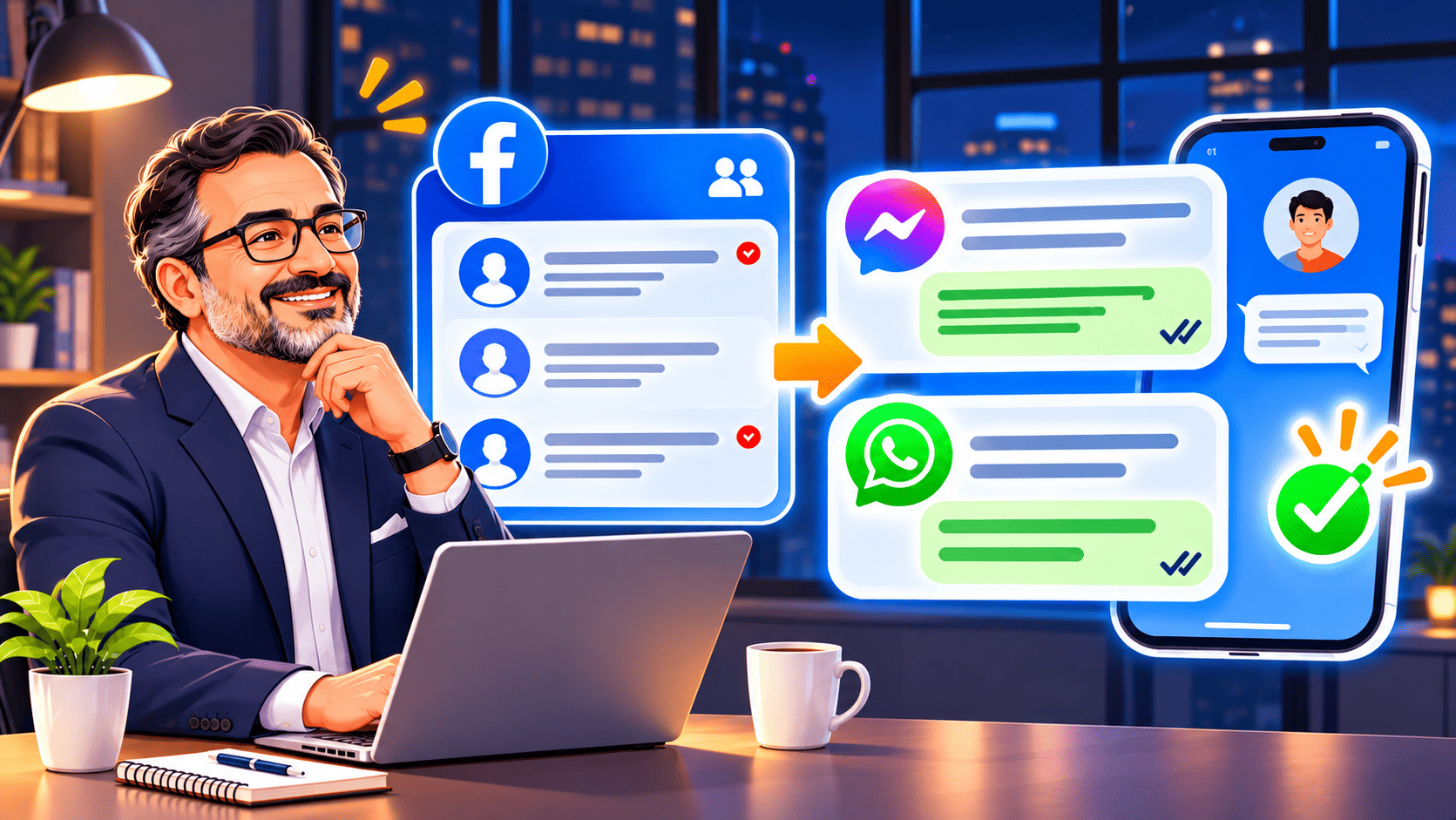
Facebook and Instagram lead ads make it easy for people to raise their hand: a couple of taps and the form is submitted with pre-filled details. That convenience cuts both ways. Because submitting is so easy, interest can fade just as quickly, and many people forget which business they contacted within hours. The first message you send, ideally within minutes of the form submit, does a lot of the work. A good Facebook lead reply template reminds the person what they asked for, shows that a real business is responding and asks one easy question that starts a conversation.
This post gives you first-message templates for WhatsApp, SMS and email, examples by industry, and the setup needed to send them automatically.
Table of contents
- Why the first message matters so much for Facebook leads
- Anatomy of a Facebook lead reply template
- WhatsApp templates for the first message
- SMS and email templates
- Industry examples
- Timing: within minutes, then a call
- Testing and improving your templates
- Improve form quality to improve replies
- Hypothetical example
- How Wetroo helps
- FAQs
- Conclusion
Why the first message matters so much for Facebook leads
Lead ads on Meta are designed to reduce friction; Meta's own description emphasises forms that open within Facebook and Instagram with information pre-filled from the user's profile (Meta lead ads). That means:
- Lower intent per lead compared with someone who searched for you on Google and filled a long form.
- Short memory: they may have browsed several ads in the same session.
- Mobile context: they are on their phone, often in WhatsApp moments later.
Your first reply must restore context and earn a response before the moment passes.
Anatomy of a Facebook lead reply template
Every effective first message has five parts:
- Name: personal, not "Dear customer".
- Context: "You enquired about {{product}} on Facebook/Instagram."
- Who you are: business name and a real person's name.
- One easy question: budget, location, preferred time, or a 1-2-3 choice.
- Expectation: what happens next ("I'll call you at…" / "Reply here").
Keep it under about 60 words. Shorter messages get read in the notification preview.
WhatsApp templates for the first message
On the WhatsApp Business API, a first message to a new form lead is business-initiated and needs an approved template. Keep templates clear about purpose.
General
Hi {{1}}, thanks for your enquiry about {{2}} on Instagram/Facebook. I'm {{3}} from {{4}}. To help you better, could you tell me {{5}}? Reply here or tap below for a call.
With quick-reply choices
Hi {{1}}, this is {{3}} from {{4}}. You asked about {{2}}. What would you like next?
1?? Call me today
2?? Send details here
3?? Call me later this week
Hinglish
Namaste {{1}} ji, Facebook pe {{2}} ke baare mein enquiry ke liye shukriya. Main {{3}}, {{4}} se. Aapka budget aur location bata dijiye, main best options bhejta/bhejti hoon.
SMS and email templates
Not every lead is active on WhatsApp, and some forms collect email only.
SMS (short)
Hi {{name}}, thanks for your {{product}} enquiry with {{business}}. {{agent}} will call you shortly. Prefer WhatsApp? Reply W.
Follow current commercial SMS rules in India, including registered sender IDs and templates through your SMS provider.
Subject: Your {{product}} enquiry, next steps
Hi {{name}},
Thanks for your interest in {{product}} through our Facebook/Instagram ad. I'm {{agent}} and I'll be your point of contact.
To share the right details, could you reply with {{qualifying question}}?
You can also reach me on WhatsApp at {{number}}.
Regards, {{agent}}, {{business}}
Industry examples
| Industry | Qualifying question in the first message |
|---|---|
| Real estate | "Are you looking for 2BHK or 3BHK, and what's your budget range?" |
| Education | "Which class/course is this for, and do you prefer morning or evening batches?" |
| Healthcare clinic | "Which day suits you for a consultation this week?" |
| Solar | "What's your average monthly electricity bill and PIN code?" |
| Insurance | "Who would the cover be for: self, family or parents?" |
| Interiors | "What's the flat size and when is possession?" |
| Car dealer | "Which model and variant are you considering?" |
Example: real estate
Hi Ankit, thanks for your enquiry about Skyline Residency on Facebook. I'm Sneha from Skyline. Are you looking for 2BHK or 3BHK, and what budget range should I share options for?
Example: coaching
Hi Ritu, thanks for asking about our NEET batches on Instagram. I'm Amit from Pragati Academy. Is this for Class 11 or 12, and would you like to attend a free demo class this weekend?
Timing: within minutes, then a call
The best sequence for most businesses:
- 0–1 minute: automatic WhatsApp (or SMS) first message.
- Within 5–15 minutes: call from the assigned salesperson, referencing the message.
- If no answer: "Tried calling you" message on WhatsApp.
- Next day: follow-up nudge with a useful detail.
Automation handles step 1 instantly, even at night. The call personalises the conversation.
First-response checklist
- Lead form connected to CRM (no manual downloads)
- Approved WhatsApp template ready per campaign
- Auto-send within a minute of form submit
- Lead assigned and salesperson alerted
- Call within your target time
- Missed-call WhatsApp follow-up
- Replies routed to the salesperson's inbox
Testing and improving your templates
Treat your first message as something to test, not something to write once.
- Change one thing at a time. Try a different qualifying question, a shorter opener or numbered choices instead of an open question.
- Measure reply rate, not just delivery. The goal is a response that starts a conversation.
- Compare by campaign. A message that works for a "free consultation" ad may not suit a "price list" ad.
- Read the replies. If many people answer "Which company?", your context line needs to be clearer, perhaps by naming the offer from the ad.
Review results every two weeks while campaigns are running and keep the version that earns the most genuine replies.
Improve form quality to improve replies
Replies also depend on who fills the form. A few lead-form tweaks help:
- Add one qualifying question to the form, such as budget or timeline, so your first message can be more specific.
- Use a clear intro screen that sets expectations ("We'll contact you on WhatsApp within minutes").
- Consider a higher-intent form type where Meta offers one, which adds a review step before submission.
- Sync conversion outcomes back to Meta through the Conversions API so campaigns learn which leads actually convert.
Hypothetical example
This is a hypothetical example for illustration, not a real customer.
A dental clinic chain in Hyderabad runs Instagram lead ads for aligner consultations. Previously, the front desk downloaded leads twice a day and called them in the afternoon; many patients did not remember the ad. The clinic connects its lead forms to a CRM, sends an automatic WhatsApp message within a minute ("Hi Kavya, thanks for your enquiry about clear aligners at SmileCare. Which day suits you for a free consultation: Saturday or Monday?") and assigns each lead to the nearest branch. Patients who reply with a day get a booking confirmation; others receive a call within 15 minutes during clinic hours.
How Wetroo helps
Wetroo's verified features support instant first replies to Facebook leads:
- Facebook Ads and Instagram lead capture directly into the CRM, plus Google Ads forms and other sources.
- Instant new lead alerts on mobile and email.
- One-touch Quick Response to send auto-personalised intros on WhatsApp, SMS or email.
- Teams and custom assignment rules, so new Facebook leads go straight to the right salesperson's phone.
- AI agents that can chat and call 24/7, with live transfer to a human.
- Meta Conversions API sync, which Wetroo says helps your ads reach people similar to those your team converted.
FAQs
What should I send a Facebook lead first?
A short, personal message that names what they enquired about, introduces you and asks one easy question.
How quickly should I reply to Facebook leads?
Within minutes. An automated first message can go out almost instantly, followed by a call as soon as possible.
Can I reply to Facebook leads on WhatsApp automatically?
Yes, by connecting your lead forms to a CRM that uses the WhatsApp Business API and an approved template.
Why don't Facebook leads respond?
Often because they forgot the enquiry, the reply came too late or the message did not ask a clear question.
Conclusion
A strong Facebook lead reply template restores context, shows a real person is responding and asks one easy question, all within minutes of the form submit. Set up the automation once, refine the wording by industry and pair it with a quick call.
To reply to every Facebook lead instantly, explore Wetroo at www.wetroo.com.



