


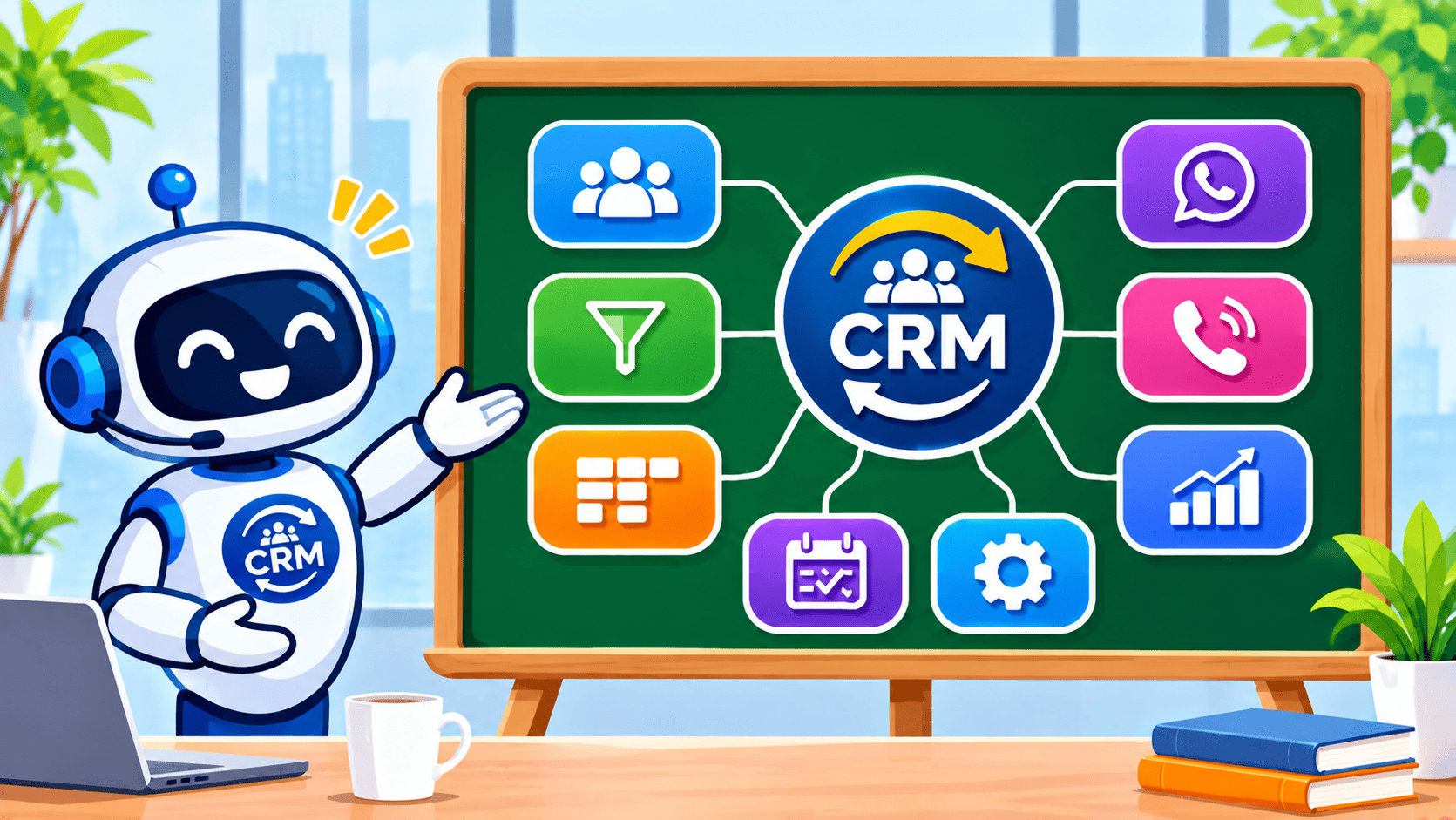
Feature lists are where CRM buying goes wrong. Every vendor shows a page with fifty ticks, and every tick sounds important. But customer relationship management software only earns its place when a feature fixes a real, daily problem: a lead nobody called back, a quote that went out late, a manager who can't see what the team is doing. This guide sorts CRM features into what you need from day one, what to add as you grow, and what you can safely ignore for now, with a feature-to-problem table you can take into any demo.
Table of contents
- Start with the problems, not the features
- Core features of customer relationship management software
- Communication features
- Automation features
- Intelligence and reporting
- Admin, security and support
- Feature questions to ask in a demo
- Must-have vs grow-into vs skip
- A hypothetical example
- How Wetroo helps
- FAQs
- Conclusion
Start with the problems, not the features
Most SMB sales teams in India struggle with the same handful of issues:
- Leads arrive in several places and some are never seen.
- First replies are slow, especially after office hours.
- Follow-ups depend on memory.
- WhatsApp chats sit on reps' personal phones.
- Managers can't see the pipeline without asking around.
- Past customers are forgotten after the sale.
Write your own list before any demo. Then, for every feature a vendor shows you, ask: "Which problem on my list does this fix?" If the answer is none, it is a nice-to-have at best.
Core features of customer relationship management software
Lead capture and management
The foundation. The CRM should pull leads automatically from ad platforms, marketplaces and website forms, record the source and avoid duplicates. Tags, custom fields, search and filters let you find the right leads fast.
Contact timeline
Every call, message, note, quotation and status change should appear on one timeline per contact. This is what lets a colleague pick up a conversation without asking "what happened last time?"
Tasks, reminders and follow-ups
Reminders tied to each lead turn intentions into actions. Look for reminders that appear on mobile and a simple view of today's follow-ups.
Pipeline stages
Customisable stages, such as New, Contacted, Qualified, Quotation Sent and Won, show where each deal stands and where deals stall.
Mobile access
Indian sales teams are often in the field or on calls. A good mobile app lets reps receive alerts, call, message, add notes and update stages without a laptop.
Communication features
WhatsApp, SMS and email in one place
Reps should be able to send a message from the lead record and have it logged automatically. For WhatsApp, the official WhatsApp Business Platform is what allows shared team access and approved message templates at scale.
Omnichannel inbox
When conversations arrive from WhatsApp, Instagram, Facebook and other channels, a shared inbox stops messages from getting lost and lets managers reassign chats.
Calling
Click-to-call, call logging, IVR and, increasingly, AI calling that can qualify a lead and hand a live call to a person.
Automation features
Automatic lead assignment
Rules assign leads by team, territory, product or language and alert the owner instantly. This removes the "who's taking this one?" delay.
Sequences and drip campaigns
Pre-planned follow-ups across channels over several days, stopping when the lead responds.
Workflow triggers and webhooks
"When X happens, do Y" rules: when a lead reaches a stage, send a quotation template; when a deal is won, notify operations. Webhooks and integrations move data to other tools.
Intelligence and reporting
Reports that answer real questions
Useful dashboards show leads by source, response times, conversions by stage and rep performance. If you can't answer "which source brings paying customers?" in a minute, the reporting is too complicated.
AI qualification and agents
AI agents can answer common questions, ask qualifying questions and follow up around the clock, passing serious buyers to humans with context.
Ad feedback loops
Some CRMs send conversion data back to ad platforms, for example through the Meta Conversions API, so campaigns can optimise toward leads that actually convert.
Admin, security and support
User roles and permissions control who sees what. Look for encryption in transit and at rest, clear data ownership and easy export. Do not overlook support: data migration, setup help and team training are features too, because a CRM nobody configures properly delivers nothing.
Feature questions to ask in a demo
A polished demo can make any feature look effortless. These questions bring the conversation back to your daily reality:
- "Show me a lead arriving." Ask the vendor to submit a test form live and watch how long it takes to appear, who gets alerted and whether the source is recorded.
- "What does a rep see on their phone?" Ask to see the mobile app, not the desktop dashboard, because that is where most of your team will work.
- "How is a WhatsApp chat logged?" Confirm that messages sit on the lead's timeline and that the connection uses the official API.
- "What happens when a lead replies mid-sequence?" A good system pauses automated follow-ups so the lead does not get an irrelevant message.
- "Who builds this for us?" Find out whether workflows, assignment rules and imports are configured by you alone or with the vendor's help.
- "Can I export my data?" You should be able to take your customer records with you if you ever switch.
Write the answers down next to each feature on your problem list. Patterns appear quickly, and they are usually more useful than any comparison chart.
Must-have vs grow-into vs skip
| Feature | Problem it solves | Priority for a small team |
|---|---|---|
| Automatic lead capture | Missed or delayed leads | Must-have |
| Contact timeline | Lost context between reps | Must-have |
| Follow-up reminders | Forgotten follow-ups | Must-have |
| Mobile app | Field and phone-first teams | Must-have |
| Auto-assignment + alerts | Slow first response | Must-have once you have 2+ reps |
| WhatsApp API + inbox | Chats on personal phones | Must-have if customers prefer WhatsApp |
| Sequences and drips | Inconsistent nurture | Grow into |
| Workflow automation | Manual handoffs | Grow into |
| AI agents and calling | After-hours and volume gaps | Grow into |
| Ad conversion sync | Paying for poor-quality leads | Grow into if you run Meta ads |
| Complex custom modules | Rarely a day-one problem | Skip for now |
The "skip" row is not a judgement on those features; it simply means they rarely solve a small team's first problems.
A hypothetical example
This is a hypothetical scenario for illustration only. The business is invented.
A Coimbatore solar installer with five salespeople lists its problems: leads from Facebook ads sit in an email inbox overnight, quotations are tracked in Excel, and nobody follows up after a site survey. It chooses only must-have features first: automatic capture from its lead forms, auto-assignment by district with mobile alerts, a timeline per customer and reminders after every survey. Two months later, it adds a WhatsApp follow-up sequence for leads who received a quotation but haven't replied. Later still, it turns on AI chat for night-time enquiries. Each feature was added because a specific problem justified it, not because it appeared on a comparison chart.
How Wetroo helps
Wetroo's features map to the table above:
- Core: lead capture from Facebook Ads, Instagram, Google Ads lead forms, IndiaMART and WordPress forms; lead tagging, search and filters; Android and iOS apps with notes, follow-up reminders and a client timeline.
- Communication: a one-touch Quick Response introduction via WhatsApp, SMS or email; an omnichannel inbox for Facebook, Instagram, Telegram and WhatsApp; WhatsApp Business API; SIM-based calling and IVR.
- Automation: teams and sub-teams with custom assignment rules, sales sequences, drip campaigns, rule-based workflows and a no-code workflow builder with webhooks and 100+ integrations.
- Intelligence: an analytics dashboard, AI agents that chat, call, qualify and follow up 24/7, AI calling with live transfer, and Meta Conversions API sync.
- Admin and support: user roles, encryption in transit and at rest, plus an implementation manager, data migration and team training on every plan.
FAQs
What are the most important features of CRM software?
For most small teams: automatic lead capture, a contact timeline, follow-up reminders, a mobile app and automatic lead assignment.
Do small businesses need AI features in a CRM?
Not on day one. AI agents become valuable when lead volume grows or many enquiries arrive outside working hours.
What is an omnichannel inbox in a CRM?
A single shared inbox that collects messages from channels such as WhatsApp, Instagram and Facebook so the team can reply and track them together.
How do I compare CRM features between vendors?
List your problems first, map each feature to a problem, and test the must-haves with real leads during a trial.
Conclusion
The best customer relationship management software is not the one with the longest feature list, but the one whose features fix your team's real problems. Start with the must-haves, grow into automation and AI as volume rises, and skip what you don't need yet. To see how these features work together for an Indian sales team, start free at www.wetroo.com, no credit card required.



