


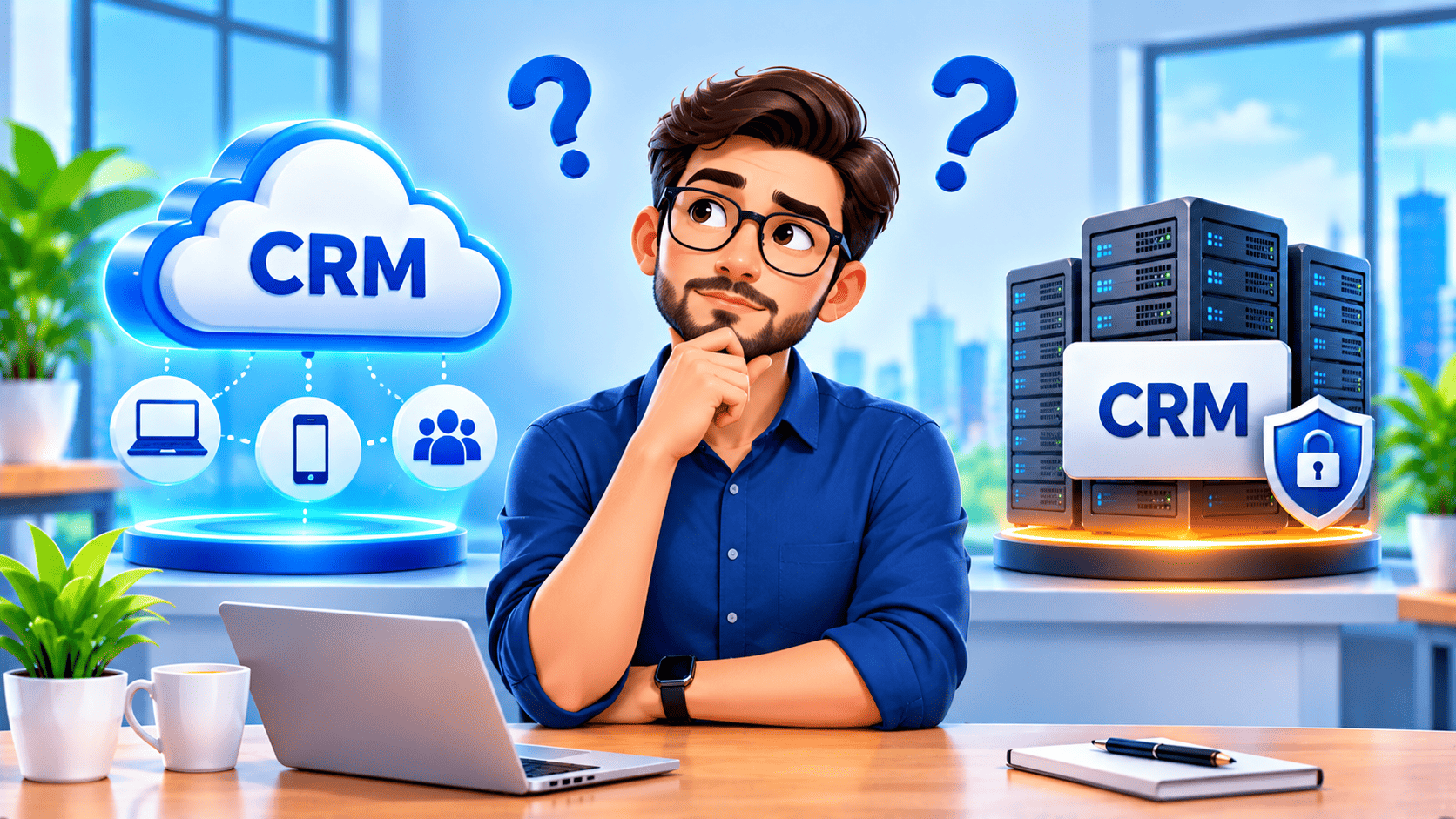
Once you've decided your business needs a CRM, a quieter question follows: where should it live? You can run CRM cloud based software, where the vendor hosts everything and your team logs in through a browser or app, or install an on-premise system on your own servers. Both can work. The right choice depends on your budget, your team, how you sell and how much IT effort you're willing to take on. Here is a plain comparison for Indian SMBs, with a side-by-side table, a total-cost checklist and the questions to ask any vendor before you sign.
Table of contents
- What the two options mean
- CRM cloud based software vs on-premise: side by side
- Total cost of ownership checklist
- When on-premise makes sense
- When cloud wins
- Questions to ask any cloud CRM vendor
- Moving to a cloud CRM without disruption
- A hypothetical example
- How Wetroo helps
- FAQs
- Conclusion
What the two options mean
Cloud-based CRM (often called SaaS, or software as a service) is hosted by the provider. You pay a subscription, sign in from any device with internet access, and the vendor handles servers, updates, backups and security monitoring. The widely cited NIST definition of cloud computing describes SaaS as using a provider's applications running on cloud infrastructure, without managing the underlying servers yourself.
On-premise CRM is installed on servers you own or rent and control, usually in your office or a data centre you choose. You typically pay for licences up front, plus hardware, setup and ongoing maintenance, and your team or an IT partner manages updates and security.
There are also hybrid and private-cloud arrangements, but for most small businesses the choice comes down to these two.
CRM cloud based software vs on-premise: side by side
| Factor | Cloud-based CRM | On-premise CRM |
|---|---|---|
| Upfront cost | Low; subscription starts quickly | Higher; licences, servers, setup |
| Running cost | Predictable monthly or annual fee | Maintenance, IT staff, power, upgrades |
| Setup time | Days, sometimes hours | Weeks to months |
| Access and mobility | Any device, anywhere with internet | Often limited to office network or VPN |
| Updates | Automatic, by vendor | Manual, by your team |
| Security | Vendor-managed; check encryption and access controls | Your responsibility end to end |
| Control | Within the vendor's settings | Full control over environment |
| Customisation | Configuration, integrations, workflows | Deep code-level changes possible |
| Scaling | Add users or features on demand | Add hardware and licences |
| Integrations | Usually ready connectors and APIs | Often custom-built |
Upfront and running cost
Cloud spreads cost over time, which suits cash-conscious SMBs. On-premise can look cheaper over many years only if you already have IT staff and infrastructure, and if you count all hidden costs honestly.
Setup time
For a business that wants leads flowing into a CRM this month, cloud is usually faster. On-premise needs hardware procurement, installation and testing.
Access and mobility
Indian sales teams often work from phones: on site visits, in the field, or telecalling from home. Cloud CRMs typically offer mobile apps out of the box. On-premise systems can be made accessible remotely, but it takes extra setup.
Security and control
Cloud does not mean less secure, and on-premise does not mean more secure. What matters is how well the system is protected: encryption, access controls, backups, monitoring and updates. A small business without dedicated IT may find a reputable cloud vendor protects data more consistently than an in-house server. Either way, it's worth understanding India's data protection framework, outlined on the MeitY website.
Integrations
Modern sales relies on connections: ad platforms, marketplaces, WhatsApp, email and forms. Cloud CRMs usually offer ready integrations and webhooks; on-premise systems often need custom work for each.
Total cost of ownership checklist
Before comparing price tags, list every cost over, say, three years:
- Subscription or licence fees (and GST)
- Servers, storage and backup hardware
- Installation and configuration
- Data migration from Excel or an old system
- IT staff or an external partner for maintenance
- Security tools, monitoring and updates
- Integrations with ad platforms, WhatsApp, forms and marketplaces
- Mobile access setup
- Training for new team members
- Downtime and recovery planning
Many businesses find that the "cheaper" option changes once every line is filled in.
When on-premise makes sense
On-premise can be a reasonable choice when:
- You have strict internal or contractual rules about where data must sit.
- You already have an IT team and server infrastructure.
- You need deep, code-level customisation that a cloud product can't provide.
- Your users work mainly from one location with limited need for mobile access.
When cloud wins
Cloud usually suits businesses that:
- Want to start quickly without capital expenditure.
- Have field, remote or mobile-first sales teams.
- Don't have dedicated IT staff.
- Rely on integrations with ad platforms, marketplaces and messaging.
- Expect to grow and want to add users without new hardware.
For most Indian SMBs, that list describes them closely.
Questions to ask any cloud CRM vendor
- Is data encrypted in transit and at rest?
- Who can access our data, and is it ever shared or sold?
- Can we export all our data if we leave?
- What uptime and support do you provide, and through which channels?
- Do you offer mobile apps for Android and iOS?
- Which integrations are ready, and do you support webhooks?
- Is WhatsApp connected through the official WhatsApp Business API?
- Is setup, migration and training included or extra?
- How is pricing structured: per user or per organisation, and is GST extra?
Moving to a cloud CRM without disruption
If you decide on cloud, a careful switch protects your data and your team's patience:
- Export and clean. Pull contacts and open deals from your spreadsheet or old system, remove duplicates and standardise phone numbers.
- Map your fields. Decide which columns become which CRM fields and tags, such as source, city and product interest.
- Connect one lead source first. Get new leads flowing from your busiest source before adding the rest.
- Run both briefly. Keep the old system read-only for a short period so nobody loses a reference.
- Train in short sessions. Show reps the mobile app and their daily follow-up view before anything else.
A phased move like this keeps selling uninterrupted while the new system settles in.
A hypothetical example
This is a hypothetical scenario for illustration only. The business is invented.
A Nagpur insurance agency with twelve advisors is offered an on-premise CRM by a local IT vendor at a one-time price. The owner fills in the total-cost checklist and realises she would also need a server, a part-time IT person, a VPN for advisors who work from home and custom integrations for Facebook lead ads and WhatsApp. She compares that with a cloud CRM subscription that includes mobile apps, ready lead-source integrations, migration help and training. Because her advisors spend most of the day on calls and meetings, mobile access tips the decision. She picks cloud, starts with one lead source and adds automation over the following weeks.
How Wetroo helps
Wetroo is a cloud-based sales CRM, and its approach lines up with the vendor questions above:
- Security: data encrypted in transit and at rest; Wetroo states that customer data is never shared or sold.
- Mobility: Android and iOS apps with instant lead alerts, notes, follow-up reminders and a client timeline.
- Integrations: lead capture from Facebook Ads, Instagram, Google Ads lead forms, IndiaMART and WordPress forms; 100+ integrations, webhooks and a no-code cloud workflow builder.
- Official WhatsApp: WhatsApp Business API inside an omnichannel inbox.
- Setup: an implementation manager, data migration and team training on every plan; Wetroo states teams can be up and running within 24 hours.
- Pricing: free to start with no credit card required; at the time of writing, plans start at ?1,999 per organisation per month plus GST — check wetroo.com/pricing.
FAQs
What is cloud-based CRM software?
A CRM hosted by the vendor that you access through a browser or mobile app on a subscription, without managing servers yourself.
Is cloud CRM safe for customer data?
It can be, if the vendor uses encryption, access controls, backups and monitoring. Ask specific security questions before you sign.
Is on-premise CRM cheaper in the long run?
Sometimes, for businesses that already have IT staff and infrastructure. Compare total cost of ownership over several years, not just licence prices.
Can I move from on-premise to cloud later?
Usually yes. Check that your current system can export data and ask the cloud vendor whether they help with migration.
Conclusion
For most growing Indian businesses, CRM cloud based software offers the faster start, easier mobile access, ready integrations and predictable cost, while on-premise suits those with strict data-location needs and in-house IT. Fill in the total-cost checklist, ask vendors the right questions and choose the option that lets your team sell more, not manage servers. To try a cloud CRM built for Indian sales teams, start free at www.wetroo.com.



