


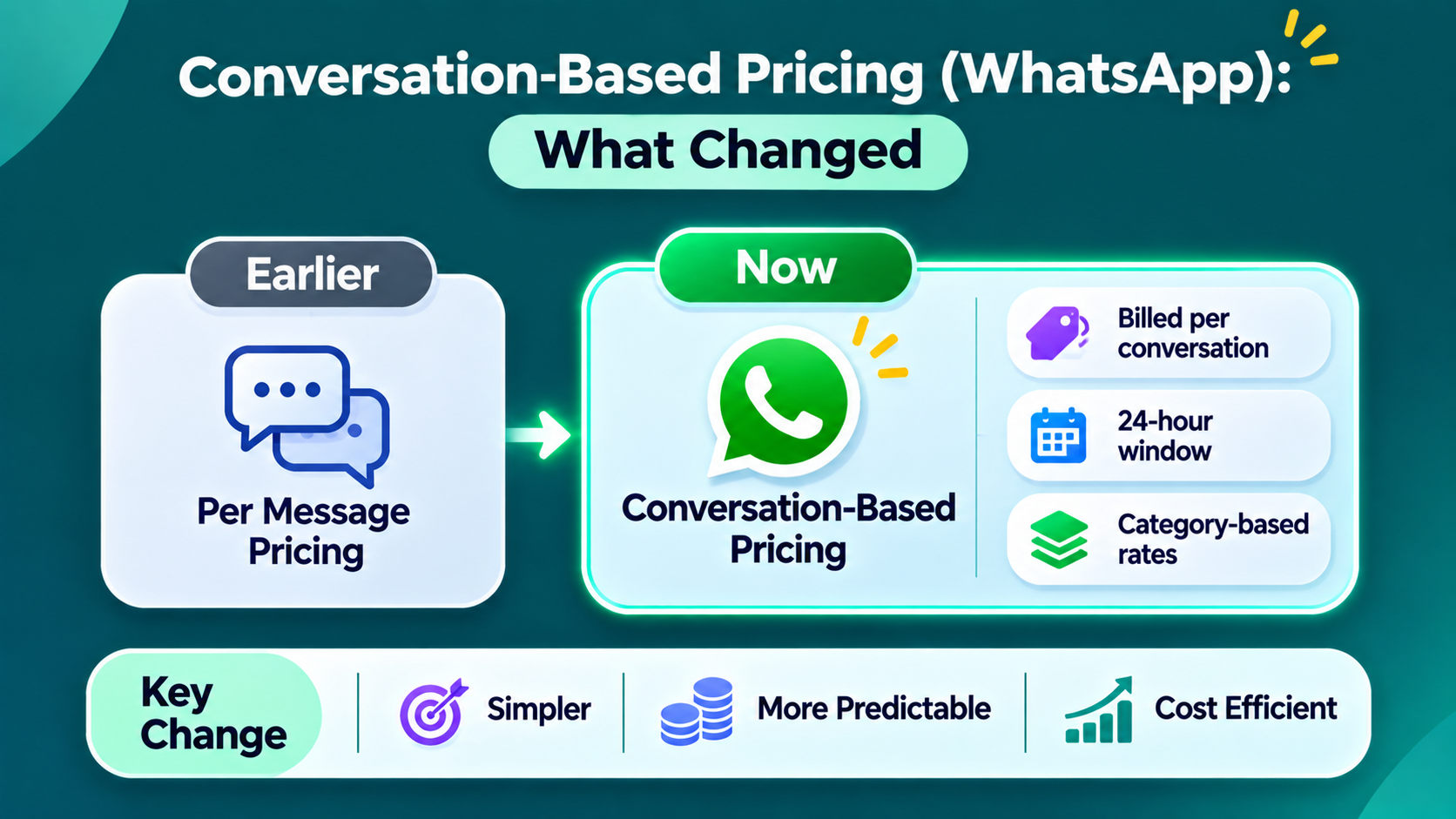
If you researched the WhatsApp Business API a year or two ago, you probably learned about "conversations": 24-hour windows charged by category. Many Indian sales teams still budget that way. But the model has changed. Meta's developer documentation states that conversation-based pricing was replaced by per-message pricing on July 1, 2025 (Meta for Developers). Understanding conversation based pricing WhatsApp history, and what replaced it, helps sales teams plan message budgets and design follow-ups that do not waste money.
This explainer is for business owners and sales managers, not developers. Rates are not quoted here because they vary by market and change over time; always check WhatsApp's official pricing page.
Table of contents
- Conversation-based pricing: WhatsApp's old model explained
- What changed: per-message pricing
- The message categories, explained for sales teams
- Free windows and entry points
- Utility vs marketing: why the distinction matters for sales
- How to budget WhatsApp messaging for a sales team
- Hypothetical example: an education consultancy's monthly plan
- How Wetroo helps
- FAQs
Conversation-based pricing: WhatsApp's old model explained
Under the older model, charges were applied per conversation, not per message. A conversation was a 24-hour thread opened when a business message was delivered, and each conversation was categorised as marketing, utility, authentication or service. Within an open conversation of a given category, the business could send multiple messages of that category without a new charge.
For sales teams, this meant planning around "how many conversations will we open per month", and many providers and blogs still describe pricing this way.
What changed: per-message pricing
According to Meta's developer pricing documentation, at the time of writing:
- Businesses are charged per message delivered, not per message sent.
- Charges depend on who the message is sent to (the recipient's market) and the message category.
- Rates vary by market and category, and WhatsApp publishes them.
- Volume tiers can lower rates for utility and authentication messages as volume grows.
Old vs new at a glance
| Conversation-based (before July 1, 2025) | Per-message (current, at the time of writing) |
|---|---|
| Unit of charge | 24-hour conversation by category |
| Multiple messages in one window | Covered by one conversation charge |
| Service replies | Service conversations had their own treatment |
| Volume discounts | Limited |
If a vendor or article still quotes "per conversation" rates for India, treat it as outdated and confirm on WhatsApp's site.
The message categories, explained for sales teams
Meta's developer documentation lists five categories at the time of writing: marketing, utility, authentication, service and, since 1 July 2026, Meta Business Agent (non-template replies powered by Meta's own AI agent platform, billed per token). The four that matter most for sales teams are:
Marketing
Messages that promote or drive sales: offers, new product announcements, retargeting, abandoned cart reminders. Most outbound sales nudges fall here.
Utility
Messages triggered by a user action or request, specific to that user: order confirmations, appointment reminders, payment updates, delivery status. Utility messages must not contain promotional content.
Authentication
One-time passwords for login or verification.
Service
Replies to customer-initiated conversations. When a user messages a business, a 24-hour customer service window opens in which the business can respond with non-template service messages, and the window resets with each user message. Service messages were free from November 2024, but from 1 October 2026 Meta charges for them after a free tier of 1,000 per business phone number per month.
Free windows and entry points
Two features matter a lot for sales economics, as described in Meta's developer pricing documentation at the time of writing (updated for 1 October 2026):
- Free monthly service tier: each business phone number gets 1,000 free service messages per month; charges start from the 1,001st, and unused messages do not roll over. Utility messages sent in response to users inside the window, which had been free since July 2025, are charged again from 1 October 2026.
- Free entry point window: when a customer messages you from a click-to-WhatsApp ad on the Android or iOS app and you reply within the customer service window, a free entry point window opens that may stay open for up to 7 days. While it is open, marketing, utility, authentication and service messages are not charged (Meta Business Agent messages still are).
The sales implication is clear: conversations that customers start are cheaper to run than conversations you start. Inbound-first design, such as click-to-WhatsApp ads, "WhatsApp us" buttons and replying quickly when customers message, reduces messaging cost and usually improves response rates too.
Utility vs marketing: why the distinction matters for sales
Sales teams often blur the line between "follow-up" and "promotion". WhatsApp does not. A site visit reminder for a visit the customer booked is typically utility. A message saying "New units launched, book now!" is marketing.
Practical guidance:
- Keep utility templates clean. Confirmations, reminders and status updates without offers mixed in.
- Categorise honestly. Templates are reviewed and categorised; WhatsApp's documentation notes that businesses accept the charges for the category applied to a template when they use it.
- Use marketing templates deliberately, for segmented retargeting and launches, not for every nudge.
- Reply fast to inbound messages. Replies inside the customer service window are service messages.
Sales message planning table
| Sales moment | Likely category | Cost lever |
|---|---|---|
| Reply to customer's enquiry | Service | Reply within the open window |
| Confirmation of booked demo/visit | Utility | Keep non-promotional |
| Reminder before booked visit | Utility | Keep non-promotional |
| Payment or document status | Utility | Triggered by user action |
| Re-engaging an old lead | Marketing | Segment tightly |
| Festive offer broadcast | Marketing | Send to engaged opted-in contacts only |
| Chat from click-to-WhatsApp ad | Free entry point window | Respond and qualify quickly |
Final categorisation is decided by WhatsApp's rules; use this as a planning guide only.
How to budget WhatsApp messaging for a sales team
- List your templates and their expected categories.
- Estimate monthly volume for each, based on lead volume and follow-up rules.
- Look up current rates for India (and any other markets you message) on WhatsApp's pricing page.
- Subtract free messages: the first 1,000 service replies per number each month and messages inside free entry point windows.
- Add a buffer for campaigns and growth.
- Review monthly against actual delivered messages and conversions.
Cost-control checklist
- Respond to inbound chats quickly, inside the customer service window
- Use click-to-WhatsApp ads where suitable
- Separate utility and marketing templates cleanly
- Segment marketing sends; avoid blasting the full list
- Cap automated follow-ups per lead
- Track cost per qualified lead from WhatsApp campaigns
Hypothetical example: an education consultancy's monthly plan
Illustrative scenario only; not a real company, and no actual rates are used.
A study-abroad consultancy in Pune sends many WhatsApp messages each month: confirmations of counselling sessions, reminders, document checklists, intake announcements and re-engagement messages to old leads. The owner had budgeted using an old per-conversation estimate.
After the switch to per-message pricing, the team lists every template and its likely category. They find that most of their volume is utility (session confirmations and document reminders) and service replies, while marketing is concentrated in two intake campaigns. They move more ad spend to click-to-WhatsApp ads, train counsellors to reply quickly inside the customer service window, and segment intake campaigns to students who engaged in the last six months. They now review delivered messages by category each month alongside enrolments.
How Wetroo helps
Wetroo runs on the official WhatsApp Business API and includes conversation messages, broadcasting and retargeting, drip campaigns and sales sequences. Wetroo's pricing page notes that WhatsApp message pricing varies by country and points to per-message rates, which are separate from Wetroo's plan fees.
Lead tagging and filters help you segment marketing sends, rule-based workflows can trigger utility-style confirmations and reminders at the right moment, and the omnichannel inbox plus AI agents help you reply quickly when customers message first. Wetroo also supports Meta Conversions API sync for ad-driven conversations.
FAQs
Is WhatsApp still using conversation-based pricing?
No. Meta's documentation states that conversation-based pricing was replaced by per-message pricing on July 1, 2025.
Are WhatsApp service messages free?
Only up to a point. Under Meta's rules from 1 October 2026, each business phone number gets 1,000 free service messages per month, after which they are charged at the published rate. Utility messages sent inside the window are charged too, unless the chat is in a free entry point window.
What is the difference between utility and marketing messages?
Utility messages relate to a specific user action or request, such as a confirmation or reminder. Marketing messages promote or drive sales.
How can sales teams reduce WhatsApp API costs?
Encourage customer-initiated chats, reply within the service window, keep utility templates non-promotional and segment marketing sends.
Conclusion
The conversation based pricing WhatsApp model is now history; per-message pricing by category is what sales teams need to plan around at the time of writing. The winning approach is the same as good selling: let customers start conversations, reply fast, keep confirmations clean and send promotions only to people who want them. To run WhatsApp sales on the official API with smart segmentation, explore www.wetroo.com.



