


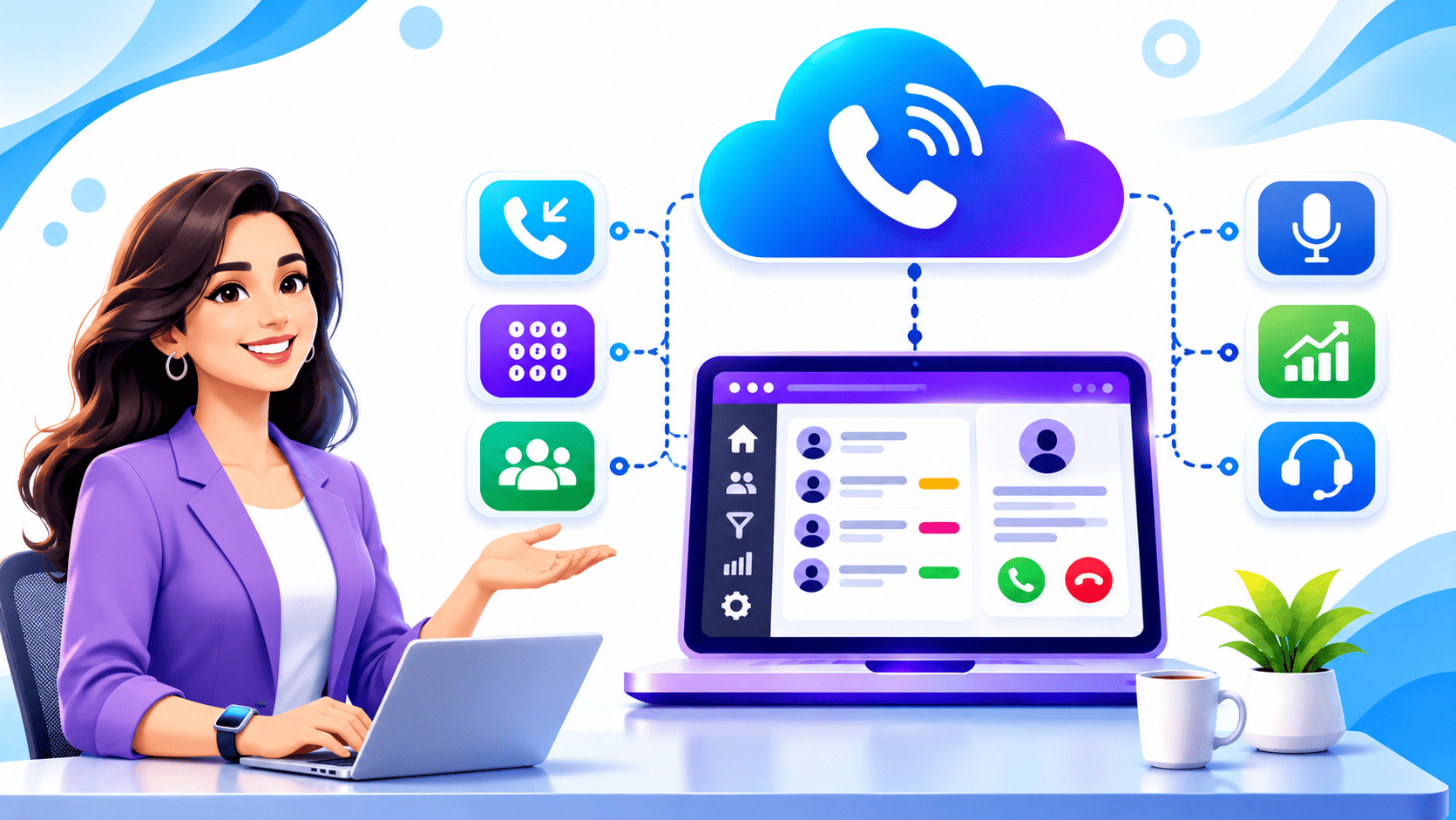
If you are shopping for a sales CRM in India, you will quickly run into terms like cloud calling, IVR, virtual numbers, click-to-call and AI calling. Vendors use them loosely, and it is easy to buy the wrong thing. Understanding the cloud telephony meaning in plain terms helps you ask better questions, compare tools fairly and avoid paying for features your team will never use.
This explainer is written for business owners and sales managers, not engineers. It covers what cloud telephony is, which parts matter for sales, how it connects to a CRM, and how it relates to SIM-based calling and AI calling.
Table of contents
- Cloud telephony meaning in simple words
- Key cloud telephony features for sales teams
- Cloud telephony vs SIM-based calling vs traditional PBX
- How cloud telephony connects to a CRM
- Where AI calling fits
- Questions to ask before you buy
- Hypothetical example: a coaching institute in Kota
- How Wetroo helps
- FAQs
Cloud telephony meaning in simple words
Cloud telephony means your business phone system runs on a provider's internet-connected servers rather than on hardware in your office. Calls still reach normal mobile and landline numbers, but the routing, menus, recordings and reports are managed through software.
Think of it as a phone system you rent and configure through a dashboard. You do not install an EPABX box or run cables to every desk. Your team can take and make calls from a mobile app, a browser or a regular phone, and every call can be logged automatically.
For sales teams, the important part is not the technology itself. It is what cloud telephony makes possible: every call tracked, routed and attached to the right lead.
Key cloud telephony features for sales teams
Virtual or business numbers
A single public number, such as a toll-free or a regular number, that rings your team instead of one person's phone. Customers always call the business, not an individual.
IVR (Interactive Voice Response)
The "Press 1 for sales, press 2 for support" menu. For sales, IVR routes callers to the right team or language and captures callers after hours.
Call routing and distribution
Rules decide who receives the call: round robin, by language, by region or to the lead's existing owner.
Call recording
Recordings help with training, quality checks and dispute resolution. Inform callers that calls may be recorded and follow applicable rules.
Click-to-call and dialers
Reps call leads with one tap from the CRM. Dialers queue up the next number automatically so callers spend less time dialling.
Missed call tracking
Missed calls are logged as leads or tasks, not lost in someone's call history.
Call logs and analytics
Duration, outcome, time of day and rep, all available for reports.
Cloud telephony vs SIM-based calling vs traditional PBX
| Traditional PBX/EPABX | Cloud telephony | SIM-based calling via CRM app |
|---|---|---|
| Setup | Hardware in office | Configured online |
| Works remotely | Limited | Yes |
| Business number | Office landline | Virtual/toll-free numbers |
| IVR and routing | Possible, often rigid | Built in |
| Call logging to CRM | Rare | Via integration |
| Best for | Fixed office desks | Inbound-heavy teams, call centres |
Many SMBs combine approaches: SIM-based calling for field reps who prefer their own number, and cloud telephony with IVR for inbound enquiries.
How cloud telephony connects to a CRM
On its own, a cloud telephony dashboard shows calls. Connected to a CRM, it shows calls in the context of leads. The integration usually does four things:
- Matches callers to leads by phone number, showing the lead's history to the person answering.
- Creates new leads from unknown callers.
- Logs every call to the lead timeline, with duration, outcome and recording link.
- Triggers follow-ups, such as a WhatsApp message after a missed call or a reminder after a call marked "call back".
Without this connection, you end up with two separate systems and reps copying data between them, which they will not do consistently.
Compliance note
Commercial calls and messages in India are governed by TRAI's regulations on unsolicited commercial communication. Rules about registered numbers, consent and DND preferences can change, so check the current position on the TRAI website or with your telephony provider at the time of writing.
Where AI calling fits
AI calling builds on cloud telephony. Instead of a human answering or dialling, an AI voice agent holds the conversation. For sales, typical uses are:
- First-call verification of new leads, including after hours
- Qualification questions such as budget, location and timeline
- Appointment and visit reminders
- Re-engaging older leads
The best setups include live transfer, so the AI agent passes a ready buyer to a human, and a full log of what was said. Treat AI calling as a layer on top of your telephony, not a replacement for your team.
Questions to ask before you buy
Cloud telephony buyer checklist
- Does it integrate natively with my CRM, or only through manual exports?
- Are calls logged automatically on the lead timeline?
- Does it support IVR, routing and missed-call capture?
- Can reps use it from the mobile app?
- Are recordings stored securely, and for how long?
- What are the pricing terms for numbers, minutes and channels?
- Is there an AI calling option with transfer to humans?
- Who handles setup, number provisioning and compliance paperwork?
Mistakes buyers make
- Buying minutes before mapping call flows. Decide who should answer which calls first; the plan follows.
- Treating telephony as a separate project. If calls do not land on the lead timeline, reps will not trust the data.
- Over-building the IVR. Three short options beat a seven-level menu that frustrates callers.
- Forgetting field teams. Make sure reps on the road can call and log from the mobile app.
Hypothetical example: a coaching institute in Kota
Illustrative scenario only, not a real institute.
A coaching institute in Kota receives heavy inbound calls during admission season. Calls rang the reception landline and two counsellors' mobiles. Many calls in the evening went unanswered, and nobody knew which parents had called.
The institute moves to a business number with IVR: press 1 for admissions in Hindi, press 2 for English, press 3 for existing students. Calls are routed to the right counsellor and logged against the lead in the CRM. Missed calls after hours trigger a WhatsApp message with the course brochure and a callback task for the next morning. The owner can now see call volumes by hour and plan counsellor shifts accordingly.
How Wetroo helps
Wetroo works out of the box with WhatsApp, SMS, email and IVR, and supports SIM-based calling through its mobile apps. Its IVR service add-on covers incoming and outgoing calls, auto-dialer and call management, and according to Wetroo's pricing page it is available with the annual plan.
Calls sit alongside notes, follow-up reminders and the client timeline for each lead. Wetroo's AI calling can verify and qualify leads 24/7 with live transfer to a human, and rule-based workflows can trigger messages after calls. Leads from Facebook Ads, Instagram, Google Ads lead forms, IndiaMART and WordPress forms are captured automatically, so calling and lead data stay in one place.
FAQs
What is the meaning of cloud telephony?
It is a business phone system hosted by a provider online, offering numbers, IVR, routing, recording and reports through software instead of office hardware.
Is cloud telephony the same as VoIP?
Cloud telephony often uses internet-based technology, but the term focuses on the hosted service and features, not just how voice is carried.
Do small businesses need cloud telephony?
If you receive many inbound calls, share one number across a team or need call logs in your CRM, it is worth considering. Very small teams may start with SIM-based calling.
How is AI calling different from IVR?
IVR plays fixed menus. AI calling holds a natural conversation, asks questions and can hand over to a human.
Conclusion
The cloud telephony meaning for a CRM buyer comes down to this: a phone system that routes, logs and connects every sales call to the right lead. Decide which features you really need, insist on CRM integration and consider AI calling as a layer for after-hours and first-touch calls. To see how calling, IVR and AI calling fit with lead management, explore www.wetroo.com.



