


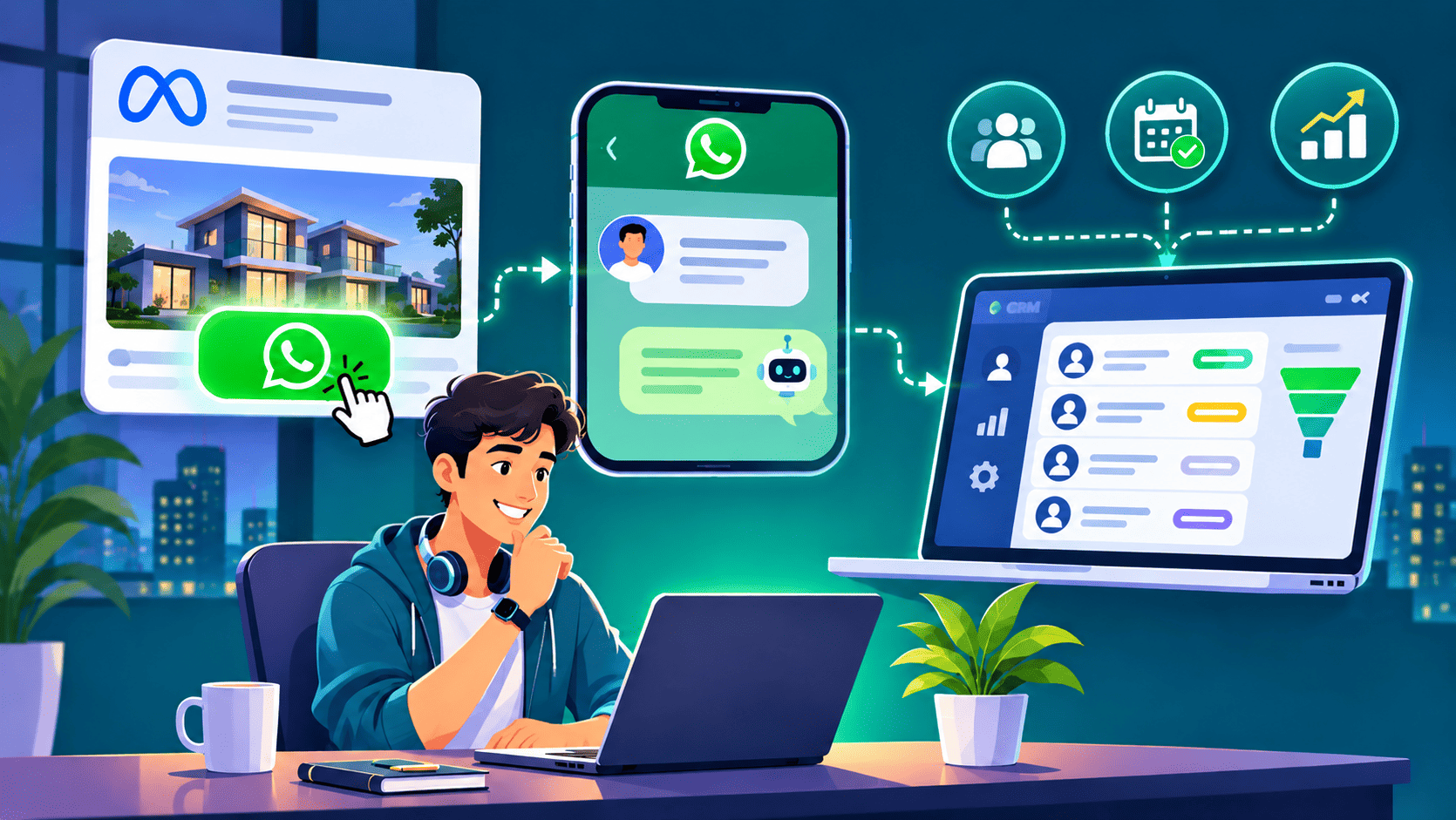
Click-to-WhatsApp (CTWA) ads have become a favourite for Indian advertisers, and it is easy to see why. Instead of filling a form, a prospect taps the ad on Facebook or Instagram and lands straight in a WhatsApp chat with your business, the app they already use all day. Conversations start faster and feel more personal. But many businesses run click to WhatsApp ads in India without a system behind them: chats arrive on one person's phone, nobody records which ad started them, and good conversations quietly die. This guide covers CRM best practices so every CTWA conversation becomes a tracked lead in your pipeline.
Table of contents
- How click-to-WhatsApp ads work
- Why CTWA conversations need a CRM
- Best practices for click to WhatsApp ads in India with a CRM
- Writing ads that start better conversations
- Measuring CTWA performance
- Hypothetical example
- How Wetroo helps
- FAQs
- Conclusion
How click-to-WhatsApp ads work
- You create an ad in Meta Ads Manager with a "Send WhatsApp message" destination, linked to your business WhatsApp number (Meta Ads).
- A user taps the ad and WhatsApp opens with a pre-filled message to your business.
- The user sends the message; a conversation begins.
- Your team, chatbot or AI agent replies.
Unlike lead form ads, you do not receive a structured form. You receive a conversation, which is richer but harder to track without the right setup.
Why CTWA conversations need a CRM
Without a CRM, CTWA campaigns typically suffer from:
- Lost attribution: you cannot tell which ad or campaign produced which customer.
- Slow replies: messages pile up on a single phone.
- No follow-up: people who stop replying are never contacted again.
- No pipeline: chats are not converted into leads with stages and owners.
- No learning loop: ad platforms do not know which chats became sales.
A CRM connected to the official WhatsApp Business API fixes these by turning each new chat into a lead record with source, owner, stage and history.
Best practices for click to WhatsApp ads in India with a CRM
Six practices make the difference between chats that fade and chats that become customers.
Best practice 1: Use the official WhatsApp Business API
To run CTWA at scale with a team, use a WhatsApp Business API number connected to your CRM's shared inbox. This allows:
- Multiple agents responding from one number
- Chatbots and AI agents for instant replies
- Automatic lead creation and assignment
- Conversation history on the lead record
Avoid unofficial tools that automate a regular WhatsApp number; they can put the number at risk.
Best practice 2: Reply instantly with context
The pre-filled message is often generic ("Hi, I'm interested"). Your first reply should:
- Reference the offer from the ad
- Ask one easy qualifying question
- Offer buttons where possible
"Hi! Thanks for checking out our Diwali offer on modular kitchens. To share the right options, which city are you in? 1?? Pune 2?? Mumbai 3?? Other"
Use a chatbot or AI agent so every chat gets this reply within seconds, including at night.
Best practice 3: Log every chat as a lead with attribution
Configure your CRM so that a new CTWA conversation:
- Creates a lead (or attaches to an existing contact by phone number)
- Records source = Click-to-WhatsApp and, where your setup captures it, the campaign or ad
- Stores the first message and the bot's qualification answers in fields
- Assigns an owner by rules (city, product, language)
| CRM field | Example value |
|---|---|
| Source | Click-to-WhatsApp |
| Campaign | DiwaliKitchensPune |
| City | Pune |
| Product interest | L-shaped kitchen |
| Budget band | ?2–3 lakh |
| Status | Qualified – call today |
Best practice 4: Understand the free entry point window
Meta's pricing documentation explains that when a user messages you from a click-to-WhatsApp ad on the Android or iOS app and you respond within the customer service window, a free entry point window opens. While it is open, which Meta says may be up to 7 days, marketing, utility, authentication and service messages to that user are not charged; Meta Business Agent messages remain charged (Meta pricing documentation).
Practical implications:
- Reply quickly so the window opens.
- Use the window well: share brochures, offers and reminders while messages are free.
- Plan follow-ups after the window with approved templates, which are charged per delivered message.
Best practice 5: Qualify, then hand over
Let a bot or AI agent ask two to four questions, then hand hot leads to a salesperson with the full chat visible. Typical questions:
- Product or service of interest
- Location
- Budget band
- Timeline
Warm leads go into a follow-up sequence; cold leads into long-term nurture.
Best practice 6: Close the loop with ad platforms
Ads optimise better when they learn which conversations become customers. Send conversion events from your CRM back to Meta, for example "qualified lead" and "purchase", through the Conversions API where your CRM supports it. Over time, campaigns can find more people similar to your actual buyers rather than people who simply like to chat.
Writing ads that start better conversations
The ad itself shapes the first message you receive, so a little care upstream saves effort downstream.
- Make the offer specific. "Free kitchen design consultation in Pune this weekend" starts a better chat than "Contact us on WhatsApp".
- Customise the pre-filled message where Ads Manager allows it, for example "Hi, I'd like the free design consultation", so your bot instantly knows which offer the person saw.
- Match the creative to the audience. Regional-language creatives for regional audiences tend to bring replies in that language, so make sure your bot and team can respond in it.
- Set expectations in the ad copy, such as "Get a reply in minutes", and then make sure you deliver.
Measuring CTWA performance
Track by campaign:
- Conversations started
- Reply rate to your first message
- Qualified conversations
- Meetings, visits or orders
- Revenue and cost per customer
CTWA + CRM checklist
- WhatsApp Business API number connected to CRM
- Instant first reply referencing the ad offer
- Every chat creates or updates a lead with source and campaign
- Assignment rules for CTWA leads
- Qualification questions and handover
- Follow-up sequence for warm leads
- Conversion events sent back to Meta
- Weekly campaign review on qualified leads and revenue
Hypothetical example
This is a hypothetical example for illustration, not a real customer.
A modular kitchen company with showrooms in Pune and Nashik runs a festive CTWA campaign. In earlier campaigns, chats landed on the marketing manager's phone and were forwarded to salespeople, sometimes a day later. This time, the company connects its WhatsApp Business API number to its CRM. A bot replies instantly in English or Marathi, asks city, kitchen layout and budget, and tags the campaign. Pune leads go to the Pune showroom team, Nashik leads to Nashik. Showroom visits and orders are recorded in the CRM and sent back to Meta as conversion events. The marketing manager reviews cost per showroom visit by ad, not just cost per conversation.
How Wetroo helps
Wetroo's verified features support CTWA campaigns end to end:
- Official WhatsApp Business API with an omnichannel inbox for WhatsApp, Instagram, Facebook and Telegram.
- Chatbot builder in eight languages and AI agents that chat, qualify and transfer to humans.
- Teams and custom assignment rules, lead tagging and filters.
- Sales sequences, drip campaigns, broadcasting and retargeting.
- Meta Conversions API sync, which Wetroo says helps your ads reach people similar to those your team converted.
- Analytics dashboard to review results.
FAQs
What are click-to-WhatsApp ads?
Facebook and Instagram ads that open a WhatsApp chat with your business when tapped, instead of sending people to a website or form.
Are click-to-WhatsApp ads good for Indian businesses?
They suit businesses where customers like to chat before buying. Results depend on fast replies, good qualification and follow-up.
Are messages free after a click-to-WhatsApp ad?
Meta's documentation describes a free entry point window, opened when you reply in time to a user who messaged from a CTWA ad, in which most message categories are not charged. Check current terms on Meta's pricing page.
How do I track click-to-WhatsApp leads in a CRM?
Connect your WhatsApp Business API number to a CRM that creates a lead for each new chat, records the source and campaign, and assigns an owner.
Conclusion
Click to WhatsApp ads in India can generate high-quality conversations, but only a CRM turns them into a measurable pipeline. Use the official API, reply instantly with context, log every chat with attribution, use the free entry point window wisely, qualify and hand over, and feed results back to Meta.
To connect CTWA conversations to your sales pipeline, explore Wetroo at www.wetroo.com.



